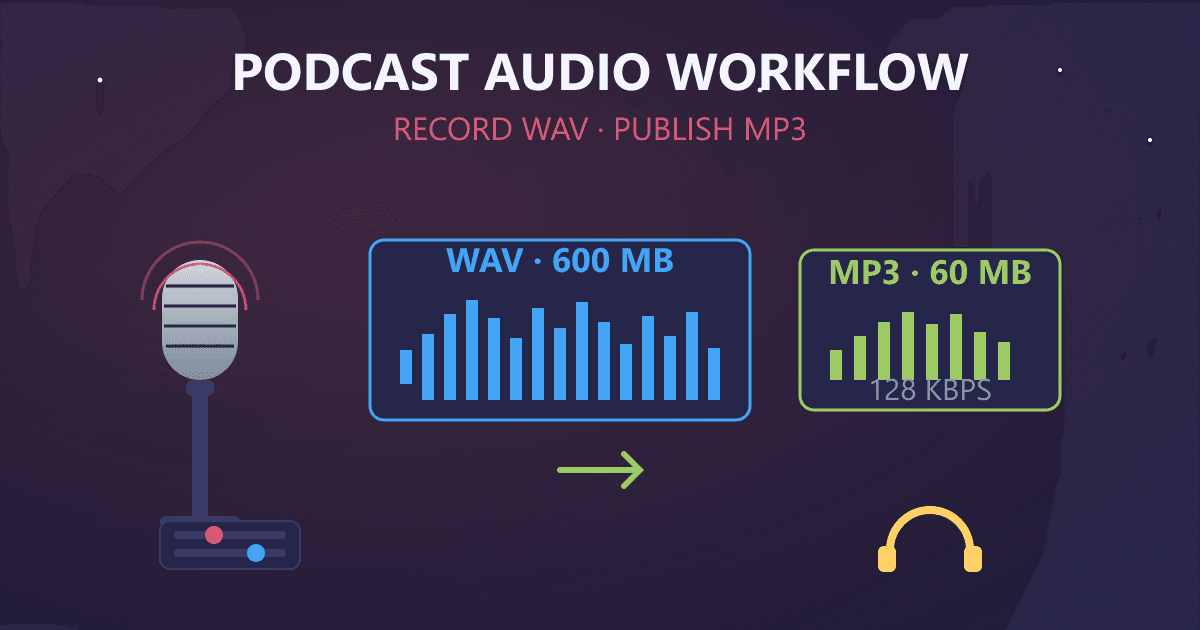
The optimal podcast audio workflow in 2026 is to record and edit in WAV format, then convert to MP3 at 128kbps and 44.1kHz for distribution. This approach gives you the best of both worlds: uncompressed, lossless quality during production where every edit counts, and efficient, universally compatible files for your listeners. A typical 60-minute podcast episode drops from roughly 600MB as WAV to about 60MB as MP3 - a 10x reduction in file size without noticeable quality loss for spoken word content.
I have been producing podcasts for seven years now. In that time, I have made every mistake imaginable with audio formats. I have uploaded 500MB episodes that crashed podcast hosts. I have delivered heavily compressed files that sounded like they were recorded in a tin can. I have lost irreplaceable interview recordings because I did not understand the difference between working files and distribution files.
Try WAV to MP3 — free, no sign-up, and it runs entirely in your browser.
This guide covers everything I wish someone had told me when I started: the complete audio production workflow for podcasters, why WAV and MP3 serve different purposes, the exact settings that work for podcast distribution, and the emerging technologies reshaping how we think about podcast audio in 2026.
Why Does Audio Format Choice Matter for Podcasters?
When I launched my first podcast in 2018, I recorded directly to MP3. My reasoning was simple: MP3 is what listeners download, so why not cut out the middleman?
This logic made sense until I tried to edit those files. Every time I exported an edited version, the audio degraded slightly. After a few rounds of editing, cutting segments, adjusting levels, and adding intro music, my episodes sounded noticeably worse than my raw recordings.
The problem was fundamental: I did not understand the difference between production formats and distribution formats.
What Is the Difference Between WAV and MP3 for Podcasting?
WAV is an uncompressed, lossless audio format ideal for recording and editing. MP3 is a compressed, lossy format optimized for distribution and playback. These formats serve entirely different purposes in the podcast production pipeline.
Here is a comparison that illustrates the trade-offs:
| Characteristic | WAV | MP3 (128kbps) |
|---|---|---|
| Compression | None (uncompressed) | Lossy (removes data) |
| Quality | Perfect/Lossless | Good (optimized for voice) |
| File size (1 hour) | ~600 MB | ~60 MB |
| Editing suitability | Excellent | Poor |
| Distribution suitability | Poor | Excellent |
| Universal compatibility | High | Universal |
The key insight is that these formats complement each other rather than compete. WAV is your production format. MP3 is your distribution format. Trying to use one for both purposes creates problems.
How Does Audio Compression Affect Podcast Quality?
When you convert audio from WAV to MP3, the compression algorithm analyzes the sound and removes information it predicts you will not notice. This includes very high frequencies outside typical hearing range, quiet sounds masked by louder sounds, and subtle details in complex audio passages.
For music, this removal can be noticeable. Complex orchestral pieces, cymbals, and sustained high notes often reveal compression artifacts at lower bitrates.
For spoken word content like podcasts, the situation is different. Human voice occupies a relatively narrow frequency range and contains predictable patterns. MP3 compression handles voice exceptionally well, which is why podcast-specific settings can use lower bitrates than music while maintaining excellent perceived quality.
I once ran a blind listening test with 20 people. I played them the same podcast segment as uncompressed WAV and as 128kbps MP3. Only two people correctly identified which was which, and both were audio engineers listening on studio monitors. On earbuds and car speakers, the difference was undetectable.
What Is the Optimal Podcast Recording Workflow?
After years of trial and error, I have settled on a workflow that balances quality, efficiency, and flexibility. Here is the complete process I use for every episode.
Step 1: Recording in WAV Format
I record all podcast audio as WAV files at 44.1kHz sample rate and 16-bit depth. This is CD quality, which is more than sufficient for voice and provides a lossless foundation for editing.
Why 44.1kHz specifically? This sample rate captures frequencies up to 22kHz, well beyond the range of human speech (typically 85Hz to 8kHz). Going higher, like 48kHz or 96kHz, only increases file sizes without audible benefit for podcasts.
Why 16-bit depth? This provides 96dB of dynamic range, which exceeds the dynamic range of typical voice recordings. Professional studios sometimes use 24-bit for music production, but for podcasts, 16-bit is perfect.
Recording in WAV means my raw files are large. A 90-minute interview session generates about 900MB of audio. But storage is cheap, and this uncompressed source gives me maximum flexibility during editing.
Step 2: Editing Without Quality Loss
When I edit WAV files, I can cut segments, adjust levels, apply noise reduction, and add effects without any quality degradation. Each edit preserves the full audio fidelity.
This was the revelation that changed my podcast production. When I edited MP3 files directly, each export introduced new compression artifacts. By the time I finished a complex edit with multiple passes, the audio quality had noticeably degraded.
With WAV as my working format, I can edit fearlessly. The quality I start with is the quality I end with.
Step 3: Exporting the Master File
Once editing is complete, I export the finished episode as a WAV file. This is my master file, the definitive, highest-quality version of that episode.
I store these masters on a separate drive with cloud backup. They are not small files, but they are worth keeping. Here is why:
Future remastering: Audio technology improves constantly. Five years from now, I might want to create new versions of old episodes with better compression algorithms or new format requirements. The WAV master makes this possible.
Platform flexibility: Different platforms have different requirements. Apple Podcasts recommends AAC. Spotify uses OGG. YouTube wants different settings. With a lossless master, I can create optimized versions for any platform.
Archival integrity: Lossy compression is a one-way street. You cannot restore removed audio data. Keeping the uncompressed master means I always have the complete original.
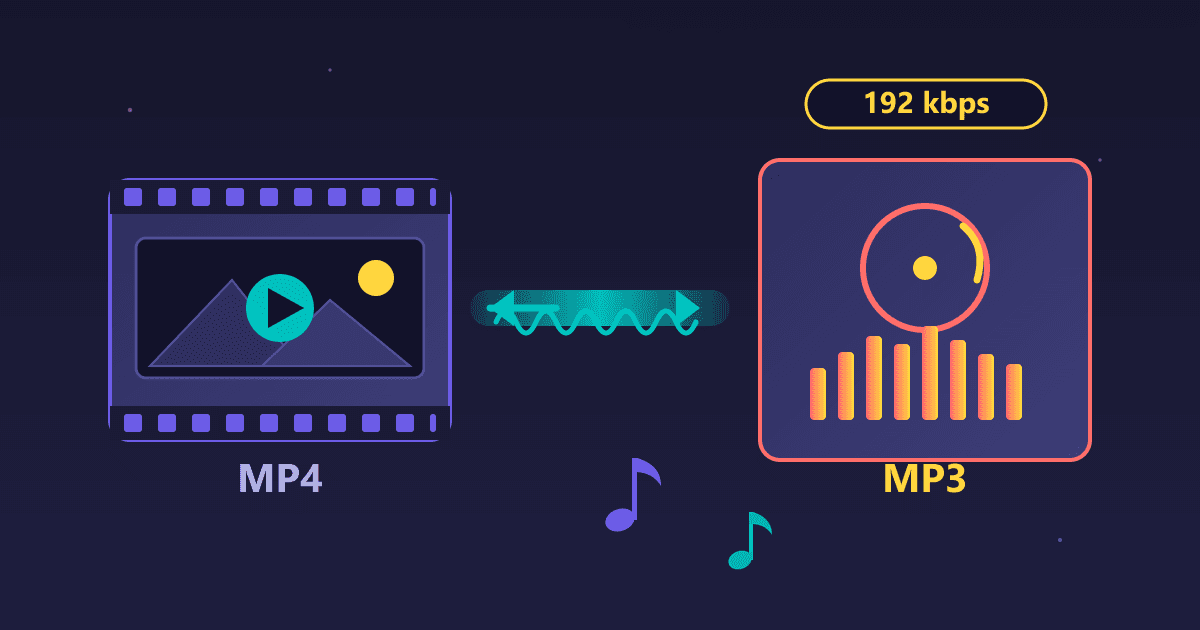
Step 4: Converting to MP3 for Distribution
For actual distribution, I convert the WAV master to MP3 using these settings:
| Setting | Value | Reason |
|---|---|---|
| Format | MP3 | Universal compatibility |
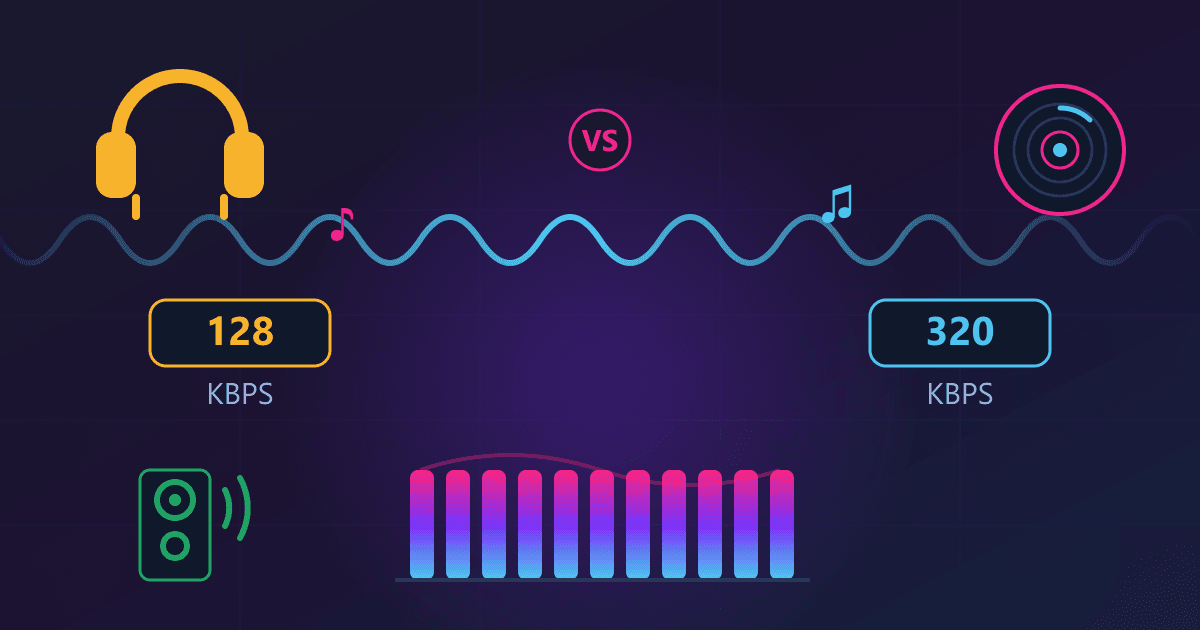
| Bitrate | 128 kbps | Optimal for voice content |
| Sample rate | 44.1 kHz | Standard audio quality |
| Channels | Mono or Stereo | Mono for solo, Stereo for interviews |
| Bitrate mode | CBR (Constant) | Maximum compatibility with players |
These settings produce files that are roughly 10 times smaller than the WAV source while maintaining excellent quality for spoken word. A 60-minute episode drops from about 600MB to about 60MB.
I use our WAV to MP3 converter for this step because the conversion happens locally in my browser. No uploading gigabytes of audio to some server, no privacy concerns with unreleased content, and the process is fast even with large files.
What Bitrate Should I Use for My Podcast?
This question comes up constantly in podcasting communities, and the answer depends on your content type. Here is a breakdown based on my testing and industry standards.
Voice-Only Podcasts (Solo or Interview)
Recommended: 64-96 kbps mono or 128 kbps stereo
For podcasts that are purely spoken word with no music or sound effects, you can use relatively low bitrates without quality issues. Human voice compresses extremely well.
Most major podcast networks distribute at 64-96 kbps mono for voice-only shows. This keeps file sizes small, downloads fast, and quality perfectly acceptable.
I personally use 128 kbps stereo even for interview shows because the file size difference is minimal and it gives me headroom for any audio that might benefit from higher bitrates.
Podcasts with Music or Sound Design
Recommended: 128-192 kbps stereo
If your podcast includes music intros, sound effects, or significant audio production, step up to higher bitrates. Music contains more complex frequency content that benefits from additional data.
My narrative podcast, which includes music beds and sound design, uses 192 kbps stereo. The music sounds clean, transitions are smooth, and the file sizes are still very manageable.
High-Production Audio Drama
Recommended: 192-256 kbps stereo
For audio drama with full soundscapes, multiple actors, and professional music scoring, consider even higher bitrates. These productions compete with professional audio content and should sound the part.
At 256 kbps, MP3 quality approaches transparency for most listeners. The files are larger, but audiences for high-production content tend to be more discerning.
Should I Use MP3 or AAC for Podcast Distribution?
This is where podcast distribution gets interesting. While MP3 remains the de facto standard, there are compelling reasons to consider AAC.
The Case for MP3
Universal compatibility. Every podcast player, every device, every platform supports MP3. There is zero risk of playback issues.
Established standard. The podcast ecosystem was built on MP3. RSS feeds, hosting platforms, and analytics tools all assume MP3.
Known behavior. Podcasters and listeners have decades of experience with MP3. The behavior is predictable and understood.
For most podcasters, MP3 at 128 kbps remains the safest, most practical choice.
The Case for AAC
Apple recommends it. Apple Podcasts, one of the largest podcast platforms, explicitly recommends AAC over MP3 in their podcaster documentation. They suggest AAC at 128 kbps for spoken word and 256 kbps for content with music.
Better efficiency. AAC achieves equivalent quality at lower bitrates than MP3. AAC at 96 kbps roughly equals MP3 at 128 kbps in perceived quality.
Modern codec. AAC was designed with lessons learned from MP3's limitations. It handles complex audio better and produces fewer artifacts at low bitrates.
If your audience is primarily on Apple devices or you want to optimize for quality-to-size ratio, AAC is worth considering. Our M4A to MP3 converter can help if you need to move between formats.
My Current Approach
I distribute in MP3 for maximum compatibility but keep my masters in WAV so I can create AAC versions when needed. This flexibility has proven valuable as platform requirements evolve.
What Are the Emerging Trends in Podcast Audio for 2026?
The podcast audio landscape is evolving rapidly. Here are the developments shaping production workflows in 2026.
Spatial Audio and Immersive Podcasting
Spatial audio is moving from experimental to mainstream. Apple introduced spatial audio support for podcasts, and productions are beginning to experiment with 3D soundscapes.
For narrative podcasts and audio drama, spatial audio creates genuinely immersive experiences. Voices can appear to come from different directions. Environments feel three-dimensional. The effect is striking when experienced through compatible headphones.
The production implications are significant. Spatial audio requires different recording techniques, specialized mixing tools, and new distribution formats. Most podcasters will not adopt it immediately, but it represents a clear direction for the medium.
I recently listened to a true crime podcast mixed in spatial audio. The recreation scenes were remarkable. Footsteps moved across the soundstage. Doors opened with dimensional presence. It felt less like listening and more like being present.
Machine Learning Compression
AI-powered audio compression is improving rapidly. Machine learning models can achieve better quality at lower bitrates by understanding speech patterns and predicting which data can be removed without perceptible loss.
Codec development has historically been slow and incremental. ML-powered approaches are accelerating improvement dramatically. Opus and newer experimental codecs demonstrate what is possible when machine learning optimizes compression decisions.
For podcasters, this means future distribution formats may offer significantly better quality-to-size ratios than current MP3 or AAC options. Keeping lossless masters ensures you can take advantage of these improvements.
Adaptive Bitrate Streaming
Streaming platforms are moving toward adaptive delivery, where audio quality adjusts based on connection speed and device capabilities. Spotify and Apple Music already do this for music.
For podcasters, this means platform-specific encodes are becoming more important. Rather than distributing one MP3 file, platforms may request high-quality source files and handle encoding themselves.
This trend reinforces the importance of maintaining uncompressed or high-quality masters. The platforms want the best source material to work with.
How Do I Convert Between Audio Formats Efficiently?
Whether you need to convert FLAC to MP3 for distribution, prepare files for editing by converting MP3 to WAV, or work with iPhone recordings via M4A to MP3, efficient conversion is essential for podcast workflows.
Batch Processing Multiple Episodes
When I prepare a season of episodes for distribution, I often need to convert dozens of WAV files to MP3. Batch processing makes this manageable.
My approach:
- Finish editing all episodes as WAV masters
- Organize masters in a single folder
- Batch convert to MP3 with consistent settings
- Verify a sample of conversions before distribution
- Upload MP3 versions to podcast host
Quality Verification
After any conversion, I verify results before distribution:
File size check. A 60-minute episode at 128 kbps should be approximately 55-60 MB. Dramatically different sizes indicate something went wrong.
Playback test. Listen to at least the beginning, middle, and end of converted files. Compression issues sometimes appear only in certain sections.
Metadata verification. Ensure episode titles, artwork, and other metadata transferred correctly during conversion.
Keeping Organized Archives
My podcast archive structure:
/Podcast Name/
  /Season 1/
    /Masters (WAV)/
      episode-001-master.wav
      episode-002-master.wav
    /Distribution (MP3)/
      episode-001.mp3
      episode-002.mp3
    /Raw Recordings/
      episode-001-raw-interview.wav
      episode-001-raw-intro.wav
This organization keeps masters accessible for future use while maintaining clear separation between production and distribution files.
What Common Mistakes Should Podcasters Avoid?
Seven years of podcasting have taught me exactly how things can go wrong. Here are the mistakes I see most often.
Mistake 1: Editing in Compressed Formats
I covered this earlier, but it bears repeating. Editing MP3 files directly degrades quality with each export. Always edit in WAV or another lossless format, then convert to MP3 only for final distribution.
The workflow should be: Record (WAV) > Edit (WAV) > Export Master (WAV) > Convert for Distribution (MP3).
Mistake 2: Deleting Master Files to Save Space
Storage seems expensive until you need to recreate an episode from scratch. I have talked to podcasters who deleted their masters, then needed to reprocess old episodes for platform changes or quality improvements.
A 1TB external drive costs less than the time to re-edit even a single episode. Keep your masters.
Mistake 3: Using Inappropriate Bitrates
Both extremes cause problems. Too low (64 kbps for content with music) sounds obviously compressed. Too high (320 kbps for voice-only) wastes bandwidth and storage without audible benefit.
Match your bitrate to your content type using the guidelines earlier in this article.
Mistake 4: Inconsistent Audio Settings
Nothing sounds more amateur than a podcast where each episode has different audio characteristics. Some episodes are louder, some have different EQ, some sound more compressed.
Create a standard export template with consistent settings and use it for every episode.
Mistake 5: Ignoring Platform Requirements
Different platforms have different preferences. Apple recommends AAC. Spotify ingests at specific quality levels. YouTube has its own requirements.
Know your primary platforms and their requirements. When in doubt, MP3 at 128 kbps stereo satisfies essentially everyone.
How Will Podcast Audio Evolve in the Coming Years?
Looking ahead, several developments will shape podcast production workflows.
Higher Quality Baseline
As bandwidth and storage costs continue dropping, baseline podcast quality will rise. The current standard of 128 kbps MP3 may shift toward 192-256 kbps or AAC equivalents.
This makes keeping lossless masters even more important. You cannot create a higher-quality version from a low-bitrate source.
Format Diversification
Rather than one-size-fits-all MP3, expect platforms to increasingly request source files and handle encoding themselves. This gives platforms flexibility while reducing podcaster complexity.
Improved Compression Technology
Next-generation codecs will offer better quality at lower bitrates. Opus already demonstrates what is possible. Future formats will extend these improvements further.
Accessibility Integration
Audio processing for accessibility, including transcript generation, enhanced speech clarity, and alternative delivery formats, will become standard parts of podcast workflows.
Building Your Podcast Audio Workflow
If you are starting a new podcast or optimizing an existing workflow, here is a practical checklist:
Recording Setup
- Record at 44.1 kHz, 16-bit WAV
- Use a consistent recording environment
- Monitor levels to avoid clipping
Editing Process
- Edit in WAV or other lossless format
- Apply noise reduction and EQ consistently
- Export episode masters as WAV before distribution conversion
Distribution Preparation
- Convert masters to MP3 at 128 kbps (voice) or 192 kbps (music content)
- Use our WAV to MP3 converter for efficient local conversion
- Verify file sizes and playback quality
Archive Management
- Store WAV masters on separate drive with backup
- Organize by season and episode
- Keep raw recordings until masters are verified
Platform Optimization
- Know your primary platform requirements
- Consider AAC for Apple-focused distribution
- Prepare for platform-specific encoding requests
Ready to optimize your podcast audio workflow? Use our free WAV to MP3 converter for fast, private conversion. All processing happens in your browser, so your audio never uploads to external servers.
Related conversion tools:
- MP3 to WAV - Prepare compressed files for editing
- FLAC to MP3 - Convert lossless archives to distribution format
- M4A to MP3 - Convert iPhone recordings for universal playback
Related guides:
- Audio Format Comparison Guide - Detailed comparison of all audio formats
- Audio Quality Settings Guide - Choosing optimal bitrates for any content
Frequently Asked Questions
What audio format should I use for podcast recording? Record podcasts in WAV format at 44.1 kHz sample rate and 16-bit depth. WAV is uncompressed and lossless, which preserves maximum quality during editing. After editing is complete, convert to MP3 for distribution. This workflow gives you the best quality during production and efficient files for listeners.
What is the best MP3 bitrate for podcasts? For voice-only podcasts, 128 kbps is the standard recommendation and provides excellent quality. For podcasts with music or complex sound design, use 192-256 kbps. Lower bitrates like 64-96 kbps are acceptable for voice-only content but may reveal compression artifacts in music.
How much smaller is MP3 compared to WAV? MP3 files are approximately 10 times smaller than equivalent WAV files. A 60-minute podcast episode that is 600MB as WAV becomes roughly 60MB as MP3 at 128 kbps. This dramatic size reduction makes MP3 practical for distribution and download.
Should I use MP3 or AAC for my podcast? MP3 offers universal compatibility and is the safe default choice. However, Apple Podcasts recommends AAC, which achieves equivalent quality at lower bitrates. If your audience is primarily Apple users, consider AAC at 128 kbps. Otherwise, MP3 at 128 kbps is reliable and universally supported.
Why should I keep WAV master files? WAV masters preserve full audio quality for future use. You may need to create new distribution formats as technology evolves, remaster old episodes with improved processing, or meet new platform requirements. Converting from a high-quality master is always possible, but you cannot add quality back to a compressed file.
What sample rate should I use for podcast audio? Use 44.1 kHz for podcasts. This is the CD-quality standard and captures frequencies up to 22 kHz, well beyond human voice requirements. Higher sample rates like 48 kHz or 96 kHz only increase file sizes without audible benefit for spoken word content.
Can I edit MP3 files directly? While you can edit MP3 files, doing so degrades quality with each export. MP3 is a lossy format, and re-encoding introduces additional compression artifacts. For best results, convert MP3 to WAV for editing using our MP3 to WAV converter, then convert back to MP3 only for final distribution.
What is spatial audio for podcasts? Spatial audio is an emerging technology that creates three-dimensional soundscapes. Sounds can appear to come from different directions, creating immersive listening experiences. Apple has introduced spatial audio support for podcasts. While not yet mainstream, it represents a significant direction for narrative podcasts and audio drama.
How do I convert audio files without uploading to servers? Use browser-based converters that process files locally. Our audio conversion tools run entirely in your browser using WebAssembly, meaning your files never leave your computer. This is especially important for unreleased podcast content.
What happens if I compress audio too much? Over-compression causes audible artifacts including metallic or "underwater" sounds, loss of clarity in sibilant sounds like "s" and "sh," and generally thin or harsh audio quality. For podcasts, stay at or above 128 kbps for voice and 192 kbps for content with music to avoid these issues.