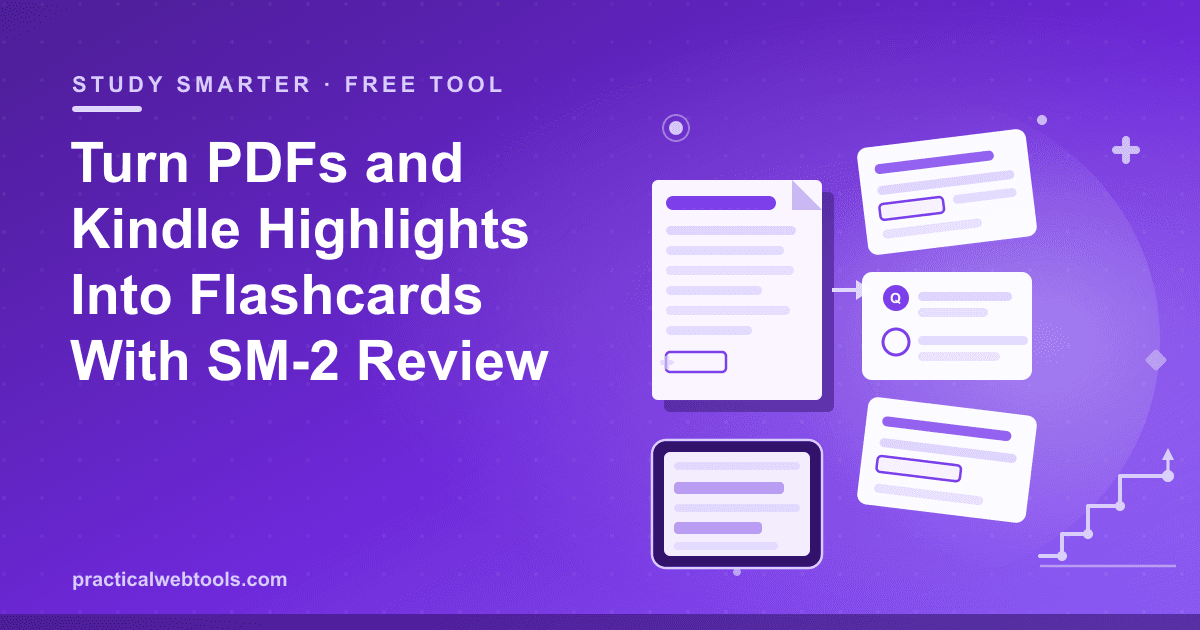
Every student and self-teacher has the same moment: the semester's PDFs pile up, the Kindle highlights accumulate, and the plan to "review everything" quietly dies around week three. The problem is usually not discipline — it is that rereading is a terrible study method dressed up as a productive one. The fix that actually works, retrieval practice, needs cards, and making cards feels like a chore. The free PDF to Flashcards tool at Practical Web Tools exists to collapse that friction: it turns PDFs and notes into cloze and question-answer cards, gives you a study mode with real SM-2 spaced-repetition scheduling, and exports straight to Anki's CSV format.
Two things make it worth a bookmark. First, the scheduling is genuine spaced repetition, not a slideshow: in testing, a 48-card deck cycled through study mode with per-card grading, and the intervals adapted to how each card was graded. Second, everything runs in your browser — decks are stored there, and nothing you drop into the page goes anywhere. No upload, no sign-up — nothing you type or drop leaves your device.
Try PDF to Flashcards — free, no sign-up.
And the other half of the raw-material problem — highlights stranded on an e-reader — has its own companion: the Kindle Clippings Converter parses your My Clippings.txt file, dedupes repeated highlights, filters by book, and exports to Markdown, CSV, or Anki. This article covers the study science in one paragraph, the SM-2 scheduler in plain words, and both pipelines end to end.
Why rereading fails and retrieval works
When you reread a chapter, your brain practices recognizing the material, and recognition feels like knowledge — the page looks familiar, so you conclude you know it. Recognition is cheap; recall is what exams, client questions, and real work actually demand. Retrieval practice — closing the book and forcing yourself to reconstruct the answer from a cue — is harder, feels worse, and is consistently the more effective study method across decades of memory research, because the effort of reconstructing a fact is what strengthens the path to it. Flashcards are simply the smallest possible machine for running retrieval practice on schedule, which is why converting a PDF or a set of highlights into cards beats rereading them every time.
How SM-2 schedules your reviews, in plain words
"Spaced repetition" is often used loosely. Here it means a specific algorithm: SM-2, the scheduler from the late-1980s SuperMemo lineage that Anki's own scheduler grew out of. The idea is short. Every card carries an interval (how long until you see it again) and an easiness factor (how fast that interval is allowed to grow). After each review you grade the card, and the grade moves the interval:
- Again — you failed to recall it. The interval resets, and the card comes back almost immediately, this session or the next.
- Hard — you recalled it, but it hurt. The card returns sooner than it otherwise would, and its easiness factor ticks down so future intervals grow more slowly.
- Easy — the answer arrived before you finished reading the prompt. The interval stretches further than scheduled, and the easiness factor ticks up.
The net effect is that each card finds its own curve: facts you know cold drift out to long intervals, and shaky ones keep ambushing you until they stick. You do not manage any of this by hand — you just show up and grade honestly, which is the one input the algorithm cannot fake for you. In testing the tool's study mode on a 48-card deck, grading worked end to end and the deck cycled exactly as a scheduler should.
From lecture PDF to cloze cards
The PDF workflow is short, but one design decision in it matters more than the rest. Here is the path:
- Open the PDF to Flashcards tool and load your material — lecture slides, textbook chapters, or pasted notes.
- Convert the material into cards, choosing between two formats: question-answer pairs for definitions and reasoning, and cloze deletions for facts that live inside a sentence.
- Study the deck in study mode, grading each card Again, Hard, or Easy, and let SM-2 take over scheduling.
- Export the deck as Anki CSV whenever you want to graduate to the full Anki ecosystem — or keep studying in the browser, where decks are stored.
The design decision that matters is atomicity: one card, one fact. A cloze deletion removes a word or phrase from a sentence and asks you to restore it; the failure mode is cramming three deletions into one sentence so the card tests everything at once. A comparison makes the point:
| Card | Example | Verdict |
|---|---|---|
| Overloaded cloze | "A {{c1::p-value}} is the probability of data at least as extreme, assuming the {{c2::null hypothesis}} is {{c3::true}}" | Three facts chained together; recall of one becomes a hint for the others, so you overrate your memory |
| Atomic cloze 1 | "A {{c1::p-value}} is the probability of observing data at least as extreme as what you saw, assuming the null hypothesis is true." | One deletion, one retrieval target |
| Atomic cloze 2 | "A p-value is computed assuming the {{c1::null hypothesis}} is true." | The same knowledge, attacked from a second angle |
| Question-answer | "Q: What does a p-value assume to be true? A: The null hypothesis." | Fastest to grade, best for definitions |
The overloaded card feels efficient to make and is expensive to study; the atomic cards each take seconds. When in doubt, split. One practical note for scanned PDFs: if your lecture file is a scan rather than real text, run OCR on it first so you are working with selectable text — three free methods for that are covered here.
The Kindle-to-Anki pipeline
Highlights are the natural seed stock for cards: you already did the filtering when you chose to highlight, and Kindle saves every one of them to a single plain-text file called My Clippings.txt on the device itself. Getting it is a two-minute job:
- Connect the Kindle to your computer over USB. On Windows it appears as a drive in This PC; on macOS it mounts on the desktop and in the Finder sidebar.
- Copy My Clippings.txt from the root of the device — the top level, next to the system folders — to anywhere on your computer.
- Drop the file into the Kindle Clippings Converter. It parses the entries, dedupes repeats (Kindle can record the same highlight more than once if you revisit it), and lets you filter to a single book so a study deck has one subject.
- Export as Anki CSV for a card pipeline, or as Markdown/CSV for notes and Obsidian-style archives.
In testing on a small file, the converter handled five highlights across two books and deduped them cleanly. The workflow after export is the same as the PDF path: take the best highlights — not all of them; highlight rot is real — convert the ones worth memorizing into atomic cloze or Q&A cards, and let the scheduler do the remembering. A signature line from a novel makes a pleasant card; the third highlight in a row from the same page probably does not.
What the paid tools charge for
This corner of study tooling filled up with subscriptions. As of late 2026, PDF2Anki and Memrizz both run freemium models with AI card generation gated behind paid tiers, RemNote gates its AI card generation the same way, and Readwise — the incumbent for highlights — runs on a freemium subscription. None of this is a scandal; generation and sync cost money to run. But the core loop of cards plus scheduling is deterministic math and your own text, which is exactly the kind of software that runs free in a browser:
| Tool | What it does | Model (late 2026) |
|---|---|---|
| PDF to Flashcards at Practical Web Tools | PDFs/notes to cloze and Q&A cards, SM-2 study mode, Anki CSV export | Free, no account |
| Kindle Clippings Converter at Practical Web Tools | My Clippings.txt parsing, dedupe, book filter, Markdown/CSV/Anki export | Free, no account |
| PDF2Anki, Memrizz | AI-generated cards from PDFs | Freemium; generation paywalled |
| RemNote | Notes plus spaced repetition | Freemium; AI card generation paywalled |
| Readwise | Highlights aggregation and sync | Freemium subscription |
The trade is honest in both directions: paid AI generators write cards for you (and you then proofread them), while this pipeline makes you the author of every card but charges nothing and works on material you would rather not upload to anyone.
Honest limitations
Cards are still your judgment. The tool converts, schedules, and grades — it does not decide what is worth memorizing, and a deck of lazy cards schedules just as faithfully as a good one. Decks live in your browser, which means they are per-device by design: export the Anki CSV before switching machines, or treat the CSV as your backup copy. SM-2 is a scheduler, not a hypnotist — it only works on the days you actually open the deck. And the Kindle pipeline inherits whatever the clipping file contains: older Kindles, clippings-file quirks, and sloppy highlighting all degrade what the converter has to work with, though dedupe and the book filter absorb most of the noise.
Frequently Asked Questions
Does this tool have real spaced repetition or is it just a flashcard viewer?
Real scheduling. Study mode runs SM-2 — the same lineage of algorithm Anki's scheduler grew out of — with per-card grading. In testing, a 48-card deck cycled through study mode with grading, and intervals adapted to how cards were graded.
How do I move my deck into Anki?
Export the deck as Anki CSV from the tool, then import the file into Anki desktop, which accepts CSV. The format is the standard one Anki's importer expects, so the deck keeps its front and back fields.
Where exactly is My Clippings.txt on my Kindle?
Connect the Kindle over USB — it shows up as a drive on Windows or mounts on the desktop in macOS — and copy My Clippings.txt from the root (top level) of the device. Drop that file into the converter, which parses, dedupes, and filters it by book.
What is a cloze deletion?
A card made by deleting a word or phrase from a sentence and asking you to fill the gap — "The derivative of x^2 is ___" is a cloze card in spirit. Cloze cards are quick to make from notes you already have, and they work best when each card deletes exactly one load-bearing piece.
Are my notes and PDFs uploaded anywhere?
No. Both tools run in your browser — no upload, no sign-up, nothing you type or drop leaves your device. Decks are stored in the browser itself, and the Anki CSV export is your portable backup.
Is this better than paying for an AI card generator?
Different, not strictly better. AI generators produce cards automatically and charge for it; here you author the cards, which is slower but means every card is one you actually endorse, and the material never leaves your machine. For NDA-class or study material you would rather not upload, the choice makes itself.