"Beat the ATS" advice usually treats applicant tracking systems like a slot machine with secret rules. The reality is more boring and more useful: an ATS is a database with a parser in front of it. It converts your resume into structured fields, and recruiters search those fields using the same words as the job posting. Almost every piece of ATS advice reduces to two questions: does the parser read everything on your page, and do the right words exist in the fields it fills.
Here is what actually happens to your resume after you click submit, what gets read, what silently gets dropped, and what to do about each stage. You can run the whole check yourself for free at the end with the AI Resume Tailor, which scores your resume against a posting's keywords in your browser.
Try AI Resume Tailor: free, no sign-up.
Stage 1: Parsing, where resumes quietly die
The parser's job is to fill fields: name, email, phone, location, work history (employer, title, start and end dates per role), education, and skills. It guesses which text belongs to which field from layout cues: standard section headings, line order, date patterns.
What reliably breaks parsing:
- Text in tables, text boxes, and columns. Many parsers read straight across, merging columns into word salad ("2019 Senior Analyst Risk Bank America of").
- Text in headers, footers, and images. Some parsers skip these regions entirely. Contact info in the page header is the classic loss: the recruiter sees a resume with no email.
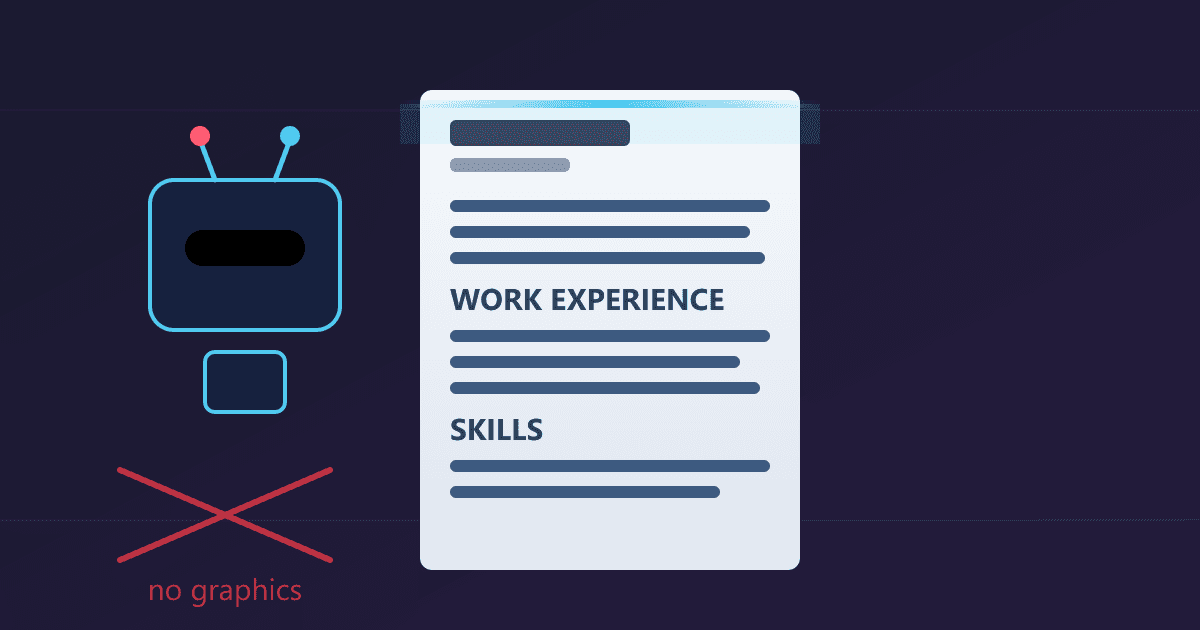
- Graphics, icons, and skill bars. A "Python 80%" progress bar parses as nothing, or worse as "80." The word Python in a graphic does not exist as far as the database is concerned.
- Creative section headings. "Where I've Made Magic" does not map to the Experience field. "Experience" does.
- Scanned or image-only PDFs. No text layer, nothing parsed. Export PDFs from your editor, never from a scanner or photo.
Standard headings (Summary, Experience, Education, Skills, Certifications), single-column layout, normal bullets, and a text-based PDF or .docx pass every major parser. That is the entire format war, and it is why our Resume Builder outputs plain single-column templates.
Stage 2: The fields the system actually stores
After parsing, your resume lives as records. Roughly:
- Contact fields from the top block
- One work history row per role, with employer, title, dates, and the bullet text as searchable text
- Education rows (degree, school, year)
- Skills, both from a dedicated Skills section and implicitly from every bullet
- The raw text of the whole document, for full-text search
Two consequences follow. First, your bullets are searchable text, so keywords belong inside accomplishment sentences, not only in a skills list. Second, dates matter for experience filters ("5+ years"), which is why functional-format resumes that hide chronology confuse both parsers and recruiters.
Stage 3: Matching and ranking, the part everyone means by "the ATS"
Recruiters search the database the way you search email: keywords, often in boolean form. "project manager" AND (agile OR scrum) AND budget, filtered to a metro area, sorted by recency or by a relevance score.
Automated ranking, where it exists, compares the posting's requirements against your parsed fields. The mechanics are literal string comparison dressed up with weights: if the posting says "customer success" and your resume says "client relationship management," that is a miss, because no system reliably knows those are cousins. Humans do this translation automatically. Software does not.
This is why tailoring works, and it is checkable: take the posting's repeated skill phrases, and count how many appear word-for-word in your resume. That ratio is your match score.
Acronyms and long forms. Put both on the resume once: "Search engine optimization (SEO)." The recruiter may search either.
Dates and seniority. "Managed a $2M budget" beats "responsible for budgeting" in every ranking that parses scope.
Certifications. Spell out the real name with the acronym: "Project Management Professional (PMP)." Certificate verification often keys off exact strings.
The 30-second self-check
- Parse test: select all the text of your PDF. If you cannot copy your name and every bullet as text, the parser cannot read it either.
- Header test: is your contact info in the document body, not the header region or an image?
- Heading test: are your sections named Summary, Experience, Education, Skills (or close standard equivalents)?
- Keyword test: copy the posting's requirements into one column, your resume into the other, and count exact-phrase hits. Under 60 percent match on real requirements is a rewrite signal; above 75 percent you are competing on substance.
- Truth test: every phrase you mirrored is an interview question you can answer for two minutes.
The keyword test is tedious by hand, which is why we automated exactly that step: the AI Resume Tailor extracts the posting's keyword set in your browser, scores your resume against it before and after a rewrite, and shows a per-keyword present or missing diff. Three runs a day are free with no signup; heavier use runs on your own API key at roughly half a cent per run, with the key stored in your browser only (how it works).
What an ATS does not do
It does not auto-reject every slightly-off resume; a human usually reviews at least the top of the ranked pile. It does not measure whether you are good, only whether you match. And it does not reward tricks: hidden keyword text, posting dumps in white ink, and fabricated titles all fail at the stage no software handles, the interview.
Format plainly, name things the way the posting names them, put keywords inside real accomplishments, and check the number before you send. That is the whole game, and it is free to play.