Most translation today has a cost that is not on the invoice. You paste a contract draft, a medical letter, a set of subtitles into a cloud translator — and the moment you press enter, that text lives on someone else's server, under someone else's retention policy. For anything sensitive, that is the real decision, not the quality score.
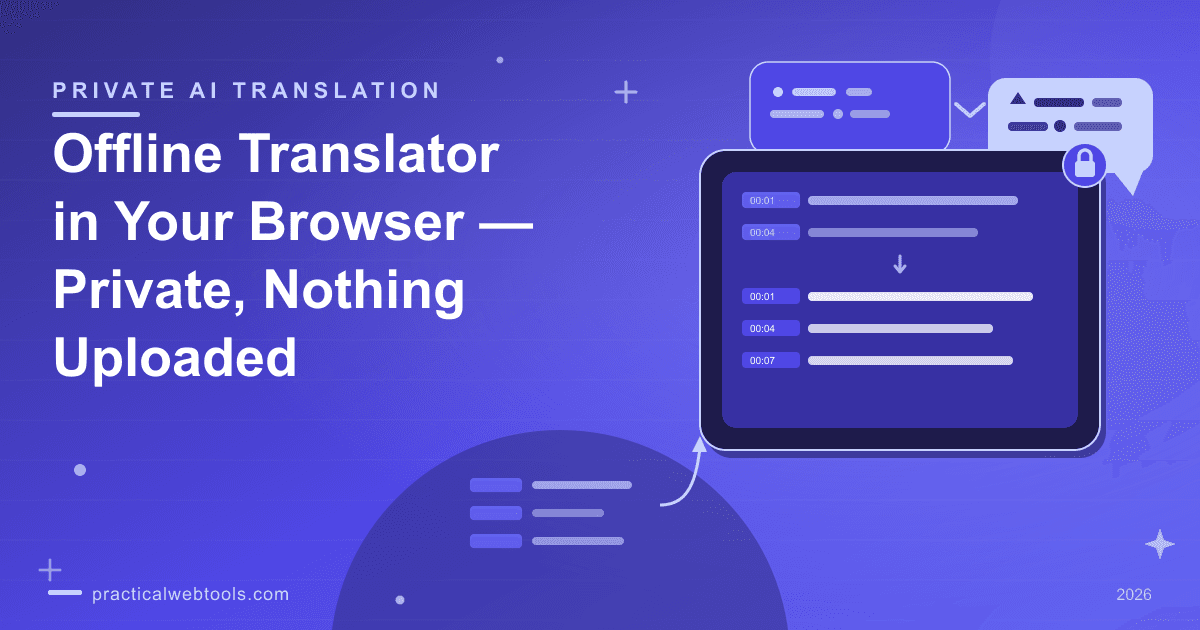
The offline translator at Practical Web Tools moves the translation itself into your browser. It runs open opus-mt models — MIT/Apache-licensed weights — through transformers.js on WebGPU, with an automatic wasm fallback for machines without it. It handles pasted text plus .txt, .srt, and .vtt files, detects the source language automatically, and returns subtitle files in the same format they arrived in. No upload, no sign-up — nothing you type or drop leaves your device.
Try Offline Translator — free, no sign-up.
This guide covers how browser-local translation actually works, the subtitle workflow in detail, when a local model beats the cloud and when it does not, and what quality to honestly expect from a compact model.
How a browser tab translates without a server
The machinery sounds unlikely until you unpack it. opus-mt is a family of open translation models released under permissive MIT/Apache-style licenses, small enough to run on ordinary hardware. Transformers.js is a runtime that executes exactly those model formats in JavaScript, using WebGPU when the browser exposes it and falling back to wasm when it does not. Put together: the model weights load into the tab, and the arithmetic happens on your machine.
The one network event involved is the model itself. The first time you translate a given language pair, the model file downloads once from a CDN; after that, translation runs on-device. The only network traffic is the one-time model download from a CDN — your text, your subtitles, and your files never need a round trip anywhere.
Source-language detection runs the same way, on-device, which matters for subtitle files where you may not be certain what language a video's captions are in. Drop the file, confirm the detected language looks right, pick a target, translate.
It is also worth naming what this is not. It is not a wrapper around a cloud API with the word "local" in the marketing — the models are open weights with public licenses, and if you know the model names you can verify independently what is running. Translation without a server is an old idea; radio operators did it with lookup tables, and the Morse code translation guide is a fun tour of the original zero-electricity version.
Translating subtitles: SRT in, SRT out
Subtitles are where generic translators fall down hardest. Paste a .srt file into most cloud tools and they translate the timestamps as if they were prose — cue numbers become "1 00:00:01,000 --> 00:00:04,000" mangled through another language, the structure collapses, and you rebuild the timing by hand in an editor. For a 40-minute episode, that rebuilding is the whole job.
The offline translator treats subtitle files as subtitle files. The workflow:
| Step | What happens |
|---|---|
| 1. Drop the file | .srt, .vtt, or .txt — or paste text directly |
| 2. Detection | The source language is identified automatically |
| 3. Pick the target | Choose the language you want |
| 4. Translate | Runs on-device after the one-time model download |
| 5. Export | Same format out — cue numbers and timestamps preserved |
Because the output keeps the same structure, the translated file drops straight into a video player, an editor, or a hosting platform that accepts subtitle uploads. VTT works the same way: WebVTT in, WebVTT out, cue timing intact.
Two spot-check habits save rework. First, scan the output for names and numbers — they usually pass through untouched, but a compact model occasionally "translates" a surname; fix those once and the rest is clean. Second, watch the longest cues: compact models can run slightly long, and a cue that overruns its time slot needs a line break rather than a retranslation. Expect to touch a few lines per file, not a rewrite.
Plain .txt files round out the format list — transcripts, letters, documentation — with the same detected-language, on-device pipeline.
When local beats the cloud — and when it does not
The honest case for local translation is conditional. Where it wins:
- Privacy-sensitive text. Legal drafts under NDA, medical correspondence, HR documents, personal letters. These should not be pasted into anyone's form, and with an on-device model there is no form.
- Whole-file batches. A season of subtitles, a folder of transcripts, a long document — all at zero marginal cost and no upload size anxiety.
- Reproducibility. The same open model gives the same output today and next month. Cloud translators change silently.
Where cloud still wins:
- Rare language pairs. Local coverage is strongest on common pairs; less common combinations may not have a dedicated compact model at all.
- Nuance. Marketing taglines, wordplay, literature, high-stakes diplomacy — the largest server models still lead on register and idiom.
- Certified translation. No machine output, local or cloud, is a certified translation. Anything official needs a human translator with a stamp.
| Job | Local translator | Cloud translator |
|---|---|---|
| Subtitle file for a private video | Clear win | Uploads the whole file |
| Contract under NDA | Clear win | Text leaves your device |
| Season of episodes, batched | Clear win | Cost and upload size grow |
| Rare language pair | Weaker | Better coverage |
| Tagline with wordplay | Weaker | Stronger nuance |
| Certified legal translation | Neither | Neither — needs a human |
If the material is not sensitive and the pair is a hard one, using a cloud translator is a reasonable choice. The point is that it should be a choice — for the sensitive-and-common case, the local path removes the trade-off entirely. For a fuller anatomy of what actually happens to files you hand to AI services, the guide to what happens to documents uploaded to AI tools is worth the ten minutes.
Honest quality expectations for a compact model
A compact translation model is not a smaller version of the flagship cloud experience, and pretending otherwise helps nobody. What to expect in practice:
- Sentence-level gist is strong. For understanding what a document says, a compact opus-mt model is routinely sufficient.
- Short sentences fare best. Subtitles — short, self-contained lines — play to the format's strengths better than dense legalese.
- Word order can run literal. Occasionally a sentence reads like a competent non-native speaker: correct, slightly unidiomatic.
- Names and numbers mostly pass through. Mostly. The scan-and-fix habit above exists for the exceptions.
- Plan on light editing. For published subtitles or customer-facing text, budget a review pass of a few lines per file.
The test that matters is yours: run a representative page through, read the output, and decide whether the quality clears the bar for that particular job. A privacy win you cannot read is not a win.
Trying it with no download at all
The one cost of the local approach is the first one: the model download. To remove the guesswork, every language pair ships a model-free demo path — you can exercise the interface, drop a file, and see how the format handling works before committing to any download. When a real translation runs, the model fetches once from a CDN and then stays on your machine for subsequent runs.
That tradeoff — one wait, then on-device translation forever after — is the entire cost structure. There is no account, no quota, no per-document metering, because there is no server doing the metering. The offline translator page is the whole tool.
What cloud-freemium translators do with your words
Freemium translator apps in the Felo, Lingoedit, and Mate class process your text server-side — that is how the category works as of late 2026 — and longer documents reliably hit subscription prompts. The convenience is real: rare pairs, polished nuance, no download. The price is also real: your words ride to their servers under their policies, and the free tier is designed to introduce you to the paid one.
None of this makes cloud translators villainous. It makes them a fit for a different job — public text, hard pairs, one-off lookups. The workflow worth adopting is a simple rule: sensitive text and subtitle batches go through the local tab; public text and exotic pairs can go wherever the quality is. The mistake is defaulting everything to the paste box without noticing you made a choice.
Frequently Asked Questions
Is my text ever uploaded? No upload, no sign-up — nothing you type or drop leaves your device. The only network traffic is the one-time model download from a CDN, and after that the translation runs on your machine.
Will SRT and VTT timestamps survive translation? Yes. Subtitle files come out in the same format they went in, with cue numbers and timing preserved — ready to load into a player or upload alongside the video.
How good is the quality compared to cloud translators? Sentence-level gist is strong and subtitles fare particularly well, but a compact model can run slightly literal and occasionally mangles a name. Plan on a light review pass for anything you publish, and use a human translator for certified work.
Can I try it without downloading a model? Yes — every language pair ships a model-free demo path, so you can test the interface and file handling first. The one-time model download happens only when you run a real translation.
What file types can it translate? Pasted text, plain .txt files, and .srt and .vtt subtitle files, with automatic detection of the source language in each case.
Does it work for rare language pairs? Common pairs are where local models are strongest. For less common combinations, coverage varies and the big cloud models remain the better tool — that is one of the honest limits of the local approach.