Master Your Earnings: The Ultimate Commission Calculator Guide

Your Ultimate Guide to Using a Commission Calculator
Closing a big deal is an exhilarating moment for any sales professional, freelancer, or business owner. The hard work, the negotiation, the handshake—it all culminates in a win. But what comes next is just as crucial: calculating your earnings. Manually crunching the numbers on complex commission structures can be tedious, time-consuming, and worst of all, prone to costly errors. This is where a commission calculator becomes an indispensable tool.
Whether you're a sales rep trying to forecast your monthly income, a manager designing a new compensation plan, or a freelancer billing based on performance, understanding how to accurately calculate commissions is non-negotiable. This comprehensive guide will walk you through everything you need to know. We'll break down the most common commission structures, show you how to use a calculator effectively, and even explore how to integrate these calculations into your daily workflow for maximum efficiency. Get ready to take control of your earnings and ensure you're compensated accurately for every single sale.
What Exactly is a Commission Calculator?
A commission calculator is a specialized tool, often a simple web application or a spreadsheet template, designed to automate the process of calculating commission-based earnings. Its primary function is to take specific inputs—such as sales amounts, commission rates, base salaries, and quotas—and instantly produce the final payout amount.
At its core, it eliminates the guesswork and potential for human error inherent in manual calculations. Instead of wrestling with formulas and percentages, you simply input your data, and the calculator does the heavy lifting. This tool is invaluable for a wide range of professionals:
- Sales Representatives: To track performance, forecast income, and verify paychecks.
- Real Estate Agents: To calculate commissions on property sales.
- Affiliate Marketers: To determine earnings from referral traffic and sales.
- Freelancers & Consultants: To calculate pay based on project value or performance metrics.
- Business Owners & Sales Managers: To manage payroll, analyze team performance, and model different compensation plans.
By providing clarity and accuracy, a commission calculator empowers individuals and businesses to focus on what they do best: driving results.
Decoding Common Commission Structures
Before you can use a calculator, you must understand the structure your commission is based on. Compensation plans can vary dramatically, and using the wrong formula will lead to incorrect results. Here are the most prevalent commission structures, explained with simple formulas.
1. Straight Commission
This is the simplest model. Your entire pay is based on a percentage of the sales you generate. There is no base salary. It offers the highest risk but also the highest potential reward.
- Formula:
Commission = Sale Amount × Commission Rate - Example: You close a $15,000 deal with a 10% commission rate. Your commission is $15,000 × 0.10 = $1,500.
2. Base Salary Plus Commission
This is one of the most common structures, providing the stability of a guaranteed salary with the incentive of commission on top.
- Formula:
Total Earnings = Base Salary + (Sale Amount × Commission Rate) - Example: You have a $3,000 monthly base salary and earn 5% on a $20,000 sale. Your total earnings are $3,000 + ($20,000 × 0.05) = $3,000 + $1,000 = $4,000.
3. Tiered Commission
This structure incentivizes high performance by increasing the commission rate as sales volume grows. Once you reach a new tier, the higher rate applies to all sales made during that period.
- How it works: You earn a different rate based on which sales target you hit.
- Example:
| Sales Volume | Commission Rate |
|---|---|
| $0 - $10,000 | 5% |
| $10,001 - $25,000 | 7% |
| $25,001+ | 10% |
If you make $30,000 in sales, your entire $30,000 is subject to the 10% rate, earning you $3,000 in commission.
4. Graduated Commission
Often confused with tiered commission, a graduated structure applies higher rates only to the sales within that specific tier. This is a crucial distinction.
- How it works: You earn different rates on different portions of your sales.
- Example (using the same tiers as above):
If you make $30,000 in sales:
- The first $10,000 is paid at 5% = $500
- The next $15,000 (from $10,001 to $25,000) is paid at 7% = $1,050
- The final $5,000 (from $25,001 to $30,000) is paid at 10% = $500
- Total Commission: $500 + $1,050 + $500 = $2,050.
As you can see, the payout is significantly different from the tiered model.
5. Revenue vs. Gross Margin Commission
It's vital to know what your commission is calculated from: total revenue or gross margin (profit).
- Revenue Commission: Calculated on the total sale price. This is simpler but doesn't account for the profitability of a deal.
- Gross Margin Commission: Calculated on the profit after subtracting the cost of goods sold (COGS). This encourages salespeople to protect profit margins and avoid excessive discounting.
- Formula:
Commission = (Sale Price - Cost of Goods) × Commission Rate
- Formula:
How to Use a Commission Calculator: A Step-by-Step Guide
Using a commission calculator is straightforward once you have the right information. Follow these steps for an accurate result every time.
- Gather Your Data: Collect all necessary documents. This includes your sales reports, your official compensation plan agreement, and any records of returns or chargebacks.
- Identify Your Commission Structure: Refer to your contract or compensation plan to confirm which model you're on (e.g., base + commission, tiered, graduated).
- Input the Key Variables: Enter the required figures into the calculator's fields:
- Total Sales Amount: The total revenue or gross margin you generated.
- Commission Rate: The percentage you earn, paying close attention to any tiers.
- Base Salary: Your fixed salary for the period, if applicable.
- Commission Draw: Any advance payment against future commissions, if applicable.
- Calculate and Analyze: Let the calculator compute your earnings. For peace of mind, it's a good practice to manually verify the calculation for one or two sales to ensure the tool is working as expected and you understand the formula.
Managing Your Sales Documents and Commission Reports
An organized workflow is key to efficient commission tracking. Sales professionals and managers often handle numerous documents, from sales contracts and invoices to monthly performance reports and final commission statements. Managing these files effectively ensures you always have the data you need for accurate calculations.
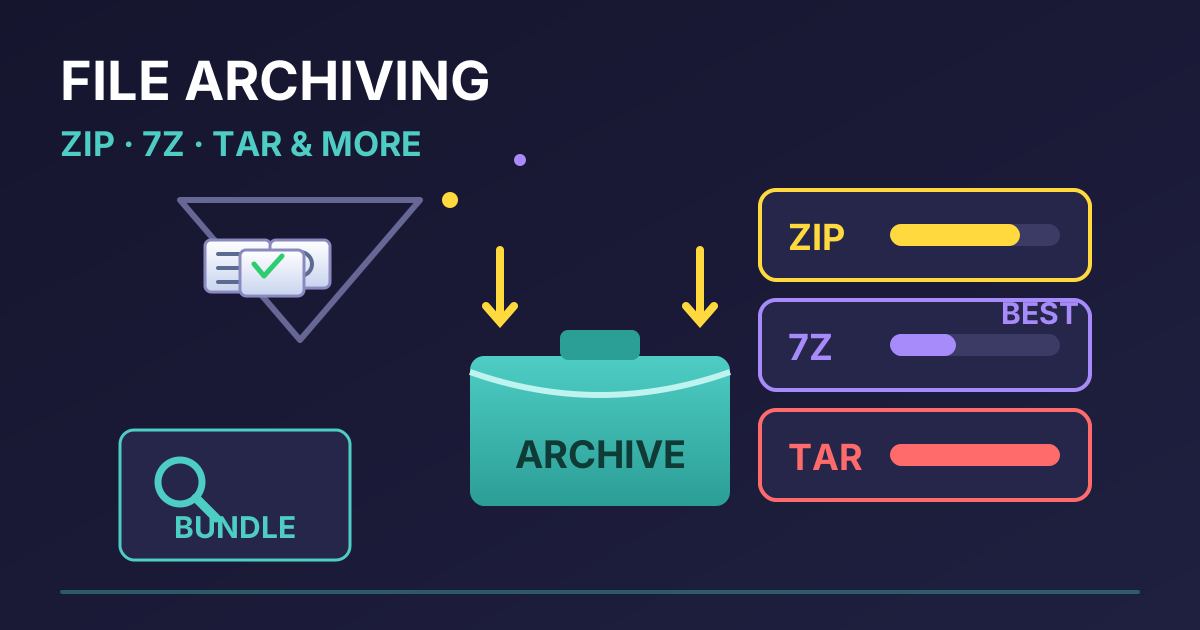
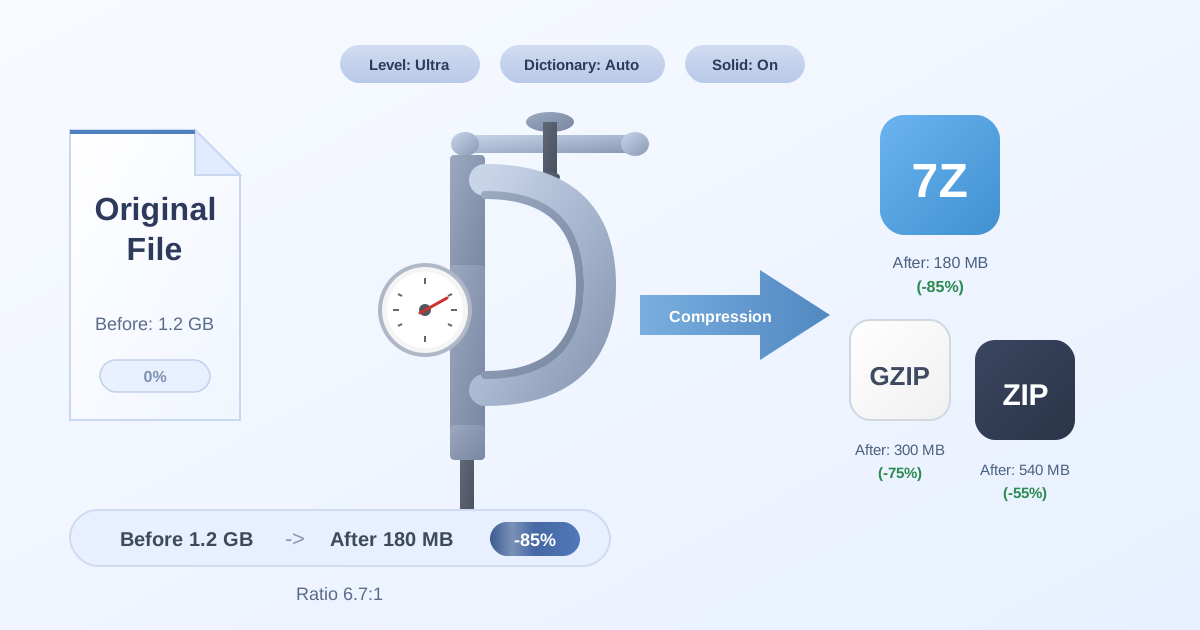
When you're dealing with large spreadsheets or multiple PDF reports, sending them via email can be a challenge due to file size limits. A great practice is to bundle them into a single, smaller package. Using a tool to Compress Files into a ZIP or 7Z archive makes them easier to store and share with accounting or your manager. This not only saves space but also keeps related documents neatly organized in one place.
Conversely, you might receive your official commission statements from HR or a payroll provider in a compressed format. To access and review these important documents, you'll need a quick and secure way to extract them. Our free tool to Decompress Files lets you easily unpack ZIP, 7Z, and other archive formats directly in your browser without installing any software.
Workflow compatibility is another common hurdle. Your department might work with standard ZIP files, but perhaps the finance team uses a different system that requires TAR archives. Instead of a complicated back-and-forth, you can instantly reformat your files. A simple converter like our ZIP to TAR tool bridges this gap, ensuring seamless data sharing across your organization.
Building Your Own Commission Calculator in a Spreadsheet
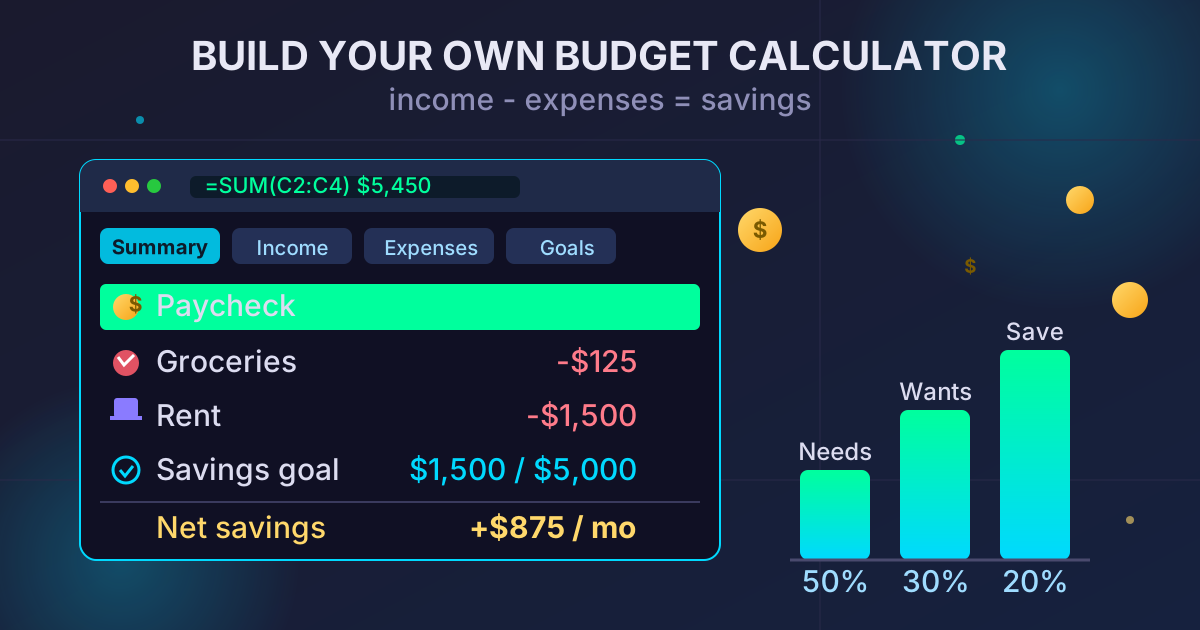
While online calculators are convenient, building your own in a program like Excel or Google Sheets gives you full control and customization. It's an excellent way to track sales and forecast earnings over time. Here are some basic formulas to get you started.
Let's assume your Sale Amount is in cell A2.
For Base Salary + Commission
- Setup:
B2: Base Salary (e.g.,3000)C2: Commission Rate (e.g.,0.05for 5%)
- Formula in
D2:=B2 + (A2 * C2)
For Tiered Commission
This is slightly more complex and is a perfect use case for the IFS function.
- Setup:
A2: Total Sales (e.g.,30000)
- Formula in
B2:=IFS(A2>25000, A2*0.1, A2>10000, A2*0.07, A2>=0, A2*0.05)
This formula checks the sales amount in A2 against each tier from highest to lowest and applies the correct rate to the entire amount.
For Graduated Commission
This requires breaking down the calculation for each tier.
- Setup:
A2: Total Sales (e.g.,30000)
- Formula in
B2:= (MIN(A2, 10000) * 0.05) + (MAX(0, MIN(A2, 25000) - 10000) * 0.07) + (MAX(0, A2 - 25000) * 0.10)
This formula looks intimidating, but it's logically calculating the commission earned within each specific bracket and then adding them all together for the final, accurate total.
Conclusion: Empower Your Earnings with Accuracy
Understanding and accurately calculating your commission is fundamental to financial success in any performance-based role. A commission calculator, whether it's a simple online tool or a custom-built spreadsheet, replaces ambiguity with clarity, saves precious time, and eliminates costly manual errors. By mastering the different commission structures and leveraging the right tools, you can confidently track your performance, forecast your income, and ensure every dollar you've earned makes it into your pocket.
Now that you're equipped to manage your earnings, consider optimizing other areas of your digital workflow. From data conversion to file management, Practical Web Tools offers a suite of over 455 free and private online utilities designed to make your work easier. Explore our tools today and streamline your productivity!