MP3 Bitrate Guide: 128 vs 320 kbps & Which Quality to Choose
You’ve just downloaded a new album or are about to export your latest podcast episode. You're faced with a choice that seems both technical and trivial: 128, 192, 256, or 320 kbps? It's a familiar dilemma for anyone who deals with digital audio. Choosing the right setting feels important, but the numbers can be confusing. Does a higher number always mean better sound? And how much of a difference does it really make to your ears and your storage space?
This isn't just about numbers; it's about the fundamental trade-off between quality and convenience. Pick a bitrate that's too low, and your favorite song might sound flat and lifeless. Pick one that's too high, and you could be wasting precious storage on your phone or paying more for cloud hosting.
Fear not. This comprehensive guide will demystify MP3 bitrates once and for all. We'll break down what bitrate means, compare the most common quality levels head-to-head, and give you clear, practical recommendations for music, podcasts, and voice recordings. By the end, you'll be able to choose the perfect bitrate for any situation with confidence.
What is Audio Bitrate, Anyway?
Before we dive into the numbers, let's clarify what we're actually talking about. In the simplest terms, bitrate is the amount of data used to encode one second of audio. It's measured in kilobits per second (kbps).
Think of it like the resolution of a photograph. A low-resolution photo uses fewer pixels to represent the image, resulting in a smaller file size but a blocky, less detailed picture. A high-resolution photo uses many more pixels, capturing fine details at the cost of a much larger file size.
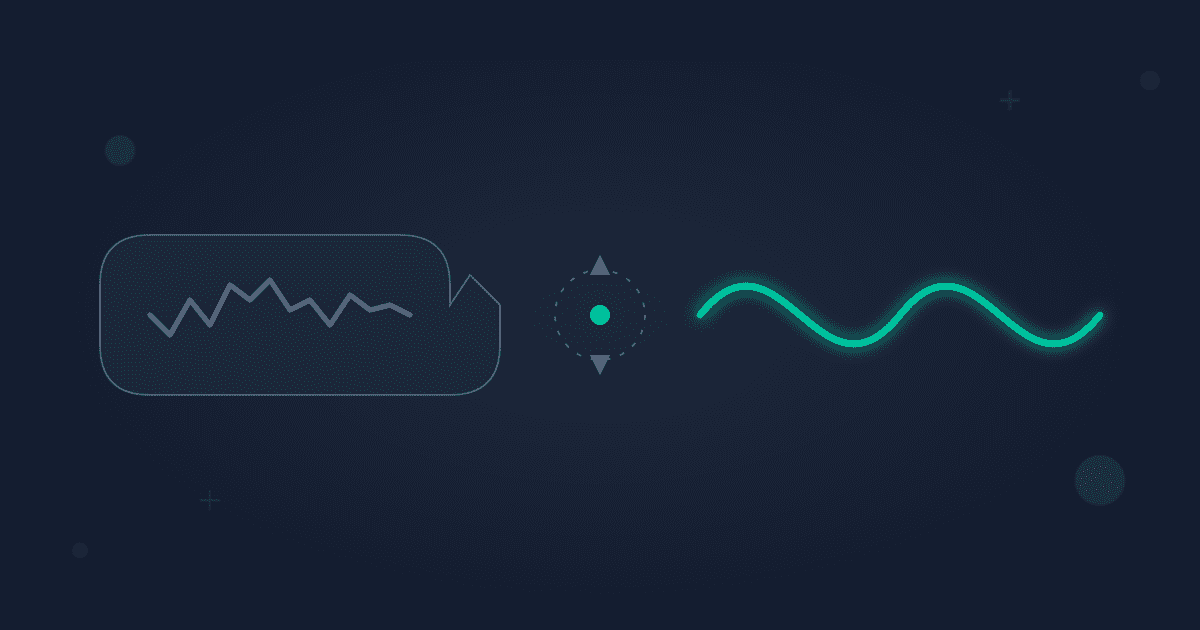
Audio bitrate works on a similar principle. To create an MP3 file, a process called compression is used to shrink the original, uncompressed audio (like a WAV or AIFF file from a CD). This compression is "lossy," meaning some of the original audio data is permanently discarded to save space. The bitrate determines how much data is discarded.
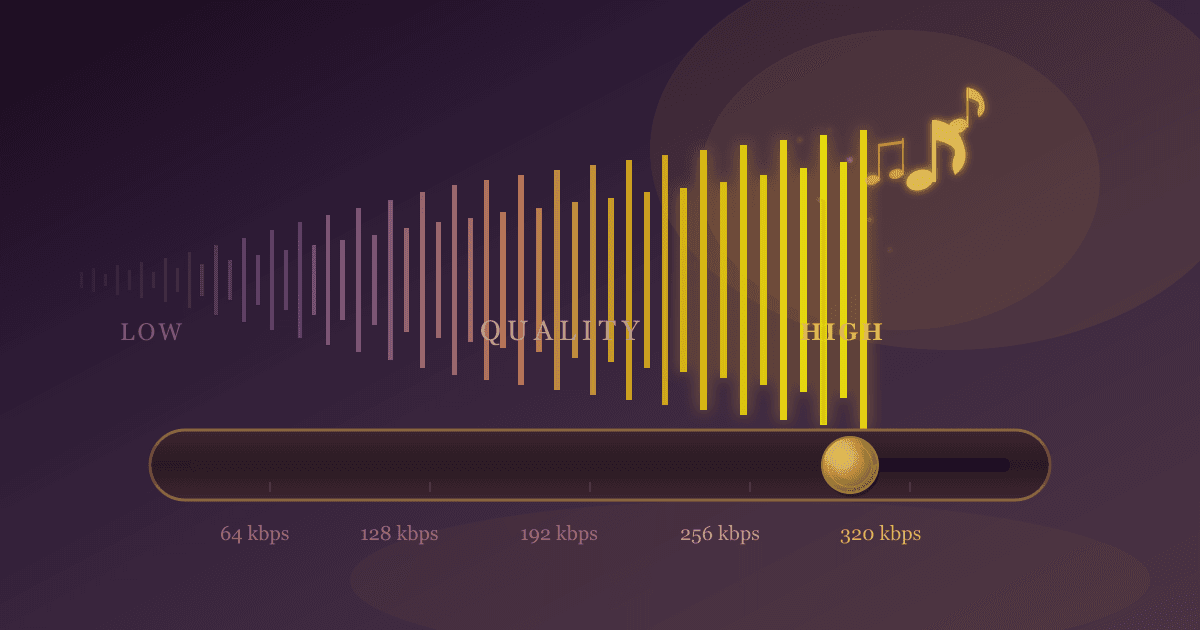
- Higher Bitrate (e.g., 320 kbps): More data is kept per second, resulting in audio that is more faithful to the original source. The sound is richer, clearer, and has more depth. The trade-off is a larger file size.
- Lower Bitrate (e.g., 128 kbps): More data is discarded per second. This makes the file size much smaller, but it can introduce noticeable imperfections known as "compression artifacts." These might sound like a swishing or watery effect on cymbals, a lack of clarity in the high frequencies, or a generally "thin" sound.
CBR vs. VBR: A Quick Note
You might also see options for Constant Bitrate (CBR) or Variable Bitrate (VBR).
- CBR (Constant Bitrate): The bitrate stays the same throughout the entire file. A 128 kbps CBR file uses 128 kilobits for every single second, whether it's a complex musical crescendo or complete silence.
- VBR (Variable Bitrate): The encoder is smarter. It allocates more bits to complex parts of the audio and fewer bits to simpler parts or silence. This often results in better quality for a similar file size compared to CBR. When in doubt, VBR is usually a great choice.
The Great Bitrate Showdown: 128 vs 192 vs 256 vs 320 kbps
Let's put the most common bitrates under the microscope. While the best way to understand the difference is to listen for yourself, this breakdown will give you a clear idea of what to expect from each level.
| Bitrate (kbps) | Perceived Quality | File Size (Approx. for 3-min song) | Common Use Cases |
|---|---|---|---|
| 128 | Acceptable / Good | ~2.8 MB | Podcasts, audiobooks, streaming radio, voice notes |
| 192 | Very Good | ~4.2 MB | Music streaming, general listening, podcasts with music |
| 256 | Excellent / Near-CD | ~5.6 MB | High-quality streaming, local music libraries |
| 320 | Perceptually Transparent | ~7.2 MB | Archiving, audiophile listening, professional use |
128 kbps: The Compact Standard
For many years, 128 kbps was the gold standard for MP3s, born from an era of slow internet and limited storage.
- Quality: For the average listener, 128 kbps is acceptable, especially for spoken word content. For music, however, compression artifacts are often audible, especially on good headphones. Cymbals can sound "swishy," bass may lack punch, and the overall soundstage can feel narrow.
- File Size: Its primary advantage is its incredibly small file size. This makes it ideal for streaming over slow connections or packing thousands of hours of audio onto a small device.
- Verdict: Perfect for podcasts, audiobooks, and voice memos where clarity of speech is the main goal. It's generally not recommended for serious music listening unless storage space is your absolute top priority.
192 kbps: The Sweet Spot
Moving up to 192 kbps represents a significant leap in audio fidelity with only a moderate increase in file size.
- Quality: For most people, 192 kbps is the point where compression artifacts become very difficult to detect on standard equipment like earbuds or car stereos. It offers a much fuller and more dynamic sound than 128 kbps, preserving more of the original recording's detail.
- File Size: It strikes an excellent balance between quality and file size, making it a highly efficient choice.
- Verdict: An outstanding all-rounder. It's a great choice for general music streaming, building a portable music library, or for podcasts that feature a lot of music and sound effects.
256 kbps: The High-Quality Choice
This is where we enter the realm of high-fidelity audio. The law of diminishing returns begins to apply, meaning the quality improvements become less noticeable for a larger jump in file size.
- Quality: At 256 kbps, the audio is nearly indistinguishable from a CD for the vast majority of listeners, even on good quality audio gear. The sound is crisp, clear, and robust. Major streaming services like Apple Music use bitrates around this level (though often in the more efficient AAC format).
- File Size: Files are noticeably larger than 192 kbps, but still manageable for most modern devices and internet connections.
- Verdict: An excellent choice for music lovers who listen on decent headphones or a home stereo system and want a high-quality experience without the massive file sizes of lossless formats.
320 kbps: The Pinnacle of MP3
This is the highest quality setting available for the MP3 format.
- Quality: 320 kbps is considered "perceptually transparent" for virtually everyone. This means that in a blind A/B test, even trained listeners on high-end equipment would struggle to reliably tell the difference between a 320 kbps MP3 and the original uncompressed audio source. It delivers the fullest, most detailed sound an MP3 can offer.
- File Size: This setting produces the largest MP3 files. A library encoded at 320 kbps will take up significantly more space than one at 192 or 256 kbps.
- Verdict: The go-to choice for audiophiles, for archiving a digital music collection, or for any situation where you want the absolute best possible quality from a lossy format.
Which Bitrate Should You Choose? A Practical Guide
Now for the most important part: applying this knowledge. The right bitrate depends entirely on your specific needs.
For Music Listeners
- Casual Listening (On your phone with standard earbuds, in the car, on a Bluetooth speaker): 192 kbps is your sweet spot. It provides great sound quality that will be more than sufficient for these environments, while saving you a lot of storage space.
- Dedicated Listening (With good over-ear headphones or a quality home sound system): 256 kbps or 320 kbps is the way to go. With better equipment, you're more likely to appreciate the extra detail and clarity these higher bitrates provide.
- Archiving & Audiophiles: If you are digitizing your CD collection for posterity or simply demand the best, 320 kbps is the answer. For true archival purposes, you might even consider a lossless format. While converting a lossy format won't restore lost data, you can convert an existing file like an MP3 to FLAC for compatibility with certain high-end players.
For Podcasters & Content Creators
- Voice-Only Podcasts or Audiobooks: 128 kbps (or even lower, like 96 kbps in mono) is often perfectly adequate. Human speech doesn't have the same dynamic and frequency range as music, so you can use a lower bitrate without a noticeable drop in intelligibility. The smaller file size is a huge benefit for your listeners' downloads.
- Podcasts with Music, Interviews, and Sound Effects: 192 kbps is a much safer bet. This ensures that your intro/outro music and sound effects don't sound distorted or cheap, preserving the overall production value of your show.
For Voice Memos & Transcription
- General Voice Notes: 128 kbps or lower is more than enough. The priority here is capturing the information, not audiophile quality. Small file sizes are key for easy sharing and storage.
Beyond MP3: A Quick Look at Other Formats
While MP3 is the most universally recognized audio format, it's not the only one. It's important to understand the landscape, especially when considering quality.
-
Lossy Formats (AAC, OGG): Formats like AAC (Advanced Audio Coding) and Ogg Vorbis are more modern and efficient than MP3. This means they can often provide slightly better sound quality than an MP3 at the same bitrate. If you need to switch between these popular formats, tools like our free MP3 to AAC converter can be incredibly helpful.
-
Lossless Formats (FLAC, ALAC, WAV): Lossless formats like FLAC (Free Lossless Audio Codec) and WAV (Waveform Audio File Format) are the equivalent of a digital master. They compress files to save some space (except for WAV, which is uncompressed) but do so without discarding any original audio data. The quality is perfect, identical to the source, but the file sizes are massive—often 5-10 times larger than a 320 kbps MP3. If you're a producer or audio engineer, you often work with uncompressed files. For these professional workflows, being able to quickly convert formats with a tool like our MP3 to WAV converter is essential.
Conclusion: Find Your Perfect Balance
The debate over MP3 bitrates ultimately comes down to a personal balance of three factors: your ears, your equipment, and your storage space.
Here’s the simple takeaway:
- For Voice: 128 kbps is your workhorse.
- For Most Music: 192 kbps is the efficient sweet spot.
- For High-Quality Music: 256 kbps or 320 kbps is your best bet.
Don't be afraid to experiment. Encode the same song at different bitrates and listen for yourself on the devices you use most often. You might be surprised by what you can (or can't) hear.
Now that you're an MP3 bitrate expert, you have the knowledge to manage your audio library effectively. Whether you need to shrink files for your phone or convert formats for a specific project, you can make the right choice every time.
Ready to put your knowledge into action? If you need to convert, compress, or edit your audio files, check out our complete suite of free, private, and easy-to-use audio tools at Practical Web Tools!