WebP vs JPG vs PNG: The Best Image Format for Web in 2024

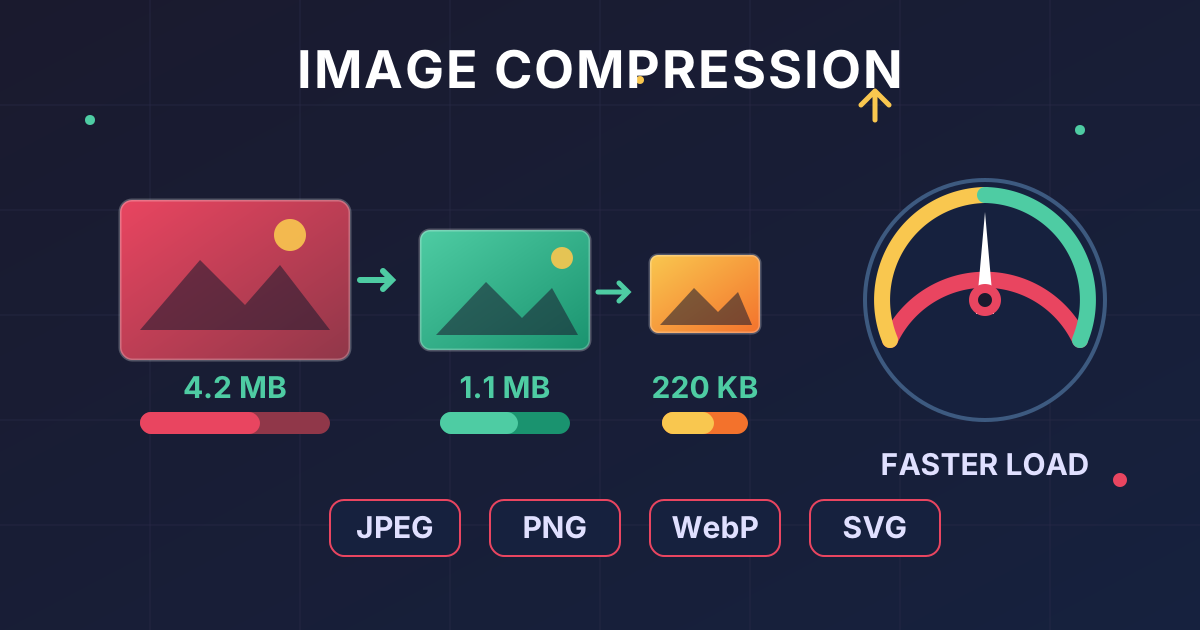
In the race for a faster, more efficient website, every kilobyte counts. Images are often the heaviest assets on a web page, and your choice of image format can make or break your site's performance, user experience, and even your search engine rankings. For years, the debate was simple: JPG for photos, PNG for graphics. But now, a powerful contender, WebP, has changed the game entirely.
So, how do you choose? Are JPG and PNG now obsolete? This comprehensive guide will break down the WebP vs. JPG vs. PNG debate once and for all. We'll explore the technology behind each format, weigh their pros and cons, and give you a clear framework for selecting the perfect image format for any situation.
Understanding JPG (JPEG): The Universal Standard
JPG, which stands for Joint Photographic Experts Group, has been the workhorse of the web for decades. It's the default format for most digital cameras and smartphones, and its primary strength lies in its ability to handle complex images with millions of colors, like photographs.
How JPG Compression Works
JPG uses lossy compression. This is a critical concept to understand. When you save an image as a JPG, the algorithm intelligently discards some of the image data that the human eye is least likely to notice. This allows for a dramatic reduction in file size.
You can control the level of compression. A lower quality setting means more data is discarded, resulting in a smaller file but also more noticeable visual imperfections, known as compression artifacts (blotchiness or pixelation). A higher quality setting retains more data, leading to a larger file but better visual fidelity.
Pros of JPG
- Small File Sizes: Lossy compression makes JPGs ideal for photographs and complex images, keeping file sizes manageable for faster loading times.
- Full Color Spectrum: JPG supports 16.7 million colors, allowing it to accurately reproduce the rich tones and gradients found in real-world photos.
- Universal Support: Every web browser, image editor, and operating system in the last 25 years can open and display a JPG file. It's the most universally compatible format.
Cons of JPG
- No Transparency: JPGs do not support a transparency channel. The background will always be a solid color, making them unsuitable for logos or icons that need to sit on top of varied backgrounds.
- Lossy Compression Artifacts: Over-compressing a JPG or repeatedly editing and re-saving it can degrade its quality significantly, introducing ugly artifacts.
- Not Ideal for Sharp Lines: The compression method is not well-suited for images with sharp lines, text, or solid blocks of color, as it can create a fuzzy or blurry effect around the edges.
When to use JPG: Use JPG for photographs, realistic images, and complex pictures with many colors and gradients where transparency is not required.
Understanding PNG: The Quality Champion
PNG, or Portable Network Graphics, was developed as a superior, patent-free alternative to the older GIF format. Its defining feature is its use of lossless compression, which sets it apart from JPG.
How PNG Compression Works
PNG uses lossless compression. This means that when you save an image as a PNG, the algorithm reduces the file size without discarding any of the original image data. When the image is opened, it is reconstructed to be a pixel-perfect copy of the original. This is why it's a favorite among designers and photographers for master copies.
The Magic of Transparency
The standout feature of PNG is its support for an alpha channel, which allows for varying levels of transparency. You can have parts of your image that are fully opaque, fully transparent, or anywhere in between. This makes it perfect for logos, icons, and any graphic that needs to be overlaid on other content seamlessly. Before you can achieve this, you often need a clean cutout of your subject. A tool like a Background Remover can be invaluable for preparing product shots or portraits before saving them with a transparent background.
Pros of PNG
- Lossless Quality: Your image will not degrade in quality, no matter how many times you save it.
- Full Transparency Support: The alpha channel provides sophisticated transparency options.
- Excellent for Graphics: It excels at rendering images with sharp lines, text, and flat colors, like logos, illustrations, and screenshots.
Cons of PNG
- Large File Sizes: For complex images like photographs, the lossless nature of PNG results in significantly larger files compared to JPG, making them slow to load on a webpage.
When to use PNG: Use PNG for logos, icons, illustrations, screenshots, and any image that requires a transparent background or contains sharp, defined lines and text.
Introducing WebP: The Best of Both Worlds?
Developed by Google and released in 2010, WebP (pronounced "weppy") was designed specifically for the web. Its goal was simple: create smaller, richer images to make the web faster. It achieves this by combining the best features of both JPG and PNG into a single, highly efficient format.
WebP's Dual-Mode Compression
WebP is incredibly versatile because it supports both lossy and lossless compression.
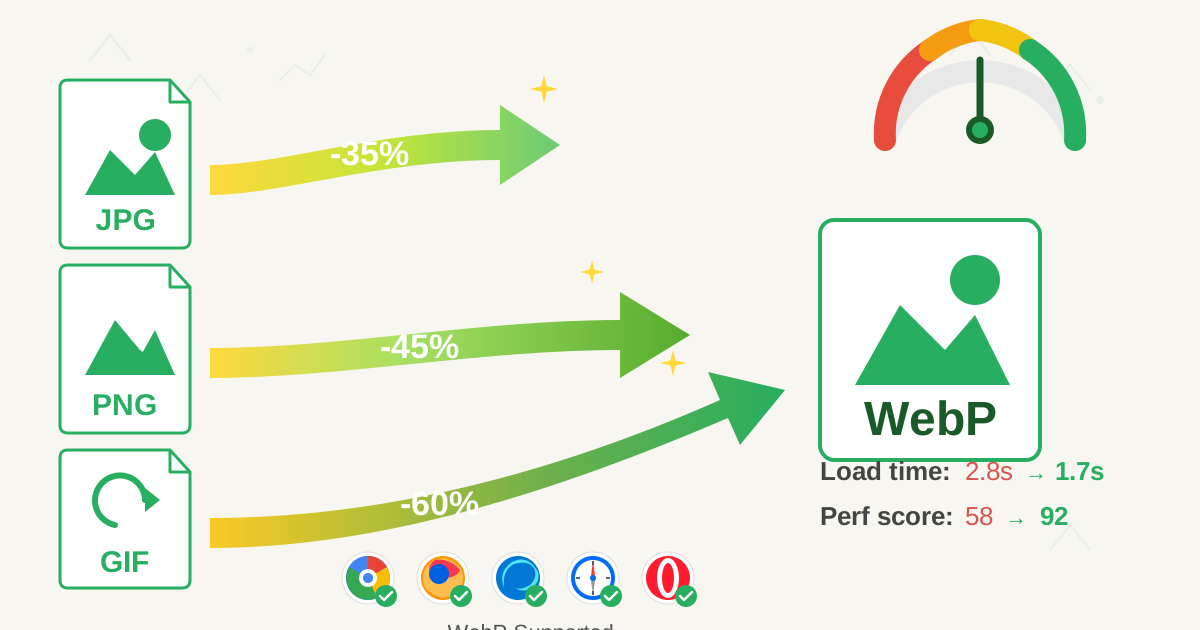
- Lossy WebP: This mode is a direct competitor to JPG. According to Google's data, lossy WebP images are, on average, 25-34% smaller than comparable JPG images at the same visual quality index.
- Lossless WebP: This mode competes with PNG. Lossless WebP images are typically 26% smaller than PNGs. It also supports an alpha channel for transparency, just like PNG, but at a fraction of the file size.
Pros of WebP
- Superior Compression: Delivers significantly smaller file sizes than its counterparts for both photographic and graphic images, leading to faster page loads.
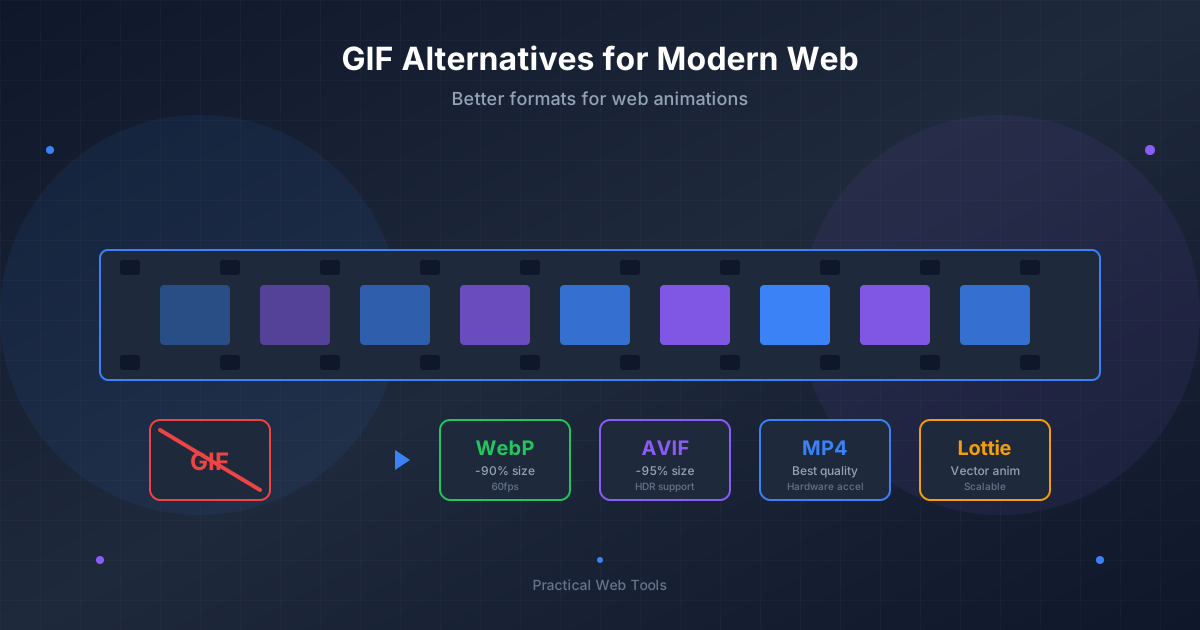
- High Versatility: Supports lossy, lossless, transparency, and even animation (making it a replacement for GIFs as well).
- Excellent Browser Support: While it had a slow start, WebP is now supported by over 97% of web browsers globally, including Chrome, Firefox, Safari, and Edge.
Cons of WebP
- Limited Software Support: While browser support is great, some older desktop image editing software may not be able to open or save WebP files without a plugin.
When to use WebP: For almost everything on the web. Use lossy WebP for photos and lossless WebP for graphics. The performance benefits are too significant to ignore.
WebP vs JPG vs PNG: A Side-by-Side Showdown
To make the choice clearer, let's put these formats head-to-head in a simple table. This is perfect for understanding the core differences at a glance.
| Feature | JPG (JPEG) | PNG | WebP |
|---|---|---|---|
| Compression | Lossy | Lossless | Lossy & Lossless |
| Best For | Photographs, complex images | Logos, graphics, text | Everything (photos & graphics) |
| Transparency | No | Yes (Alpha Channel) | Yes (Alpha Channel) |
| Animation | No | No (APNG exists but less common) | Yes |
| File Size | Small (for photos) | Large (for photos), Medium (for graphics) | Smallest |
| Browser Support | Universal (99%+) | Universal (99%+) | Excellent (97%+) |
The Conversion Advantage
The performance benefits of modern formats are clear. Many website owners now proactively convert their existing JPG and PNG libraries to WebP to improve their Core Web Vitals scores. The process is straightforward with the right tools. For example, using a free online JPG to WebP converter allows you to quickly transform your old images into a next-gen format without compromising quality.
Similarly, if you're stuck with a format and need another, conversion is key. Sometimes you might need to convert a simple graphic from a JPG to a PNG to enable transparency. A dedicated JPG to PNG converter handles this specific task perfectly.
How to Choose the Right Image Format: A Decision Flowchart
Still unsure? Follow this simple decision-making process to choose the right format every time.
Step 1: Does your image need a transparent background?
- YES: You need a format that supports an alpha channel. Your best choice is Lossless WebP. Your fallback option is PNG. Move on.
- NO: Go to Step 2.
Step 2: Is your image a photograph, or does it contain complex gradients and many colors?
- YES: You need a format with excellent lossy compression. Your best choice is Lossy WebP. Your fallback option is JPG.
- NO (It's a simple graphic with sharp lines, text, or flat colors): You need a format with excellent lossless compression. Your best choice is Lossless WebP. Your fallback option is PNG.
As you can see, WebP emerges as the recommended choice in nearly every scenario for web use.
Why Image Format Matters for SEO
Your choice of image format isn't just a technical detail; it's a critical SEO factor.
- Page Load Speed: Google has confirmed that page speed is a ranking signal for both desktop and mobile search. Larger image files are a primary cause of slow-loading pages.
- Core Web Vitals: These metrics measure user experience, and the most image-dependent one is Largest Contentful Paint (LCP), which measures how long it takes for the largest element (often an image) to load on the screen. Using a lightweight format like WebP directly improves your LCP score.
- User Experience: Slow pages frustrate users, leading to higher bounce rates and lower engagement. A fast, snappy website keeps users happy and more likely to convert.
By optimizing your images and choosing the right format, you create a better experience for users and send positive signals to search engines, potentially boosting your rankings.
Final Verdict: WebP is the Modern King
While JPG and PNG laid the foundation for images on the web and still have their place as universal fallbacks, the clear winner for modern web development is WebP. Its ability to produce significantly smaller files in both lossy and lossless modes, combined with its support for transparency and animation, makes it the most versatile and efficient format available today.
- JPG remains a reliable fallback for photographic content when you need absolute maximum compatibility.
- PNG is your go-to when you need a lossless format with transparency and cannot use WebP for some reason.
- WebP should be your default choice for all new web projects. It offers the best balance of quality, features, and performance, directly contributing to a faster website and better SEO.
Ready to speed up your website and improve your user experience? Start by optimizing your images. Take an existing JPG and see the size difference for yourself. Use our free and privacy-focused JPG to WebP converter to make the switch today!