The Ultimate QR Code Guide for Small Business Growth

In today's competitive market, small businesses are constantly searching for innovative yet affordable ways to connect with customers. You have a physical storefront, a product on a shelf, or a flyer in hand, but how do you seamlessly guide that real-world interest into your digital ecosystem? The answer is simpler and more powerful than you might think: the humble QR code.
Once a niche technology, the Quick Response (QR) code has become an essential marketing and operational tool. It's a direct bridge between your physical and online presence, offering a frictionless way for customers to engage with your brand. This comprehensive guide will walk you through everything you need to know, from creation to advanced strategy, to harness the power of QR codes for your small business.
What are QR Codes and Why Should Your Business Care?
A QR code is essentially a two-dimensional barcode that can be scanned by a smartphone camera. Unlike a traditional barcode that holds a small amount of numerical data, a QR code can store a wealth of information, including website links, text, contact details, and more. This versatility is what makes it a game-changer for businesses.
The Undeniable Benefits of QR Codes for Small Businesses
If you're still on the fence, here’s why you should integrate QR codes into your strategy right away:
- Bridge the Physical-Digital Gap: Instantly connect a customer holding your business card to your online portfolio, a diner at your restaurant to your digital menu, or a passerby seeing your poster to your event registration page.
- Cost-Effective Marketing: Generating a QR code is often free. You can add it to existing marketing materials—receipts, bags, posters, stickers—without incurring significant new costs. This makes it an incredibly high-ROI marketing tactic.
- Enhanced Customer Experience: QR codes eliminate the need for customers to manually type in long URLs or search for your social media handles. This convenience removes friction and leads to higher engagement rates.
- Trackable and Measurable Campaigns: With dynamic QR codes, you can track how many people scan your code, where they scan it from, and at what time. This data is invaluable for measuring the effectiveness of your marketing efforts and making informed decisions.
- Contactless Operations: In a world that values health and safety, QR codes provide a perfect solution for contactless menus, payments, and information sharing, building trust with your customers.
Getting Started: How to Create Your First QR Code
Creating a QR code is straightforward. The key is choosing the right tool and understanding the difference between the two main types of codes: static and dynamic.
Static vs. Dynamic QR Codes: A Quick Comparison
Understanding this distinction is crucial for your long-term strategy.
| Feature | Static QR Codes | Dynamic QR Codes |
|---|---|---|
| Data | The destination data is encoded directly into the code. | The code contains a short redirect URL; the destination is stored online. |
| Editability | Cannot be edited after creation. | The destination URL can be changed at any time. |
| Tracking | Not trackable. You won't know how many people scanned it. | Trackable. Provides analytics on scans, location, time, and device. |
| Best For | Permanent information, like your Wi-Fi password or a business address. | Marketing campaigns, special offers, and any content that may change. |
| Cost | Almost always free. | Often part of a paid subscription service due to hosting/analytics. |
For most small business marketing campaigns, dynamic QR codes are the superior choice due to their flexibility and valuable analytics.
A Step-by-Step Guide to Creating a QR Code
Ready to make one? Follow these simple steps.
- Define Your Goal: What is the single most important action you want someone to take after scanning the code? Do you want them to visit your website, follow you on Instagram, download a coupon, or watch a tutorial video?
- Choose Your QR Code Type: Based on your goal, select the appropriate data type. Common options include URL, vCard (contact info), Wi-Fi network, PDF, or social media profile.
- Enter Your Data: Carefully input the information. For a URL, copy and paste the full link to avoid typos. A single mistake in a static code will render it useless.
- Customize Your Design (Optional but Recommended): Make the QR code your own. Add your logo, change the colors to match your brand, and adjust the shape of the markers. Important: Always maintain high contrast between the code and the background (e.g., dark code on a light background) to ensure scannability.
- Generate and TEST Your Code: This is the most critical step. Before you download and print hundreds of copies, scan the code with multiple devices (iOS, Android) and camera apps to ensure it works perfectly and directs users to the correct destination.
- Download in the Right Format: For digital use, a PNG file is usually sufficient. For print materials, always download an SVG (Scalable Vector Graphic) file. SVGs can be resized to any dimension without losing quality, ensuring your code remains crisp and scannable on a large banner or a small business card.
Creative QR Code Use Cases for Small Businesses
Now for the fun part. Here are some practical and creative ways to use QR codes to grow your business.
Marketing & Promotions
- Business Cards: Go beyond your name and number. Add a QR code that links to your LinkedIn profile, online portfolio, or a special introductory video.
- Product Packaging: Place a QR code on your product that links to a 'how-to' video, user manual, or a page to easily re-order.
- In-Store Displays: Position a code next to a product that links to customer reviews, a promotional video, or a limited-time discount for in-store shoppers.
- Flyers and Posters: Instead of just listing your website, use a QR code that takes users directly to an event sign-up form, a specific landing page, or your social media contest.
- Restaurant Menus & Tables: A QR code on each table can link to your digital menu, an online ordering portal for takeout, or a page to join your loyalty program.
Operations & Customer Service
- Effortless Wi-Fi Access: Generate a QR code for your guest Wi-Fi network. Customers can scan it to connect instantly without needing to ask for and type in a complex password.
- Instant Customer Feedback: Put a QR code on receipts or invoices that links to a simple feedback form. The easier you make it to give feedback, the more you'll receive.
- Contactless Payments: Link a QR code to your PayPal.Me, Venmo, or other payment processor page for quick and easy transactions at farmers' markets or pop-up shops.
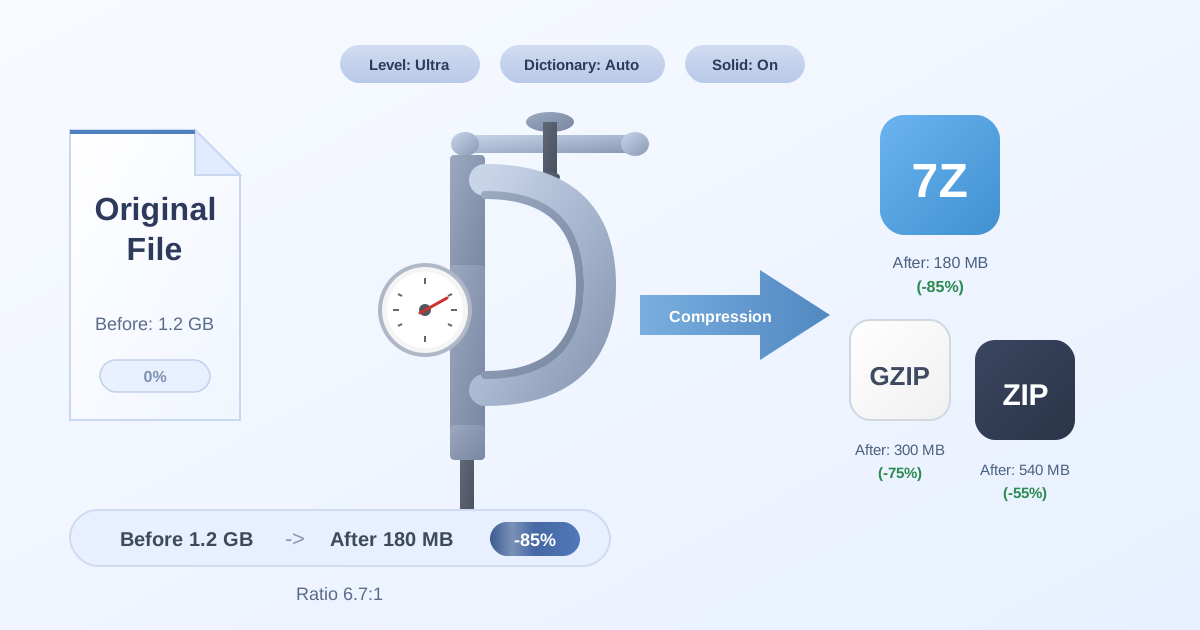
- Detailed Documentation: For products that require extensive instructions, a QR code can link to a comprehensive online manual. If you have multiple guides or documents, you can bundle them into a single downloadable package. Using a tool to Compress Files into a ZIP archive makes it incredibly convenient for customers to get everything they need with one click.
Best Practices for QR Code Success
Creating a QR code is easy, but creating a successful QR code campaign requires some strategy.
Design and Placement for Maximum Scans
- Contrast is King: Your QR code must be easily distinguishable from its background. The classic black-on-white is foolproof, but if you use brand colors, ensure the foreground is significantly darker than the background.
- Size Matters: A code that's too small won't scan. A general rule of thumb is to make it at least 1 x 1 inch (2.5 x 2.5 cm) for print materials that will be viewed up close.
- Include a Clear Call to Action (CTA): Never assume people know what to do. Add a short, actionable text frame around your code, such as "Scan for Menu," "Scan for 15% Off," or "Scan to Follow Us."
- Mind the Quiet Zone: A QR code needs a blank margin, or "quiet zone," around its edges to be properly read by scanners. Most generators add this automatically, but be careful not to place other design elements too close to the code.
- Choose the Right Location: Place your code where users can scan it easily and have a stable internet connection. Avoid placing them on moving objects or in areas with poor lighting or no cell service.
Managing and Sharing Your QR Code Assets
When working with a graphic designer or a print shop, you'll need to send them your QR code files. To keep things organized, package your high-resolution SVG, a PNG fallback, and any brand guidelines into a single archive. If your partner has specific file requirements, you might need to convert the archive. For example, you can easily use an online tool to convert from one format to another, like a 7Z to ZIP converter, ensuring seamless collaboration.
Common Pitfalls to Avoid
Avoid these common mistakes that can derail your QR code campaign before it even starts:
- Linking to a Non-Mobile-Friendly Site: Nearly 100% of QR code scans happen on a mobile device. If your link leads to a desktop website that's difficult to navigate on a small screen, you'll lose the user instantly.
- Over-Branding the Code: While adding a logo is great, making the code too complex or reducing the contrast too much with light colors can make it unscannable.
- Using a Broken or Incorrect Link: Always double-check your destination URL. With a static code, this mistake means you have to reprint everything.
- Forgetting to Provide Value: A QR code needs to offer a genuine benefit. If it just leads to your homepage, users may not bother scanning it again. Offer a discount, exclusive content, or a convenient solution to a problem.
Conclusion: Your Next Step to Growth
QR codes are far more than just a passing trend; they are a versatile, powerful, and budget-friendly tool that can significantly impact your small business's growth. By bridging the gap between your physical and digital worlds, they enhance customer engagement, streamline operations, and provide valuable data to inform your marketing strategy.
Now that you're armed with the knowledge to create, customize, and deploy effective QR codes, it's time to take action. Start by identifying one key area in your business—whether it's collecting feedback, sharing your menu, or promoting a sale—and create your first dynamic QR code today.
And as you continue to build your digital toolkit, don't forget to explore the wide range of free and privacy-focused utilities at Practical Web Tools to help you manage your business more efficiently.