Unix Timestamp & Epoch Converter: The Ultimate 2024 Guide
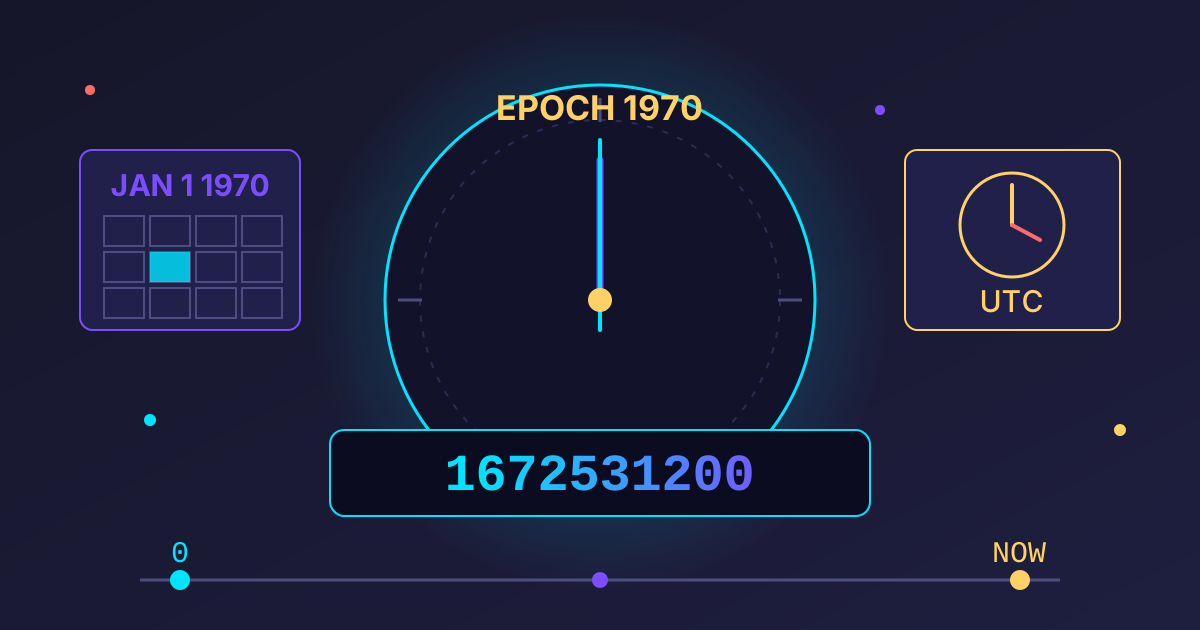
Have you ever stumbled upon a long, seemingly random string of numbers like 1672531200 in a database, API response, or file property and wondered what it meant? It might look like an error or a cryptic ID, but it's actually a precise moment in time, understood by computers worldwide. This number is a Unix Timestamp, and understanding it is a fundamental skill for anyone working with digital data.
Welcome to your comprehensive guide to the Unix Epoch Timestamp. We'll break down what it is, why it's the unsung hero of computing, and how you can easily convert it to a human-readable date (and back again). Whether you're a developer, a data analyst, or just a curious web user, you'll walk away with a clear understanding of this foundational concept.
What Exactly is a Unix Timestamp? The Core Concept
A Unix Timestamp, also known as Epoch Time or POSIX time, is a system for describing a point in time. It represents the total number of seconds that have elapsed since a specific, universal starting point.
The "Epoch": A Starting Point in Time
The term "Epoch" refers to this starting point: 00:00:00 Coordinated Universal Time (UTC), Thursday, 1 January 1970. The timestamp 0 corresponds to this exact moment. The timestamp 1 is one second later, 00:00:01 UTC, and so on.
This standard was chosen for its convenience at the dawn of the Unix operating system. It was a clean slate, a moment in the recent past that could serve as a universal reference for computer systems everywhere.
Why Seconds? The Logic Behind the Unit
Using a single, incrementing number (seconds) to represent time offers several powerful advantages:
- Simplicity: It's just an integer. This makes storing and calculating time differences incredibly easy and computationally cheap. Subtracting one timestamp from another gives you the duration between them in seconds.
- Universality: The Unix timestamp is not tied to any specific language, timezone, or calendar format. A timestamp of
1672531200means the exact same moment in time whether you're in Tokyo, London, or San Francisco. It's a true universal standard. - Timezone-Proof: Since it's based on UTC, it completely sidesteps the complexities of timezones and daylight saving changes. The conversion to a local time is a separate step, which keeps the stored data pure and unambiguous.
Why Unix Time is Everywhere: Key Applications
From the operating system on your laptop to the servers powering your favorite apps, Unix time is a fundamental building block. Here’s where you'll find it.
In Programming and Databases
Developers love Unix timestamps. They are the de facto standard for storing date and time information in databases. When a user signs up, an article is published, or a transaction occurs, the moment is often recorded as a timestamp. It's easy to sort, index, and query. For example, finding all users who registered in the last 24 hours is a simple mathematical operation on the timestamp column.
In APIs and Web Services
When different systems communicate via APIs, they need a common language for time. A timestamp provides an unambiguous way to express things like token expiration dates (exp), resource modification times (last_modified), or event occurrences. The receiving system can then convert this universal number into its preferred local format.
In File Systems and Metadata
Your computer's file system relies heavily on timestamps. Every file and folder on a Unix-based system (like macOS and Linux) has at least three timestamps associated with it:
- Access Time (atime): The last time the file was read.
- Modification Time (mtime): The last time the file's content was changed.
- Change Time (ctime): The last time the file's metadata (like permissions or ownership) was changed.
This metadata is crucial for system operations, from backup software that only copies modified files to simply sorting your files by 'Date Modified'.
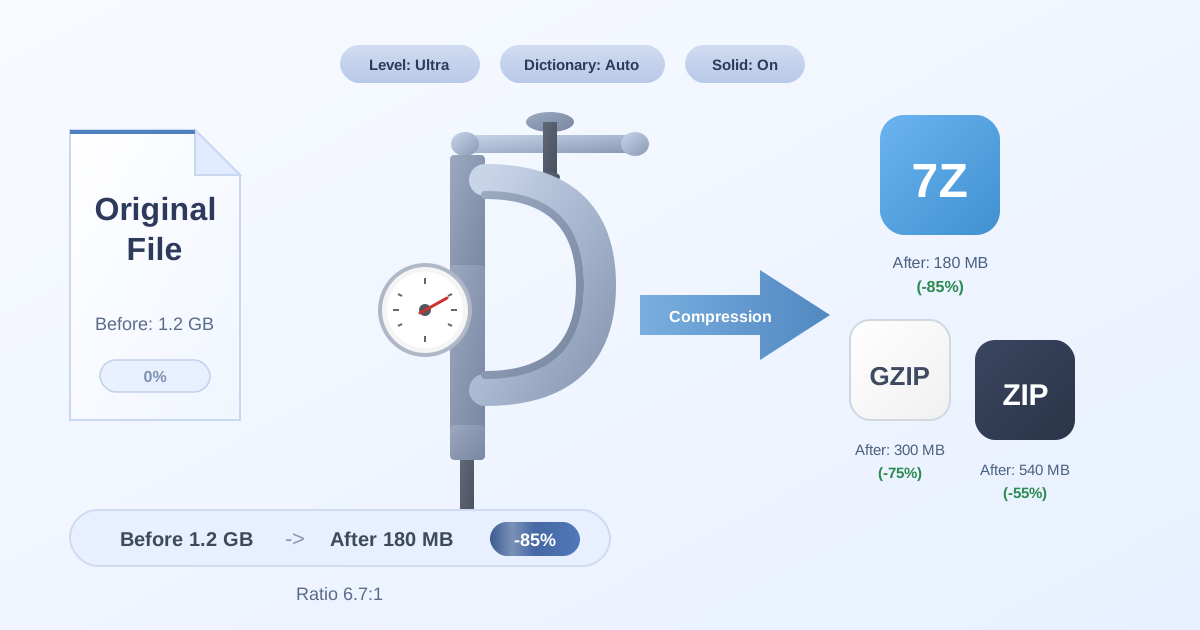
When you manage collections of files, for instance, by using a tool to Compress Files into a ZIP archive, this timestamp metadata is vital. It tells you when each file was last modified, and a good compression tool preserves this information. Similarly, when you need to Decompress Files, restoring these original timestamps is essential for maintaining data integrity and understanding your file's history.
The Practical Guide: How to Convert Unix Timestamps
Now for the most practical part: turning that long number into a date you can actually understand, and vice-versa.
Method 1: Using an Online Converter (The Easy Way)
For quick, one-off conversions, an online tool is your best friend. There are many available, and they provide a simple interface: paste the timestamp to get the date, or select a date to get the timestamp. These tools are perfect for non-developers or for a quick sanity check during development.
Method 2: Converting in Your Favorite Programming Language (The Developer's Way)
As a developer, you'll be converting timestamps programmatically. Thankfully, every major programming language has built-in functions to handle this gracefully. Here are some examples for the most common ones.
### JavaScript
JavaScript's Date object works with milliseconds since the epoch, so you need to multiply your standard Unix timestamp (which is in seconds) by 1000.
Timestamp to Date:
const timestamp = 1672531200;
const date = new Date(timestamp * 1000); // Multiply by 1000 for milliseconds

console.log(date.toUTCString()); // "Sun, 01 Jan 2023 00:00:00 GMT"
console.log(date.toLocaleString()); // Displays in the user's local timezone, e.g., "12/31/2022, 7:00:00 PM"
Date to Timestamp:
const date = new Date('2023-01-01T00:00:00Z'); // 'Z' denotes UTC
const timestamp = Math.floor(date.getTime() / 1000); // Divide by 1000 to get seconds

console.log(timestamp); // 1672531200
### Python
Python's datetime module is the standard for handling dates and times.
Timestamp to Date:
from datetime import datetime, timezone

timestamp = 1672531200

# Convert to a UTC datetime object
utc_date = datetime.fromtimestamp(timestamp, tz=timezone.utc)
print(f"UTC Date: {utc_date}") # UTC Date: 2023-01-01 00:00:00+00:00

# Convert to a local timezone datetime object
local_date = datetime.fromtimestamp(timestamp)
print(f"Local Date: {local_date}") # Displays in the system's local timezone
Date to Timestamp:
from datetime import datetime

# Assuming you have a datetime object
date_obj = datetime(2023, 1, 1, 0, 0, 0)

# Note: .timestamp() method is timezone-aware.
# If the object is naive, it assumes local time.
timestamp = int(date_obj.timestamp())
print(timestamp)
### PHP
PHP has robust, easy-to-use date and time functions.
Timestamp to Date:
<?php
$timestamp = 1672531200;

// 'Y-m-d H:i:s' is a common format string
$date_string = date('Y-m-d H:i:s', $timestamp);

echo $date_string; // 2023-01-01 00:00:00 (in the server's timezone)
?>
Date to Timestamp:
<?php
$date_string = '2023-01-01 00:00:00';

$timestamp = strtotime($date_string);

echo $timestamp; // 1672531200
?>
### SQL (PostgreSQL & MySQL)
Databases also have functions to convert timestamps, which is useful for running queries.
PostgreSQL:
-- Timestamp to Date
SELECT to_timestamp(1672531200);
-- Result: 2023-01-01 00:00:00+00

-- Date to Timestamp
SELECT EXTRACT(EPOCH FROM '2023-01-01 00:00:00'::timestamp);
-- Result: 1672531200
MySQL:
-- Timestamp to Date
SELECT FROM_UNIXTIME(1672531200);
-- Result: 2023-01-01 00:00:00

-- Date to Timestamp
SELECT UNIX_TIMESTAMP('2023-01-01 00:00:00');
-- Result: 1672531200
Common Hurdles and Advanced Topics
While the concept is simple, there are a few complexities to be aware of.
The Timezone Trap: UTC vs. Local Time
This is the most common source of bugs. Remember: Unix timestamps are always in UTC. When you convert a timestamp to a human-readable string, your programming language will often default to the server's or user's local timezone. Be explicit about which timezone you want to display the time in to avoid confusion.
Precision Matters: Seconds, Milliseconds, and Beyond
While the POSIX standard defines the timestamp in seconds, many systems (like JavaScript's Date object) work with millisecond precision (1/1000th of a second). You may see 13-digit timestamps like 1672531200123. When working with these, always be sure you know what unit you're dealing with. A simple multiplication or division by 1000 is all that's needed to convert between them.
The Looming Problem: What is the Year 2038 Bug?
Similar to the Y2K bug, the Year 2038 problem affects systems that store the Unix timestamp as a signed 32-bit integer. A 32-bit integer has a maximum value of 2,147,483,647. At 03:14:07 UTC on 19 January 2038, the number of seconds since the epoch will exceed this limit.
When this happens, the number will wrap around and become negative, causing systems to interpret the date as being in 1901. The good news? The solution is already in place. Most modern systems now use a 64-bit integer to store timestamps, which has a maximum value so large it will not be a problem for approximately 292 billion years. The problem only remains for older, legacy 32-bit systems that may not be updated.
Beyond the Basics: Timestamps in File Archives
Understanding timestamps becomes especially important when dealing with data archiving. Preserving the original modification date of a file is crucial for version control and data auditing.
Managing file archives often involves more than just compression. You might need to convert between formats for compatibility or efficiency reasons, like moving from a standard ZIP to a more compact 7Z format. When you use a converter tool, like our free ZIP to 7Z utility, it's designed to intelligently handle all the file metadata. This ensures that critical information, including the original timestamps, is not lost in translation, preserving your file's history and integrity across formats.
Conclusion: Timestamps are Your Friend
That seemingly random string of numbers is anything but. The Unix timestamp is an elegant, powerful, and universal solution for handling time in the digital world. By representing time as a simple integer counting seconds from the Epoch, it provides a language- and timezone-agnostic standard that powers everything from databases to file systems.
Now that you've mastered the concept and can convert timestamps with confidence, you're better equipped to debug issues, analyze data, and build more robust applications.
Ready to put your knowledge to use? Explore our full suite of over 455 free, privacy-focused online tools at Practical Web Tools. Streamline your workflow with our converters, editors, and utilities today!