Best Free PDF Merger Tools Compared (2026 Guide)

Your Search for the Best PDF Merger Ends Here
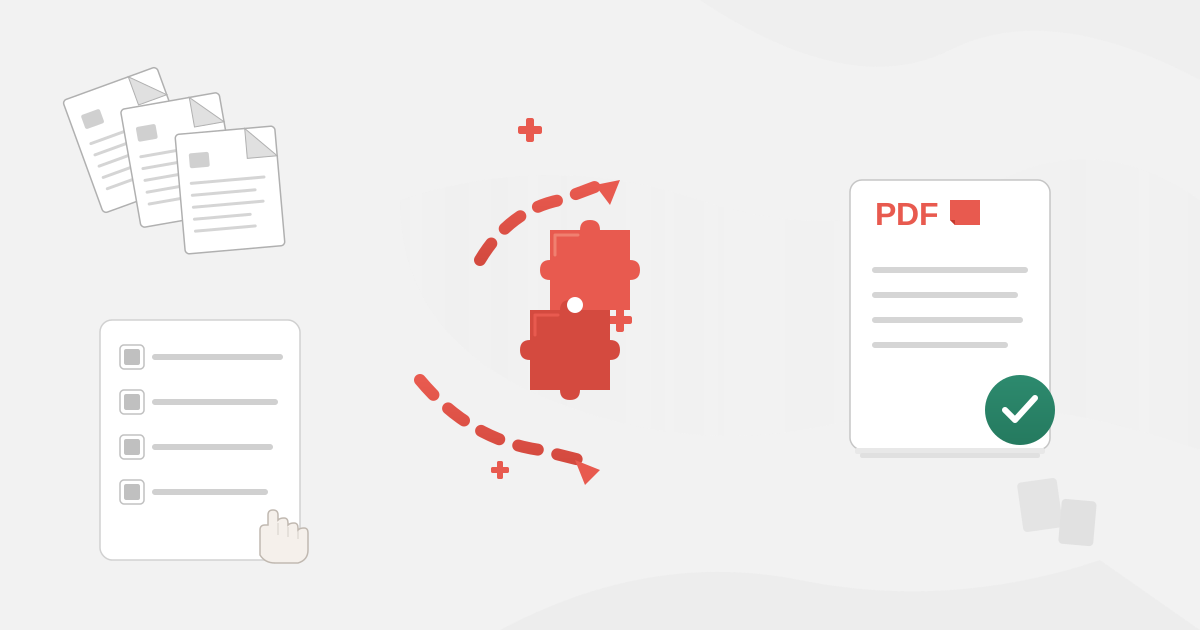
Are you drowning in a sea of separate PDF files? A report split into ten parts, a portfolio scattered across multiple documents, or application forms that need to be submitted as a single file? Juggling individual PDFs is inefficient, confusing, and increases the risk of sending an incomplete document. The solution is simple and powerful: a PDF merger.
But a quick search reveals dozens of options, all claiming to be the best. How do you choose? Which tools are genuinely free, which ones respect your privacy, and which ones will deliver a high-quality, professional result without watermarks or hidden costs?
This is your comprehensive 2026 guide to the best free PDF merger tools. We've done the heavy lifting, testing, and analysis to help you find the perfect tool for your needs—whether you prioritize speed, features, or, most importantly, security. Let's combine those files and streamline your workflow.
Why a PDF Merger is an Essential Tool
Before we dive into the comparisons, let's quickly cover why a PDF combiner is a non-negotiable tool for students, professionals, and anyone who handles digital documents. Its benefits go far beyond just tidying up your desktop:
- Streamlined Document Management: Combine invoices, reports, and research papers into a single, organized file. No more searching for 'Part 2' or 'Appendix A'.
- Professional Presentations: Compile project proposals, case studies, or portfolios into one cohesive document that's easy to share and review.
- Simplified Submissions: Many academic, legal, and government portals require submissions as a single PDF. A merger makes this process effortless.
- Efficient Archiving: Storing a single, comprehensive document is much easier and safer than archiving a folder full of disconnected files.
- Reduced Clutter: A single file is easier to name, track, and share via email or cloud services, reducing the chance of errors.
Our Criteria: What Makes a GREAT Free PDF Merger in 2026?
Not all free tools are created equal. To provide a fair and thorough comparison, we evaluated each PDF merger based on a set of crucial criteria that matter most to users today.
1. Ease of Use
Is the interface clean and intuitive? Can you easily upload, reorder, and merge files without a steep learning curve? A great tool should feature a simple drag-and-drop system that works seamlessly.
2. Security and Privacy
This is our top priority at Practical Web Tools. Where do your files go? How long are they stored on the server? We look for tools with clear privacy policies, automatic file deletion, and secure (HTTPS) connections. Using a tool that sells your data or leaves your sensitive documents vulnerable is not an option.
3. Features and Flexibility
Does the tool only merge files, or does it offer more? The ability to reorder, rotate, or even delete specific pages before merging is a huge plus. We also check for any advanced features that set a tool apart.
4. File Limits (Number and Size)
"Free" often comes with limitations. We investigate the restrictions on the free tier, such as how many PDFs you can merge at once, the maximum number of files, and the total upload size (in MB).
5. Output Quality and Watermarks
Does the final merged document retain the original quality, formatting, and resolution? Crucially, does the tool add a distracting watermark to your final PDF? A truly free tool shouldn't brand your important documents.
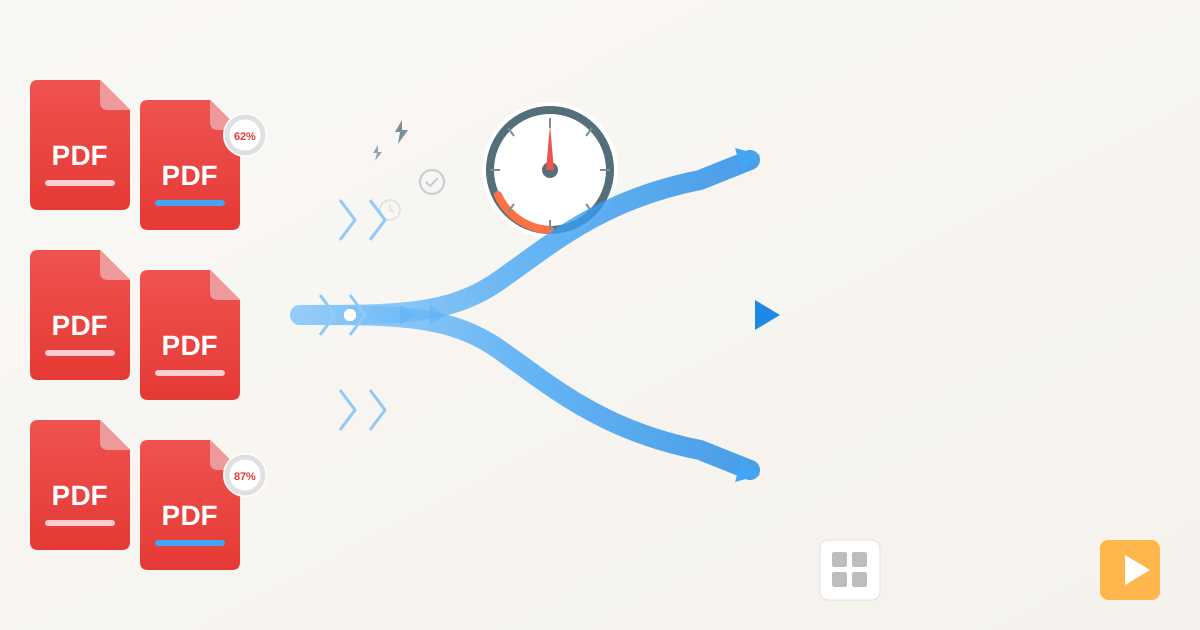
6. Performance and Speed
How quickly does the tool process your files? While this depends on file size and internet connection, some tools are demonstrably faster and more efficient than others.
The Best Free PDF Merger Tools: A Head-to-Head Comparison
Here’s our breakdown of the top contenders for 2026, analyzed based on the criteria above.
1. Practical Web Tools' PDF Merger
Best for: Privacy-conscious users who need a fast, simple, and secure tool without any strings attached.
Our own Merge PDFs tool was designed with a core philosophy: provide a powerful, free utility that puts user privacy first. There are no sign-ups, no tracking, and no need to worry about what happens to your data. Your files are processed securely and automatically deleted from our servers within an hour.
- Ease of Use: The interface is incredibly straightforward. A large drag-and-drop area lets you add your files, which then appear as thumbnails. You can easily drag them into the correct order before hitting the 'Merge' button.
- Security & Privacy: This is where we shine. All transfers are protected with SSL encryption. We have a crystal-clear privacy policy stating that we do not access, share, or store your files long-term. They are purged automatically.
- Features: It focuses on doing one job perfectly: merging. You can upload multiple files and reorder them with ease. It's built for speed and simplicity.
- Limits: The tool is designed for generous use cases without frustrating limits that force you to upgrade.
- Output Quality: Perfect. The merged PDF maintains the exact quality and formatting of the source documents without adding any watermarks.
2. iLovePDF
Best for: Users who need a full suite of PDF tools and don't mind usage limits.
iLovePDF is one of the most popular online PDF toolkits, and for good reason. It has a polished interface and a vast array of features beyond just merging. However, its free version comes with some significant limitations.
- Ease of Use: Excellent. The drag-and-drop interface is clean, and reordering pages is intuitive.
- Security & Privacy: iLovePDF states that files are automatically deleted from their servers after two hours, which is a solid policy.
- Features: The free tier allows you to merge PDFs and provides access to many other tools like splitting, compressing, and converting. The sheer number of options is impressive.
- Limits: This is the main drawback. The free version limits the number of files you can merge at once and the number of tasks you can perform per hour. Heavy users will quickly hit a paywall.
- Output Quality: High quality with no watermarks, which is a major pro.
3. Smallpdf
Best for: Occasional users who appreciate a beautiful interface and a wide range of functions.
Smallpdf is another industry giant with a sleek design and a user-friendly experience. It functions very similarly to iLovePDF, offering a comprehensive suite of tools but gating frequent usage behind a subscription.
- Ease of Use: Top-tier. The platform is a joy to use, with clear instructions and a smooth workflow.
- Security & Privacy: Like its competitors, Smallpdf uses SSL encryption and deletes files from its servers after one hour.
- Features: It offers merging, reordering, and a host of other PDF manipulations. The integration between its tools is seamless.
- Limits: The free plan is quite restrictive, allowing only one or two free tasks per day. This makes it unsuitable for anyone needing to merge documents regularly.
- Output Quality: Excellent, with no watermarks on the final document.
4. PDF24 Tools
Best for: Users who need a wide range of features without daily usage limits.
PDF24 is a powerful and surprisingly generous suite of tools. It's less commercially aggressive than its main competitors and offers most of its functionality without strict limitations, making it a favorite for many.
- Ease of Use: The interface is functional but can feel a bit more cluttered and less modern than Smallpdf or iLovePDF. However, it's still easy to figure out.
- Security & Privacy: PDF24 takes privacy seriously, with a clear policy and automatic file deletion from their German-based servers.
- Features: It offers a huge number of PDF tools for free, including merging with page reordering. You can even switch to a page-by-page mode for more granular control.
- Limits: PDF24 is exceptionally generous. There are no frustrating daily task limits, which is its biggest advantage over the competition.
- Output Quality: Great quality and no watermarks.
5. Adobe Acrobat Online
Best for: Users who trust the Adobe ecosystem and only need to merge files occasionally.
As the creators of the PDF format, Adobe offers a free online merger tool that is reliable and high-quality. Naturally, it serves as an entry point to their paid Acrobat Pro subscription, so expect some limitations and upselling.
- Ease of Use: Simple and effective. The interface is clean and adheres to Adobe's high design standards.
- Security & Privacy: Coming from Adobe, you can expect a high level of security. However, you'll likely need to sign in with a free Adobe account, which involves data collection as per their privacy policy.
- Features: The tool allows you to merge and reorder files. It also integrates with Adobe's cloud storage.
- Limits: The free version is limited. You can merge files, but more advanced editing often requires a subscription. Sign-in is typically required for downloading the final file.
- Output Quality: As expected from Adobe, the output quality is flawless.
Comparison at a Glance: Best Free PDF Mergers 2026
| Feature | Practical Web Tools | iLovePDF | Smallpdf | PDF24 Tools | Adobe Acrobat Online |
|---|---|---|---|---|---|
| Best For | Privacy & Simplicity | All-in-One Suite (Limited Use) | Polished UI (Occasional Use) | Feature-Rich & Generous | Adobe Ecosystem Users |
| Privacy Policy | Excellent (No Sign-up, Auto-Delete) | Good (Auto-Delete in 2 hours) | Good (Auto-Delete in 1 hour) | Excellent (EU-based) | Good (Sign-in Required) |
| Free Tier Limits | Generous | Limited Tasks per Hour | Very Limited (1-2 Tasks/Day) | Very Generous | Limited (Sign-in Required) |
| Watermarks | No | No | No | No | No |
| Ease of Use | ★★★★★ | ★★★★★ | ★★★★★ | ★★★★☆ | ★★★★☆ |
How to Merge PDF Files in 3 Simple Steps
Ready to combine your documents? Using a secure tool like ours is incredibly easy. Here’s how you can get a perfectly merged PDF in under a minute.
Step 1: Select and Upload Your Files
Navigate to the Practical Web Tools PDF Merger. You can either click the 'Select PDF files' button to browse your computer or simply drag and drop your PDFs directly onto the page.
Step 2: Arrange Your PDFs in the Correct Order
Once uploaded, you'll see a preview of each file. Is the introduction not at the beginning? No problem. Simply click and drag the file thumbnails to reorder them into the sequence you need. This visual editor ensures your final document flows correctly.
Step 3: Merge and Download
Once you're happy with the order, click the 'Merge' button. Our tool will instantly combine the files into a single, new PDF. A download link will appear immediately. Click it, and your merged document is ready to be used, shared, or archived.
It's that simple! And remember, once you have your merged document, you might need to perform other actions. Our suite of tools can help you split a PDF if you need to extract sections later, or even add a signature to finalize a contract or agreement.
The Verdict: Which PDF Merger Should You Choose?
After a thorough review, it's clear that the 'best' tool depends entirely on your needs.
-
If you're an occasional user who values a beautiful interface and needs a wide range of tools, Smallpdf or iLovePDF are excellent, as long as you stay within their strict daily limits.
-
If you're a power user who needs to perform many PDF tasks without hitting a paywall, PDF24 Tools is the most generous and feature-rich free option available.
-
However, if your priority is uncompromising privacy, speed, and simplicity, then Practical Web Tools' PDF Merger is the ideal choice. We offer a no-nonsense, secure solution that gets the job done quickly without forcing you to sign up, watch ads, or worry about what happens to your sensitive data.
In a world where data privacy is more important than ever, choosing a tool that respects your information is crucial. We built our tools to be the solution we wanted for ourselves: free, effective, and completely private.
Ready to get organized? Combine your PDFs the safe and easy way.