Remove Image Backgrounds Free: The Ultimate Browser Guide

Your Search for a Free Background Remover Ends Here
Ever found the perfect photo, only to be frustrated by a cluttered or distracting background? Whether you're a small business owner creating clean product shots, a marketer designing a snappy social media post, or just someone looking to make a professional-looking profile picture, the need to isolate a subject from its background is incredibly common. For years, this task was the exclusive domain of complex, expensive software like Adobe Photoshop, requiring technical skill and hours of tedious work with tools like the pen or magic wand.
Those days are over. Today, powerful AI-driven tools can remove an image background with a single click, directly in your web browser—for free. No downloads, no subscriptions, and no steep learning curve.
This comprehensive guide will walk you through everything you need to know about removing image backgrounds online. We'll explore why it's so useful, how the technology works, and provide a step-by-step tutorial using a free, privacy-focused tool. Get ready to transform your images and streamline your creative workflow.
Why Remove Image Backgrounds? Common Use Cases
Removing the background from an image, creating what's often called a "cutout" or a transparent PNG, is a foundational skill in digital design. It unlocks a world of creative possibilities. Here are some of the most popular reasons people need a clean, background-free image:
E-commerce and Product Photography
A clean, consistent look is crucial for online stores. Removing the background from product photos and placing them on a pure white or uniform-colored canvas has several advantages:
- Focus on the Product: It eliminates distractions, making the product the hero of the image.
- Professionalism: It creates a sleek, professional aesthetic across your entire product catalog.
- Marketplace Compliance: Major platforms like Amazon, eBay, and Google Shopping often require product images to have a pure white background.
Marketing and Social Media
Graphic designers and marketers constantly need to blend images into new compositions. A transparent image is a versatile asset for:
- Website Banners: Place people or products onto branded graphics and calls-to-action.
- Social Media Posts: Create eye-catching posts for Instagram, Facebook, and Twitter by layering subjects over different textures, colors, and scenes.
- Advertisements: Design compelling digital ads by combining multiple visual elements without clashing backgrounds.
Professional and Personal Branding
First impressions matter. A clean headshot or profile picture can significantly enhance your professional appearance.
- LinkedIn Profiles: Replace a busy office or home background with a simple, solid color or a subtle professional texture.
- Company Websites: Ensure all employee headshots on an "About Us" page have a uniform look and feel.
- Email Signatures & Resumes: Add a professional touch with a clean, cutout profile picture.
Creative Projects
Beyond the corporate world, background removal is a gateway to fun and creativity:
- Photo Collages: Combine pictures of friends and family from different photos into a single image.
- Custom Designs: Create personalized t-shirts, mugs, and greeting cards.
- Memes and Fun Edits: Let your imagination run wild by placing subjects in humorous or fantastical new settings.
The Old Way vs. The New: Desktop Software vs. Browser Tools
Traditionally, background removal meant firing up a resource-heavy desktop application like Photoshop or GIMP.
The Traditional Method (Desktop Software):
- High Cost: Software like Photoshop requires a recurring subscription fee.
- Steep Learning Curve: Mastering tools like the Pen Tool for precise selections can take months of practice.
- Time-Consuming: Manually tracing a complex subject, especially one with hair or fur, could take anywhere from minutes to hours.
- Powerful but Complex: While offering ultimate control, the sheer number of tools and options can be overwhelming for a simple task.
The Modern Method (In-Browser Tools): Modern background removers leverage artificial intelligence to automate the entire process.
- Free and Accessible: Most browser-based tools are free for standard use.
- Zero Learning Curve: The process is typically as simple as uploading an image and clicking a button.
- Instantaneous Results: AI algorithms analyze and process the image in seconds.
- Privacy-Focused (Sometimes): The best tools, like those on Practical Web Tools, process your images directly in your browser, meaning your photos are never uploaded to a server.
How to Remove a Background Instantly with Practical Web Tools
Ready to see the magic for yourself? We'll use our own free and secure Background Remover tool to demonstrate how simple the process is. It's powered by modern AI and runs entirely on your device, ensuring your images remain completely private.
Step 1: Navigate to the Background Remover Tool
Open your web browser and go to the Practical Web Tools Background Remover. You'll see a simple interface with a clear area to upload your image.
Step 2: Select or Drag & Drop Your Image
Click the "Choose File" button to browse your computer for the image you want to edit, or simply drag the image file from a folder directly onto the designated area on the page. The tool supports common formats like JPG, PNG, and WebP.
Pro-Tip: If you're starting with a photo from a modern iPhone, it might be in the HEIC format. For best results, you can quickly convert it to a more universal format using a free HEIC to JPG converter before you begin.
Step 3: Let the AI Work Its Magic
This is the best part. As soon as your image is loaded, the tool's AI gets to work. There are no settings to adjust or lines to draw. The algorithm instantly analyzes the photo, identifies the primary subject (whether it's a person, an animal, or an object), and intelligently separates it from the background. The entire process happens in just a few seconds, right before your eyes.
Step 4: Download Your Transparent Image
The tool will present you with a preview of your image with the background removed, typically shown against a checkerboard pattern which signifies transparency. If you're happy with the result, simply click the "Download" button. Your new image will be saved to your computer as a PNG file. The PNG format is essential because, unlike JPG, it supports transparency, preserving the background-free effect.
Tips for Achieving the Perfect Cutout
While AI is incredibly powerful, you can help it produce even better results by starting with a good source image. Here are a few tips to keep in mind:
- Use High-Resolution Images: A clearer, larger image provides the AI with more data to work with, resulting in cleaner edges and better detail.
- Ensure Good Contrast: The AI works best when the subject is clearly distinct from its background. An image of a dark-haired person against a light-colored wall will almost always produce a better result than a person standing in front of a busy, similarly-colored bookshelf.
- Mind the Focus: A sharp, in-focus subject is easier for the AI to identify. Blurry or out-of-focus images can sometimes confuse the algorithm, leading to less precise edges.
- Complex Edges (Hair & Fur): Fine details like hair, fur, and semi-transparent objects are the ultimate test for any background removal tool. Modern AI has become remarkably good at handling these, but starting with a well-lit photo where these details don't blend into the background will always yield a superior cutout.
The Critical Importance of Privacy
When you use an online tool, it's natural to wonder: "What happens to my photos?" This is where not all free tools are created equal.
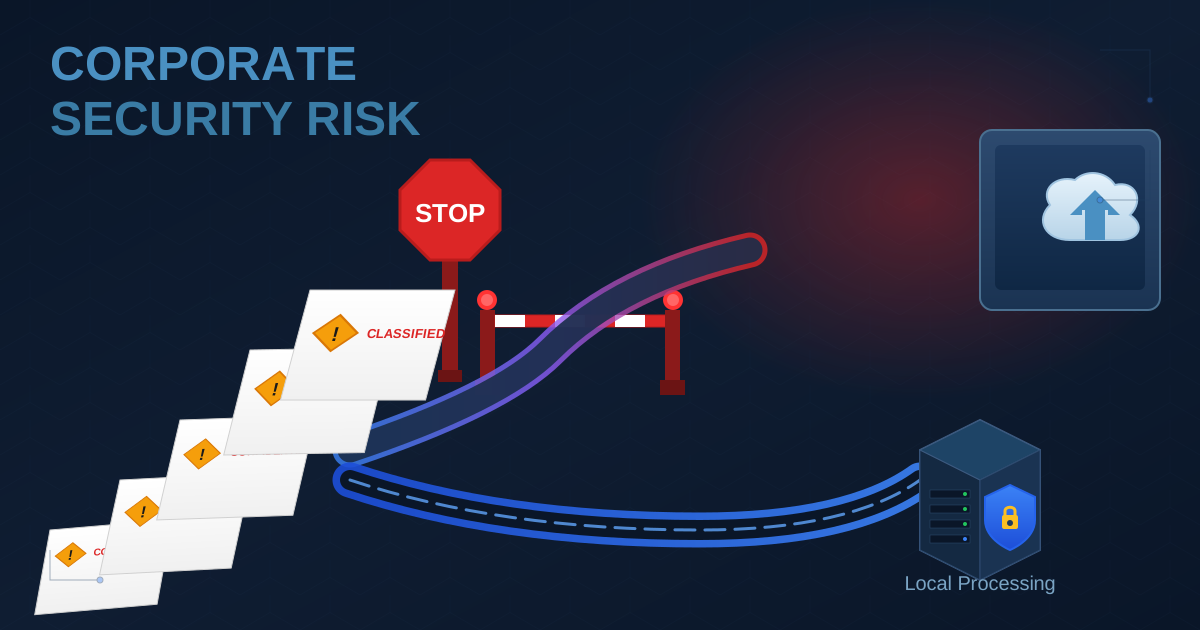
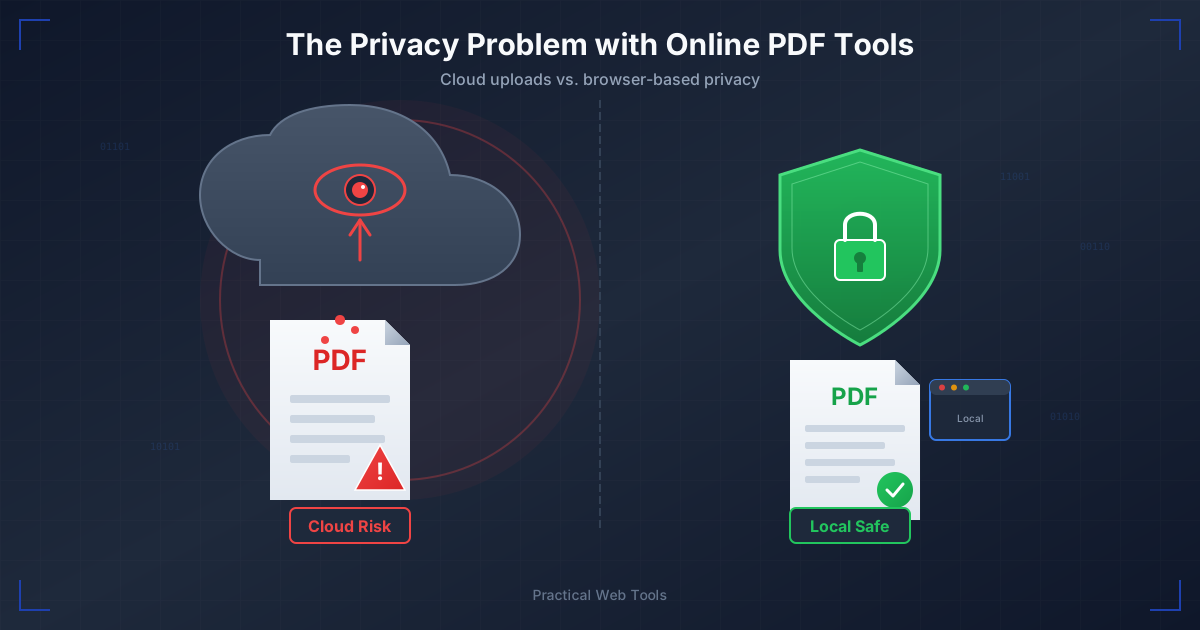
Many online background removers require you to upload your image to their servers. The processing happens remotely, and your file is stored, at least temporarily, on a third-party computer. This can pose a significant privacy risk, especially if you're working with sensitive images like personal photos or confidential company products.
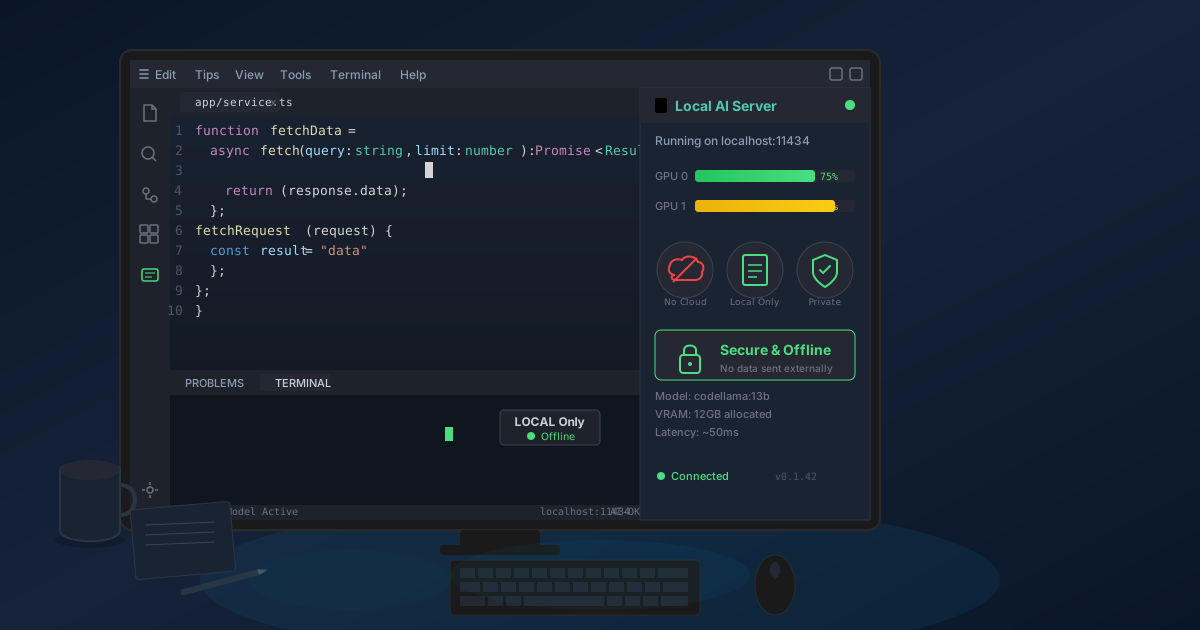
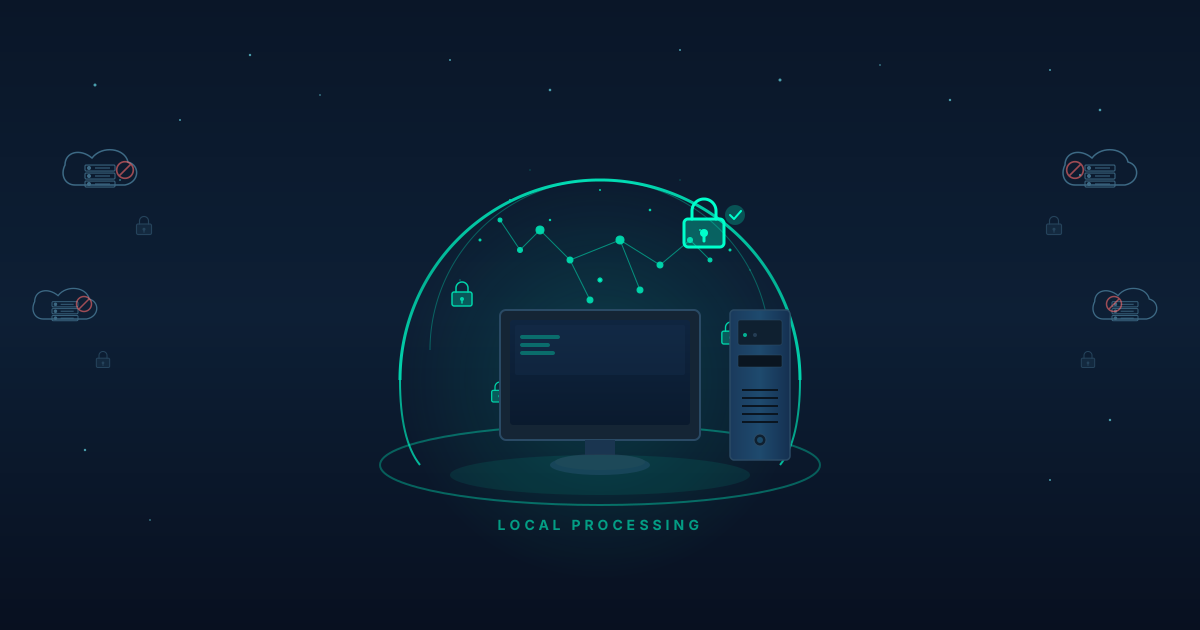
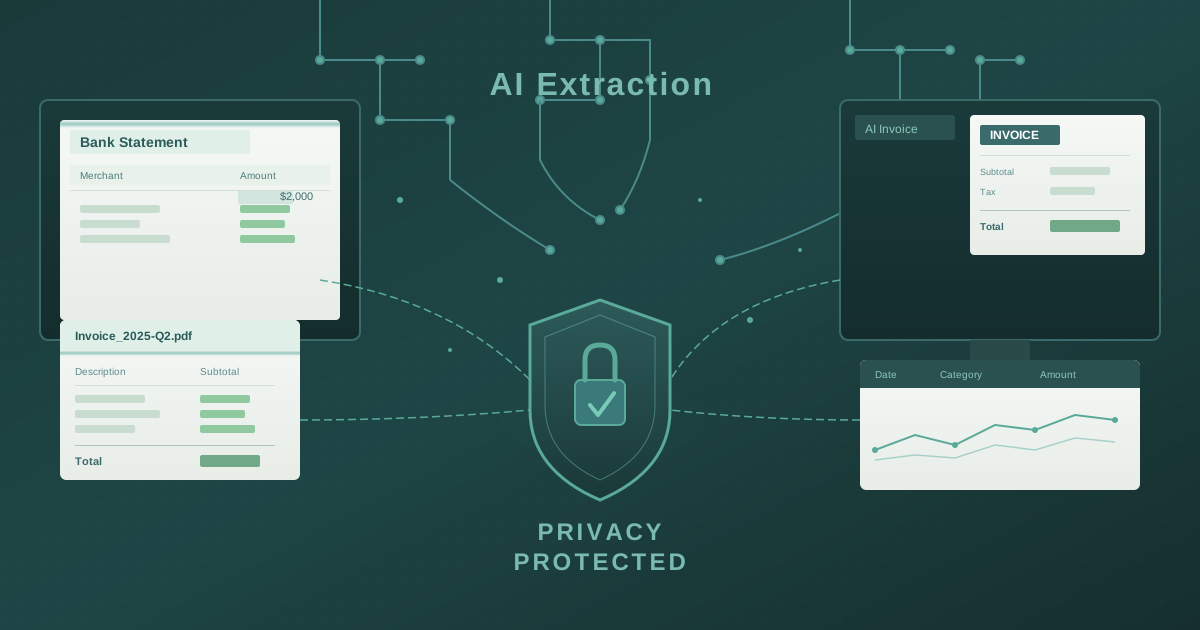
At Practical Web Tools, we believe in a privacy-first approach. Our tools, including the Background Remover, are built to run entirely within your browser (this is called "client-side" processing).
Your images are never uploaded to our servers. They never leave your device.
This means you get the convenience of an online tool with the security of desktop software. You can edit any image with the peace of mind that your data remains 100% private and under your control.
What to Do With Your New Transparent Image
Once you've downloaded your transparent PNG, you're ready to use it! You can now import this file into virtually any design program or document editor.
- Layer it in Canva or Adobe Express: Add your cutout to social media templates, presentation slides, or marketing banners.
- Use it in Google Slides or PowerPoint: Make your presentations more dynamic by placing subjects directly onto your slides without a clunky white box around them.
- Create a New Composite: Open your PNG in an image editor, add a new layer underneath it, and you can place your subject in a whole new environment.
- Convert It for Web Use: The PNG format is perfect for transparency, but the file sizes can be large. If you place your cutout onto a new solid background and want to optimize it for a website, you may need to convert the final image. A tool like a JPG to PNG converter can be helpful when you need to switch between formats for different use cases.
Conclusion: Create Freely and Privately
The ability to remove an image background is no longer a skill reserved for professional graphic designers with expensive software. Thanks to free, AI-powered browser-based tools, anyone can achieve clean, professional-looking results in a matter of seconds.
By prioritizing tools that operate directly in your browser, you can enjoy the speed and convenience of online editing without compromising your privacy. You get to focus on your creative vision, not on technical hurdles or data security concerns.
Ready to elevate your images? Give the Practical Web Tools Background Remover a try today and experience the power of instant, private, and effortless editing.