JSON Formatter: The Ultimate Guide to Validate & Prettify Code

Have you ever stared at a wall of text from an API response, a single, unbroken line of brackets, quotes, and colons, and felt a headache coming on? Or perhaps you've spent hours debugging a script, only to find the culprit was a single misplaced comma in a configuration file. If you work with web technologies, you've undoubtedly encountered JSON, and you know it can be both incredibly powerful and notoriously frustrating.
JSON (JavaScript Object Notation) is the backbone of modern data exchange on the web. It’s how servers talk to browsers, how applications store settings, and how different services share information. But in its raw, unformatted state, it can be a developer's nightmare. This is where a JSON formatter, validator, and prettifier becomes an indispensable tool. In this comprehensive guide, we'll dive deep into what these tools are, why they are essential for any developer's toolkit, and how you can use them to write cleaner, error-free code.
What is JSON and Why is it Everywhere?
Before we can fix messy JSON, let's quickly recap what it is. JSON is a lightweight, text-based format for data interchange. It was derived from JavaScript, but it's language-independent, meaning it can be used by virtually any programming language.
Its structure is built on two simple concepts:
- Key-Value Pairs: Data is organized in pairs, where a "key" (always a string in double-quotes) is followed by a "value". This is called an "object".
- Ordered Lists: Data can be a sorted list of values, called an "array".
Here’s a simple example of a JSON object representing a user:
{
  "userId": 12345,
  "username": "webdev_wizard",
  "isActive": true,
  "roles": ["editor", "contributor"],
  "lastLogin": null
}
Its human-readable syntax and simple structure have made it the de facto standard for APIs (Application Programming Interfaces), configuration files (like package.json in Node.js projects), and countless other applications where structured data needs to be stored or transmitted.
The Problem with Raw JSON
The simplicity of JSON is one of its greatest strengths, but it comes with strict syntax rules. When generated by a machine or compressed for network efficiency, JSON often looks like this:
{"userId":12345,"username":"webdev_wizard","isActive":true,"roles":["editor","contributor"],"lastLogin":null}
This is called minified JSON. While it's great for computers—it reduces file size and saves bandwidth—it's nearly impossible for a human to read, understand, or debug. Trying to find a specific value or trace the structure of the data in that single line is an exercise in frustration.
Even worse is invalid JSON. A tiny mistake can render the entire data structure unusable. Common errors include:
- Trailing commas:
{"key": "value",}(the comma after the last item is invalid). - Single quotes:
{'key': 'value'}(keys and string values must use double quotes). - Unquoted keys:
{key: "value"}(keys must be quoted strings). - Missing brackets or braces: An unclosed
{or[.
These errors will cause parsers to fail, applications to crash, and developers to lose valuable time hunting down simple syntax mistakes.
Enter the JSON Formatter: Your Digital Organizer
A JSON formatter is a tool that solves these problems by performing two primary functions: validation and prettifying.
What is JSON Validation?
Validation is the process of checking your JSON data against the official JSON syntax rules. A JSON validator acts like a strict proofreader for your code. It scans the entire structure and instantly tells you if it's valid or not.
Why it's crucial:
- Ensures Data Integrity: Guarantees that the data you're sending or receiving is structured correctly and can be parsed by the receiving application.
- Prevents Runtime Errors: Invalid JSON will cause parsing errors in JavaScript (
JSON.parse()), Python (json.load()), and other languages. Validating beforehand catches these issues early. - Saves Debugging Time: A good validator doesn't just say "error"; it points you to the exact line and character where the syntax is wrong, turning a potential hour-long headache into a 10-second fix.
What is JSON Prettifying?
Prettifying, also known as formatting or beautifying, is the process of taking a valid JSON string (often a minified one) and transforming it into a clean, human-readable format. It does this by adding:
- Line Breaks: Each key-value pair and array element gets its own line.
- Indentation: Nested objects and arrays are indented to visually represent the data hierarchy.
- Consistent Spacing: Ensures proper spacing around colons and commas.
Let's take our minified example from before and see what it looks like after being prettified:
Before (Minified):
{"userId":12345,"username":"webdev_wizard","isActive":true,"roles":["editor","contributor"],"lastLogin":null}
After (Prettified):
{
  "userId": 12345,
  "username": "webdev_wizard",
  "isActive": true,
  "roles": [
    "editor",
    "contributor"
  ],
  "lastLogin": null
}
The difference is night and day. The structure is immediately clear, making it easy to read, understand, and modify.
How to Use an Online JSON Formatter & Validator
While many code editors have built-in formatters, online tools are incredibly convenient for quick checks, sharing snippets with colleagues, or when you're working on a machine without your usual developer setup. At Practical Web Tools, we believe in simple, privacy-focused utilities that get the job done.
Here’s a step-by-step guide on how to use a typical online JSON formatter:
- Find a Reliable Tool: Navigate to a trusted online JSON formatter. Look for one that explicitly states it processes data in your browser for privacy.
- Paste Your JSON Data: Copy your raw, minified, or potentially broken JSON code and paste it into the input text area.
- Click “Format” or “Validate”: Press the primary action button. The tool will instantly process your input.
- Review the Output:
- If your JSON is valid: You will see the beautifully formatted, prettified version in the output area. You can now easily read it or copy it for your needs.
- If your JSON is invalid: The tool will display a clear error message. A good validator will tell you what the error is (e.g., "Invalid comma") and highlight the specific line number where the error occurred.
- Fix and Repeat: Use the error message to fix the syntax in the input area and click the format button again. Repeat until your JSON is valid and properly formatted.
Advanced JSON Handling Techniques
Once you've mastered the basics of formatting and validation, you can explore more advanced ways to handle JSON data efficiently.
Minification: The Opposite of Prettifying
We've talked about how minified JSON is hard for humans to read, but it's the preferred format for machines. Minification is the process of removing all non-essential characters—like spaces, line breaks, and indentation—from the JSON file. This can significantly reduce the file size.
When to use it: Always use minified JSON when sending data over a network in a production environment. This reduces bandwidth usage and can lead to faster API response times and quicker page loads.
Working with Large JSON Files
When dealing with very large JSON files (megabytes or even gigabytes), simply pasting them into a browser tool might not be feasible. Large data dumps, logs, or datasets often require special handling.
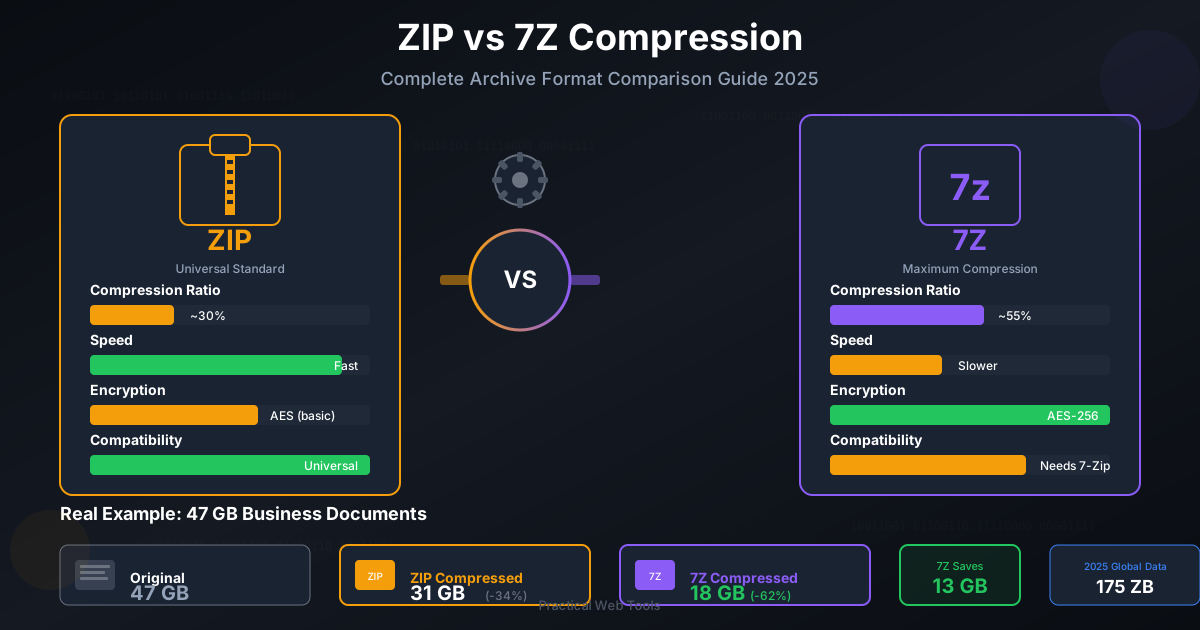
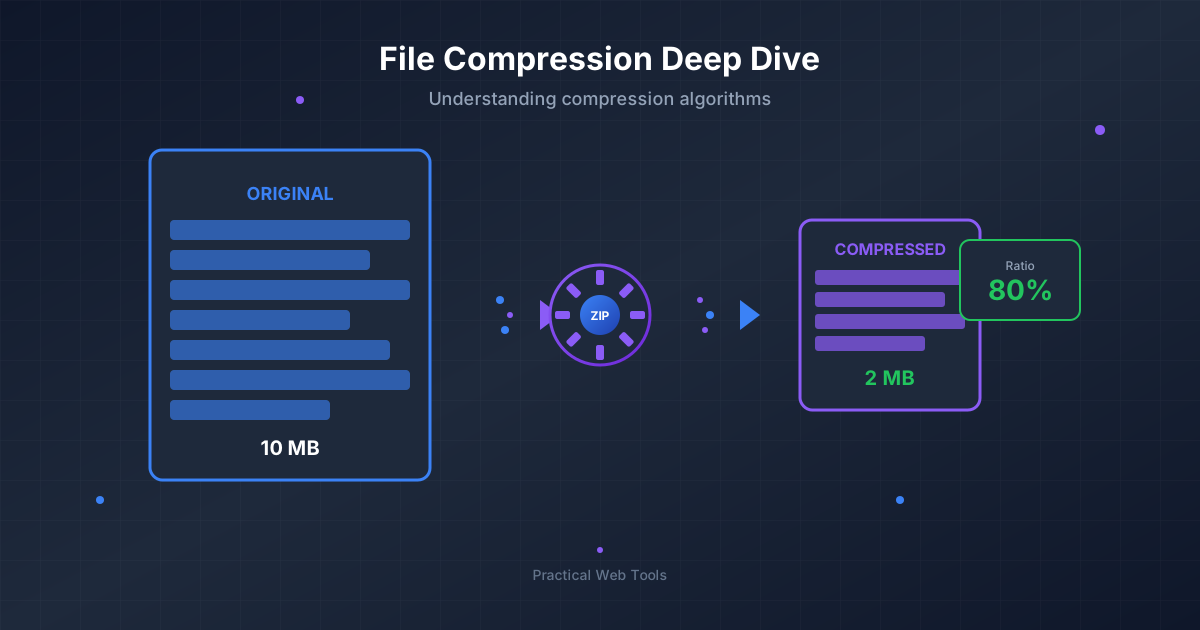
When you need to transfer these large files, compression is your best friend. Before sending a large data.json file, you should Compress Files into a ZIP or 7Z archive. This simple step can reduce the file size by up to 90%, making uploads, downloads, and email attachments much faster. Once received, the recipient can just as easily use a tool to Decompress Files to get the original JSON back.
JSON vs. Other Data Formats
JSON isn't the only data format out there. XML and YAML are two other popular alternatives. Here's a quick comparison to help you understand where JSON fits in.
| Feature | JSON | XML | YAML |
|---|---|---|---|
| Readability | Good, clean syntax | Okay, but verbose with closing tags | Excellent, designed for readability |
| Syntax | Strict (braces, brackets, double quotes) | Tag-based <tag>value</tag> |
Indentation-based, minimal characters |
| Data Types | Supports String, Number, Boolean, Array, Object, Null | No built-in types (everything is a string) | Rich types (dates, multi-line strings) |
| Common Use | Web APIs, mobile apps, modern applications | Legacy systems, SOAP, document markup | Configuration files, DevOps (Ansible) |
JSON's balance of readability and machine-friendliness has made it the dominant choice for web-based data exchange.
Integrating JSON Formatting into Your Daily Workflow
To become truly efficient, you should integrate JSON handling directly into your development workflow. Here are a few ways to do that:
- Code Editors (VS Code, Sublime Text, etc.): Nearly every modern code editor has extensions that provide on-the-fly JSON validation and formatting. The popular "Prettier" extension, for example, can automatically format your JSON files every time you save them.
- Command-Line Tools: For power users and automation scripts, command-line tools are invaluable.
jqis a lightweight and flexible command-line JSON processor. You can use it to prettify, parse, and query JSON data right from your terminal. A simplejq . yourfile.jsonwill print a colorized, prettified version of the file. - Browser Developer Tools: Your web browser already has a built-in JSON prettifier! When you inspect a network request in the Developer Tools (usually F12), if the response from the server is JSON, the browser will automatically format it in the "Response" or "Preview" tab for easy inspection.
For projects that involve multiple teams or different operating systems, standardizing on a portable archive format is key. When sharing project assets that include JSON configurations, you might need to convert between formats. For example, a Linux-based server environment might prefer TAR archives, so being able to quickly convert a ZIP to TAR can be a lifesaver.
Conclusion: Write Clean Code, Build Better Apps
Working with data is at the heart of modern software development, and JSON is the language that data most often speaks. But like any language, it needs proper grammar and structure to be understood. A JSON formatter and validator is no longer a luxury—it's a fundamental tool for writing clean, efficient, and error-free code.
By taking a moment to validate and prettify your JSON, you save yourself countless minutes (or hours) of debugging, improve collaboration with your team, and ensure your applications are robust and reliable. Whether you use an online tool for a quick fix or integrate a formatter into your code editor for constant support, embracing these practices will make you a more effective and professional developer.
Ready to streamline your workflow? Explore the suite of free, privacy-focused developer and file management tools at Practical Web Tools to handle all your daily tasks with ease.