The Ultimate Guide to Using a Meta Tag Generator for SEO

In the bustling world of SEO, every detail matters. You spend hours crafting compelling content, building quality backlinks, and optimizing site speed. But what about the very first thing Google sees and shows to users? We're talking about meta tags.
These small snippets of code are your website's digital handshake with search engines and its elevator pitch to potential visitors. Crafting them perfectly for every single page can be a tedious and error-prone task. What if there was a way to streamline the process, ensure accuracy, and save precious time? Enter the meta tag generator.
This comprehensive guide will demystify these powerful SEO tools. We'll explore what they are, how to use them effectively, and how to go beyond the basics to truly master your on-page SEO and climb the search rankings.
What Are Meta Tags and Why Are They Crucial for SEO?
Think of meta tags as the 'behind-the-scenes' information for your web pages. While visitors don't see them directly on the page, search engines like Google read them to understand your content's context and relevance. They are placed within the <head> section of your HTML code and play a pivotal role in how your site is displayed on Search Engine Results Pages (SERPs).
While dozens of meta tags have existed over the years, only a select few are critical for modern SEO. Let's break down the most important ones.
Title Tag: The First Impression
The title tag (<title>) is arguably the most important on-page SEO element. It's the clickable headline that appears in SERPs and the text that shows up in the browser tab.
- Purpose: To tell both users and search engines what the page is about in a concise way.
- Impact: A strong title tag entices users to click, directly impacting your click-through rate (CTR), which is a significant ranking factor.
- Best Practices:
- Length: Keep it between 50-60 characters to avoid it being cut off in search results.
- Keywords: Include your primary target keyword, preferably near the beginning.
- Branding: Consider adding your brand name at the end (e.g., 'Topic - Brand Name').
- Uniqueness: Every page on your site must have a unique title tag.
Meta Description: The SERP Sales Pitch
The meta description is the short paragraph of text that appears under your title tag in search results. While not a direct ranking factor, it heavily influences whether a user clicks on your link.
- Purpose: To summarize the page's content and persuade the user that your page is the best answer to their query.
- Impact: A compelling meta description dramatically improves CTR, sending positive signals to Google about your page's relevance.
- Best Practices:
- Length: Aim for 150-160 characters. Any longer and it will likely be truncated.
- Compelling Copy: Use action verbs and address the user's needs. Think of it as ad copy for your content.
- Keywords: Include your target keyword naturally.
- Uniqueness: Like title tags, every page needs a unique meta description.
Meta Robots Tag: The Traffic Controller
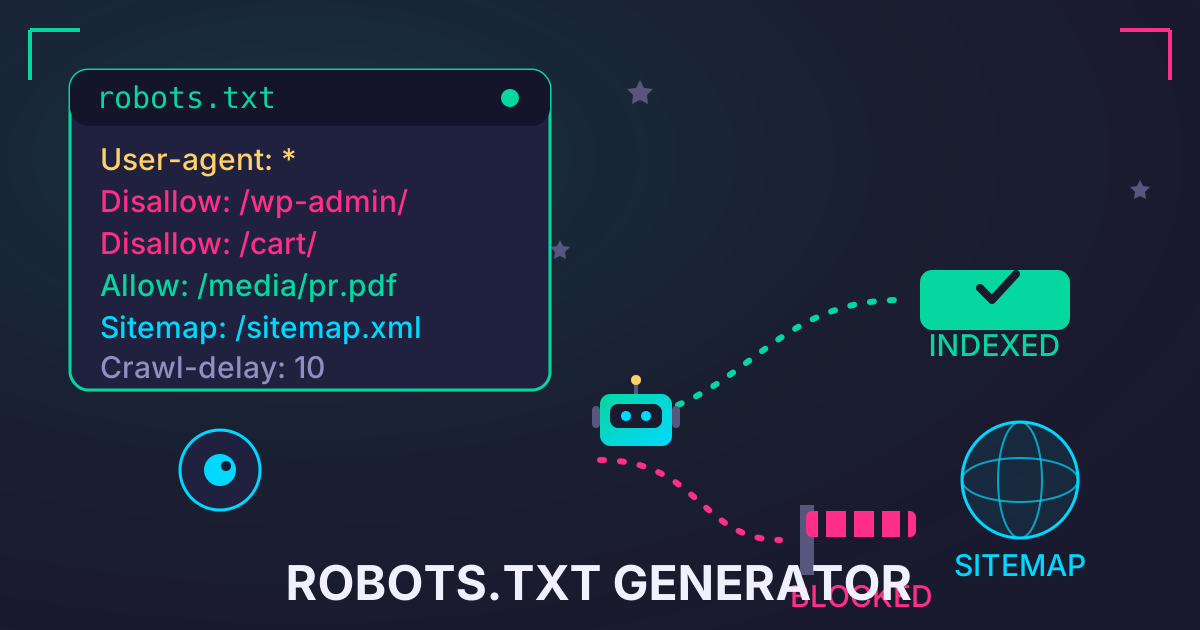
The meta robots tag gives search engines specific instructions on how to crawl and index your page's content. It's a powerful tool for controlling how your site appears in search results.
- Purpose: To guide search engine crawlers.
- Directives: Common directives include:
index: Allows search engines to index the page (this is the default).noindex: Prevents search engines from indexing the page.follow: Allows the crawler to follow links on the page.nofollow: Prevents the crawler from following links on the page.
Viewport Tag: The Mobile-First Essential
In today's mobile-first world, the viewport meta tag is non-negotiable. It tells the browser how to control the page's dimensions and scaling to fit the device's screen size.
- Purpose: To ensure your website is displayed correctly and is user-friendly on all devices, from desktops to smartphones.
- Impact: Google uses mobile-friendliness as a key ranking signal. Without a proper viewport tag, your site will likely fail the test and see its mobile rankings suffer.
The Rise of the Meta Tag Generator: Your SEO Shortcut
A meta tag generator is an online tool that automates the creation of HTML meta tags. Instead of manually writing code and risking syntax errors, you simply fill in a few fields (like your title, description, and keywords), and the tool generates the perfectly formatted HTML code for you to copy and paste into your website's <head> section.
Benefits of Using a Meta Tag Generator
- Time-Saving: The most obvious benefit is speed. Generating tags for dozens or hundreds of pages becomes a quick and simple task.
- Accuracy: Generators eliminate the risk of human error. Typos or incorrect formatting in your code can cause tags to be ignored by search engines.
- Optimization: Many generators include built-in character counters for titles and descriptions, helping you stay within the optimal length limits.
- Comprehensiveness: They often include options for less common but still useful tags, ensuring you have a complete set of metadata for your pages.
How to Use a Meta Tag Generator: A Step-by-Step Guide
Using a meta tag generator is incredibly straightforward. Here’s a typical workflow you can follow:
- Step 1: Find a Reliable Generator: Search for a free online meta tag generator. Look for one with a clean interface that supports the essential tags (Title, Description, Robots, Viewport).
- Step 2: Input Your Page Information: Fill in the primary fields. This is where you'll input your carefully crafted page title and meta description.
- Step 3: Configure Additional Tags: Select the appropriate options for other tags. For most content pages, you'll want the Robots Tag set to
index, follow. Ensure the character set (usually UTF-8) and language are correctly defined. - Step 4: Generate and Review the Code: Click the 'Generate' button. The tool will produce a block of HTML code. Take a moment to review it and ensure your title and description appear correctly.
- Step 5: Implement the Code on Your Website: Copy the generated code. Paste it into the
<head>section of your page's HTML file. If you're using a CMS like WordPress, you'll likely use an SEO plugin (like Yoast or Rank Math) to input your title and description directly, which then generates the tags for you.
Analyzing and Optimizing Your Generated Meta Tags
A generator is a starting point, not a final solution. The real SEO magic happens when you analyze performance and optimize your tags based on data.
A/B Testing Your Meta Descriptions
Don't assume your first meta description is the best one. Use Google Search Console to identify pages with high impressions but low CTR. This is a sign that your title and description aren't compelling enough. Try rewriting the meta description with a different angle or call-to-action, then monitor your CTR over the next few weeks to see if it improves.
Aligning Meta Tags with Content and Intent
Your meta tags must be an honest reflection of your on-page content. A misleading title or description might earn you a click, but the user will quickly leave when they don't find what they were promised. This leads to a high bounce rate and pogo-sticking (clicking back to the SERP), which are negative signals to Google.
Beyond the Basics: Advanced Meta Tags
For those looking to take their on-page SEO to the next level, there are other tags to consider.
Open Graph (OG) Tags for Social Media
When a link to your page is shared on social media platforms like Facebook or LinkedIn, the platform looks for Open Graph tags to create a rich preview. Key OG tags include:
og:title: The title of your content.og:description: A short description.og:image: The URL of the image you want to display.og:url: The canonical URL of the page.
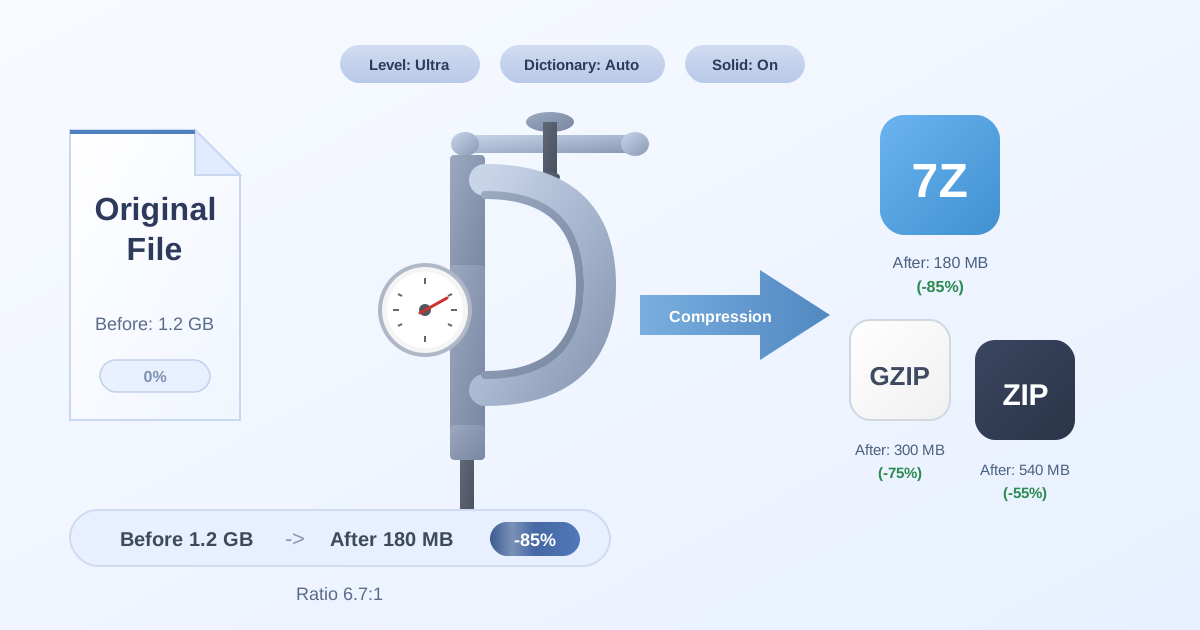
Optimizing these ensures your content looks appealing and professional when shared, which can drive significant social traffic. For instance, when preparing social media assets like high-resolution images for your OG tags, you might end up with large files. To ensure your website's performance isn't impacted, you can easily Compress Files before uploading them. This keeps your page load times fast, another crucial SEO factor.
Canonical Tag
The canonical tag (rel="canonical") is used to tell search engines which version of a URL is the 'main' one when you have duplicate or very similar content across multiple URLs. This helps consolidate your ranking signals and prevents duplicate content issues.
Common Mistakes to Avoid When Using Meta Tag Generators
These tools are powerful, but they can be misused. Here are common pitfalls to watch out for:
- The 'Set It and Forget It' Mentality: SEO is an ongoing process. You should regularly review the performance of your meta tags and optimize them.
- Keyword Stuffing: Don't just cram keywords into your title and description. It looks spammy to users and search engines alike. Write for humans first.
- Duplicate Tags: Never use the same title tag or meta description on multiple pages. Each page is unique and its metadata should reflect that.
- Ignoring Character Limits: A truncated title or description is a missed opportunity. Use the generator's character counter to stay within the recommended limits.
- Mismatching Tags and Content: Ensure the promise you make in the SERP is fulfilled on the page. Bait-and-switch tactics will harm your rankings in the long run.
Many SEO audit tools generate detailed reports, often in large compressed archives, flagging issues like duplicate meta tags. Maintaining your website involves managing these various files, from content backups to SEO reports. When dealing with compressed archives from different systems, having a versatile tool is key. For example, if you receive an audit in a 7Z file but your system prefers ZIP, our 7Z to ZIP converter is a lifesaver. Properly managing these assets is a small but important part of a holistic SEO strategy.
Conclusion: Your Path to Perfect Meta Tags
Meta tags are a fundamental component of a successful SEO strategy. They are your first, and often only, chance to make an impression on potential visitors in the crowded search results. While manually coding them is possible, a meta tag generator is an indispensable tool for any modern webmaster or SEO professional. It saves time, ensures accuracy, and helps you follow best practices with ease.
By using a generator as your starting point and then applying a layer of human-centric optimization and analysis, you can craft compelling, effective meta tags that boost your click-through rate, improve your search engine rankings, and drive more qualified traffic to your website.
While you're optimizing your on-page SEO, don't forget that a well-maintained site is a fast site. Explore our suite of 455+ free, privacy-focused file management and conversion tools at Practical Web Tools to streamline all your web-related tasks!