Word Counter Guide: How to Write Better, Faster, and Smarter

Word count. For many, it's just a number at the bottom of a screen—a requirement to meet for an essay or a limit to avoid on social media. But what if we told you that this simple metric is one of the most powerful, underutilized tools for transforming your writing? Viewing the word counter as just a finish line is like using a smartphone only for calls; you're missing out on a world of functionality.
This guide isn't just about counting words. It's about making every word count. We'll explore how a strategic approach to word count can enhance clarity, improve pacing, boost your SEO, and make you a more disciplined and impactful writer. From academic essays to professional reports locked in tricky PDF formats, you'll learn how to master your message by mastering this fundamental metric.
The Unseen Power of Word Count in Writing
Before we dive into the 'how,' let's establish the 'why.' Understanding the context behind word count transforms it from a constraint into a strategic advantage across various fields.
For Students and Academics: Precision and Compliance
For anyone in academia, word counts are non-negotiable. An essay prompt demanding 1,500 words isn't a suggestion; it's a core requirement. Adhering to it demonstrates that you can follow instructions, structure an argument concisely, and edit your work with discipline. Exceeding the limit suggests you can't be concise, while falling short implies a lack of depth. A word counter is your primary tool for navigating these academic expectations, from short response papers to a sprawling dissertation.
For Content Creators and SEO Specialists: Crafting for the Web
In the digital realm, word count is a critical lever for visibility and engagement.
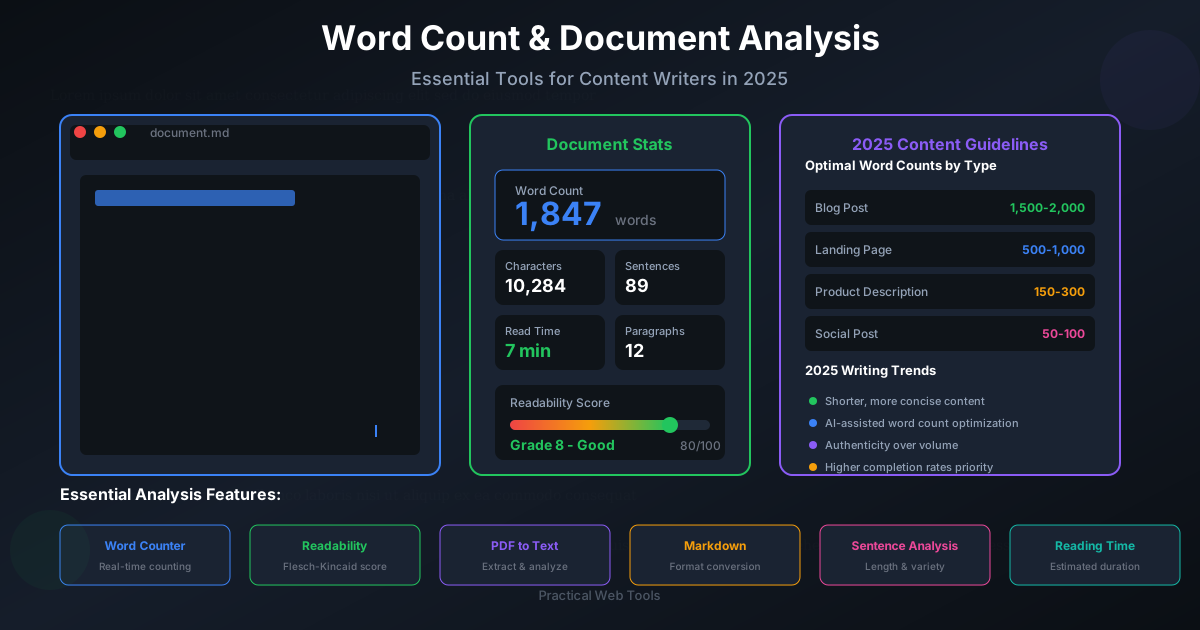
- SEO Performance: Search engines like Google tend to favor long-form, comprehensive content. Blog posts between 1,500 and 2,500 words often rank higher because they provide in-depth answers to user queries. A word counter helps you hit this sweet spot.
- User Engagement: While long-form content is great for SEO, readability is paramount. An excessively long article can intimidate readers. The word counter, combined with an estimated reading time, helps you structure your content with subheadings, lists, and images to keep users engaged.
- Social Media Limits: Platforms like Twitter (280 characters), Instagram (2,200 characters), and LinkedIn (3,000 characters) have strict limits. A character counter is essential for crafting messages that are both complete and compliant.
For Professionals: The Currency of Brevity and Impact
In the business world, time is money. A 10-page report that could have been a 2-page executive summary wastes everyone's time. A word counter encourages brevity. It forces you to ask: "Is this sentence necessary? Can I say this more directly?" Writing concise emails, impactful proposals, and clear reports that respect the reader's time is a hallmark of professionalism.
For Creative Writers: Mastering Pacing and Structure
Novelists and screenwriters use word counts to manage pacing. A short, punchy chapter can create tension, while a longer one allows for deeper character development. Tracking the word count of scenes and chapters helps writers maintain a balanced structure and ensure the narrative flows as intended, preventing parts of the story from dragging or feeling rushed.
Beyond Counting: A Strategic Approach to Your Word Count
Knowing why word count matters is the first step. The next is learning how to use it as an active tool in your writing process. This isn't about obsessively watching the number tick up; it's about a three-step strategic process.
Step 1: Set a Clear Target
Before you write a single word, define your goal. Your target word count is determined by your audience, platform, and purpose. Use this table as a general guide:
| Content Type | Typical Word Count | Key Consideration |
|---|---|---|
| SEO Blog Post | 1,500 - 2,500 words | Comprehensive, in-depth, well-structured. |
| Landing Page Copy | 300 - 800 words | Concise, persuasive, focused on a single call-to-action. |
| Email Newsletter | 200 - 600 words | Scannable, engaging, and mobile-friendly. |
| Academic Essay | Varies (e.g., 1,500) | Strictly adhere to the assignment's requirements. |
| Executive Summary | 250 - 500 words | Highlight key findings and recommendations; be direct. |
| LinkedIn Post | < 1,300 characters | Hook the reader in the first few lines to avoid the 'see more' cut-off. |
| Twitter (X) Post | < 280 characters | Extremely concise, impactful, and clear. |
Step 2: Write the 'Messy' First Draft
With your target in mind, the next step is to ignore it completely. In the first draft, your only goal is to get your ideas down. Don't pause to check the word count, fix typos, or rephrase sentences. This 'free writing' approach allows you to maintain creative flow and momentum. You'll likely overwrite, and that's a good thing—it gives you more material to work with during the editing process.
Step 3: Edit with Purpose
Once the first draft is done, the word counter becomes your editing co-pilot. Compare your current count to your target. Are you over or under? Your answer dictates your editing strategy.
If you're over the target (Trimming the Fat): This is the most common scenario. Your goal is to cut words without cutting meaning. Here’s how:
- Hunt for Filler Words: Search for words like
just,really,very,that,in order to, andbasically. Remove them. Your writing will instantly become stronger. - Switch to Active Voice: Passive voice (
The ball was hit by him) is wordy. Active voice (He hit the ball) is direct and concise. - Eliminate Redundancies: Phrases like
basic fundamentals,final outcome, andterrible tragedyare redundant. Pick one word. - Condense Phrases: Replace long phrases with single words. For example, change
due to the fact thattobecause, anda large number oftomany.
If you're under the target (Adding Substance): Being significantly under count suggests your work may lack depth. The goal is to add value, not fluff.
- Add Supporting Evidence: Can you include a statistic, a quote from an expert, or a data point to back up a claim?
- Provide Concrete Examples: If you make a general statement, follow it up with a specific, real-world example to illustrate your point.
- Address Counterarguments: Acknowledge and briefly discuss alternative viewpoints. This shows a deeper understanding of the topic.
- Expand on the 'Why': Go back through your points and ask yourself if you've fully explained why they are important. Elaborate on the implications or consequences.
Navigating Word Counts in Challenging File Formats
So, you understand how to use a word counter to refine your writing. But what happens when your text is trapped in a file format that isn't easily editable, like a PDF? This is a common problem for professionals and students who receive reports, articles, or assignments as PDFs and need to perform an accurate word count or quote a section.
The PDF Problem
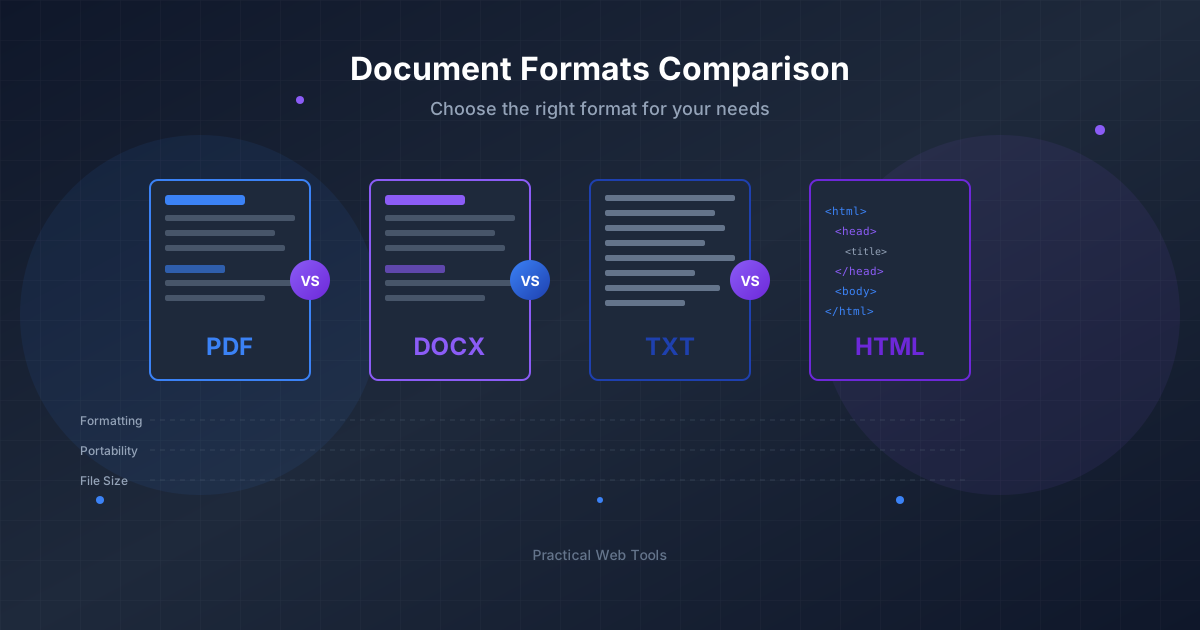
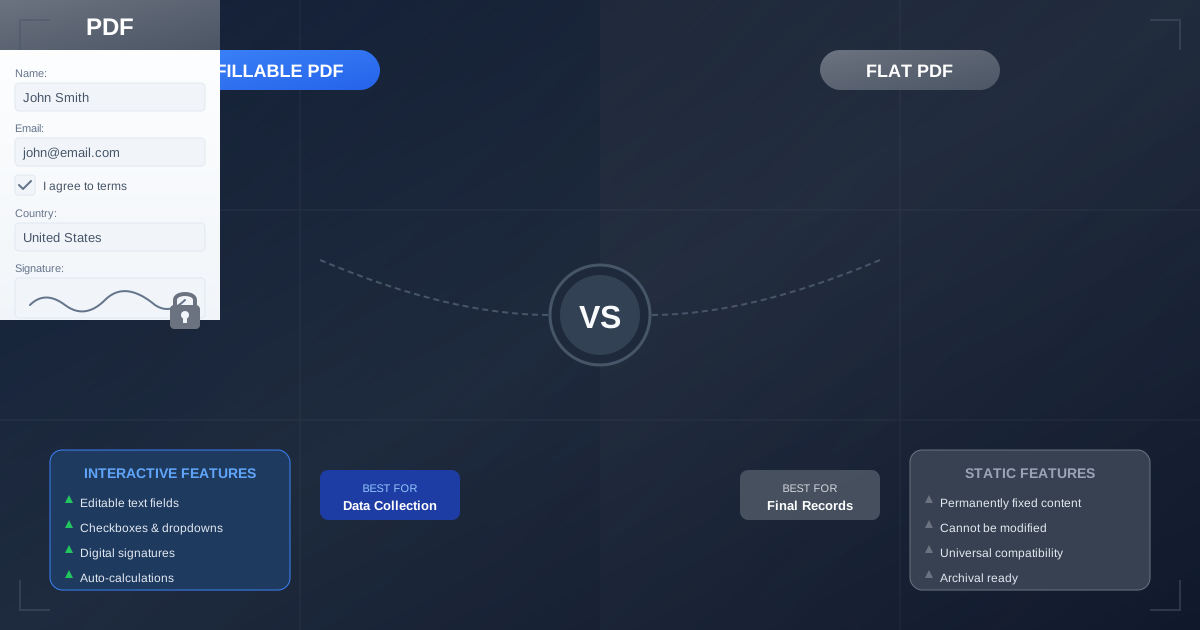
PDFs are designed to preserve a document's layout and formatting, making them look the same on any device. However, this often makes them act more like a static image of a document than a text file. You can't simply click and get a word count. Scanned PDFs are even more challenging, as the text is part of an image layer.
The Solution: Convert to Count
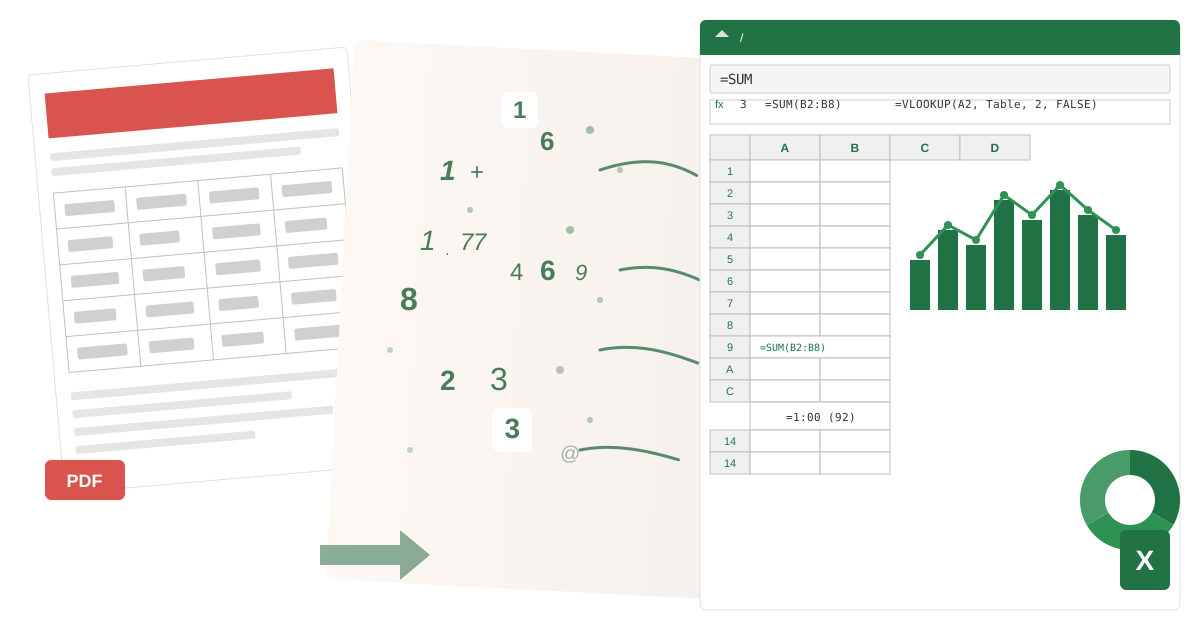
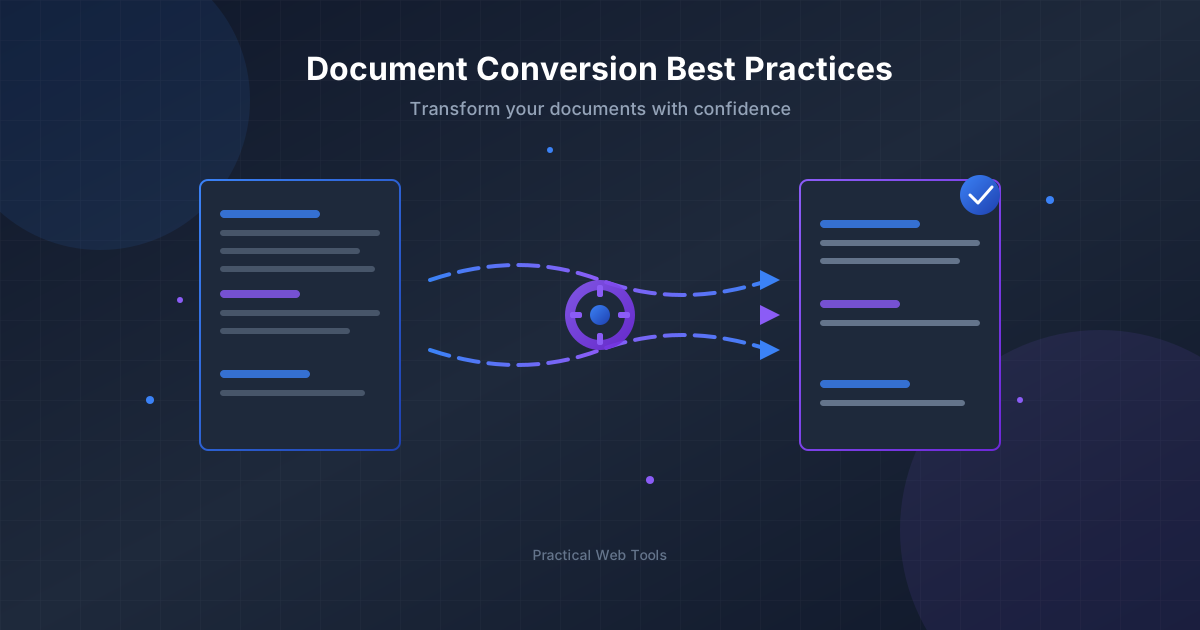
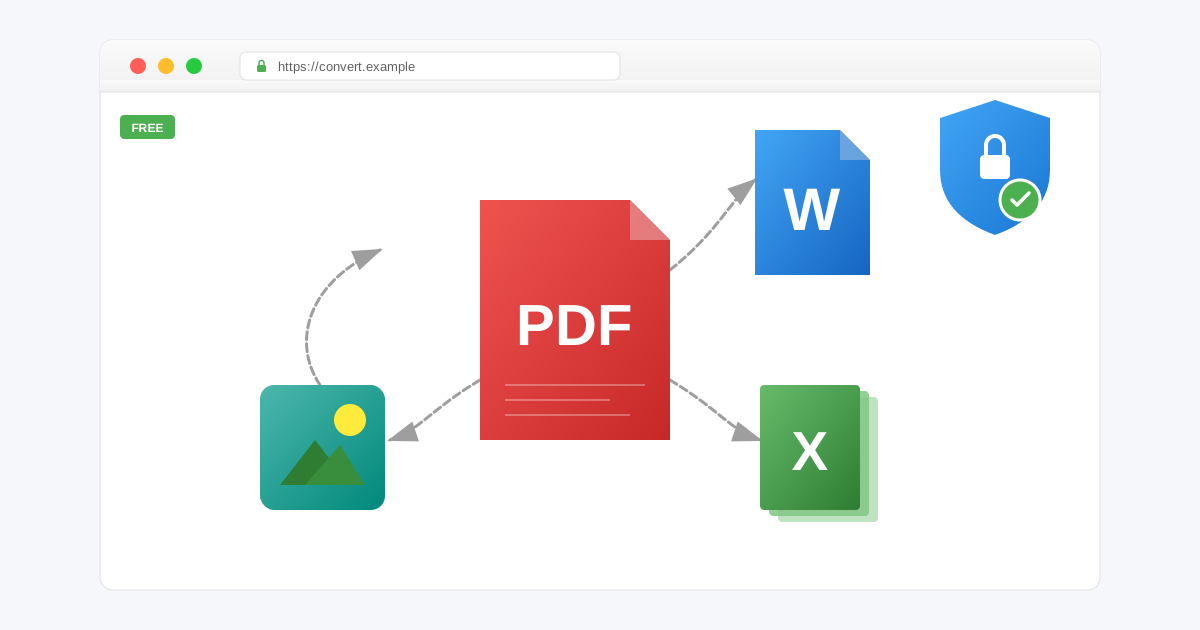
To get an accurate word count from a PDF, you need to extract the text into an editable format. This is where a reliable conversion tool becomes essential.
-
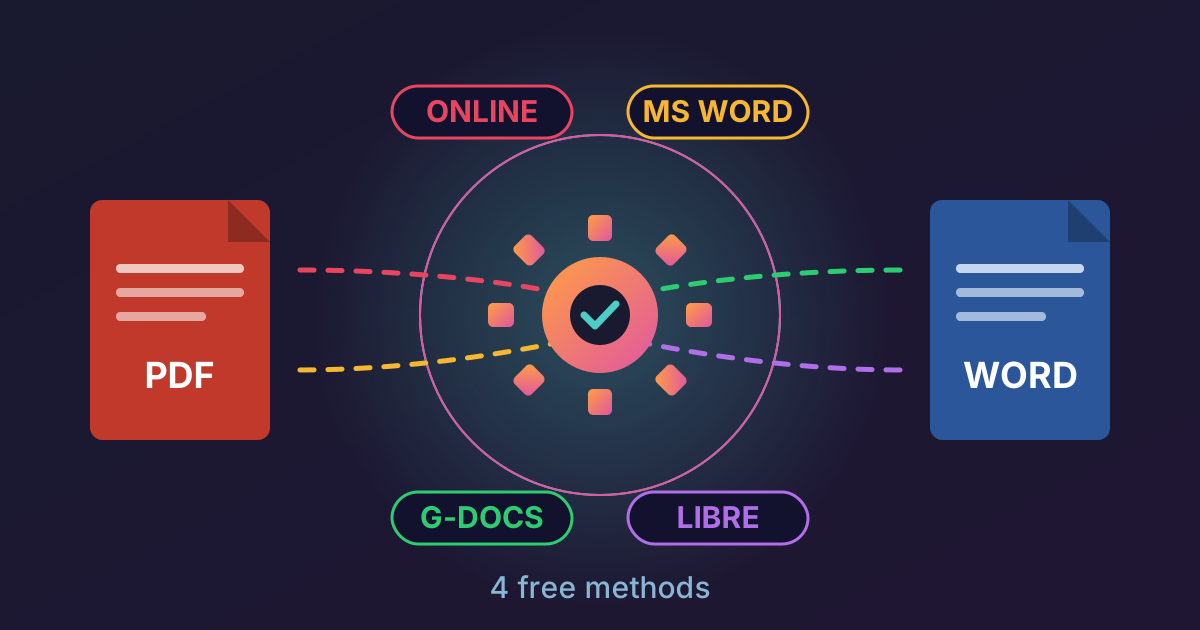
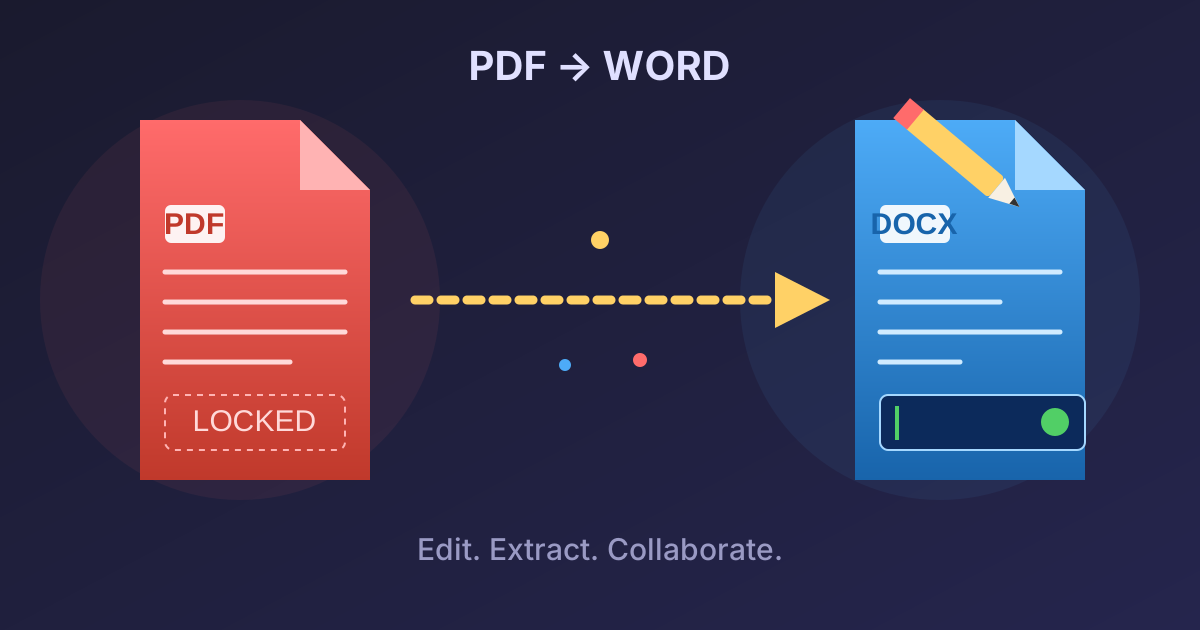
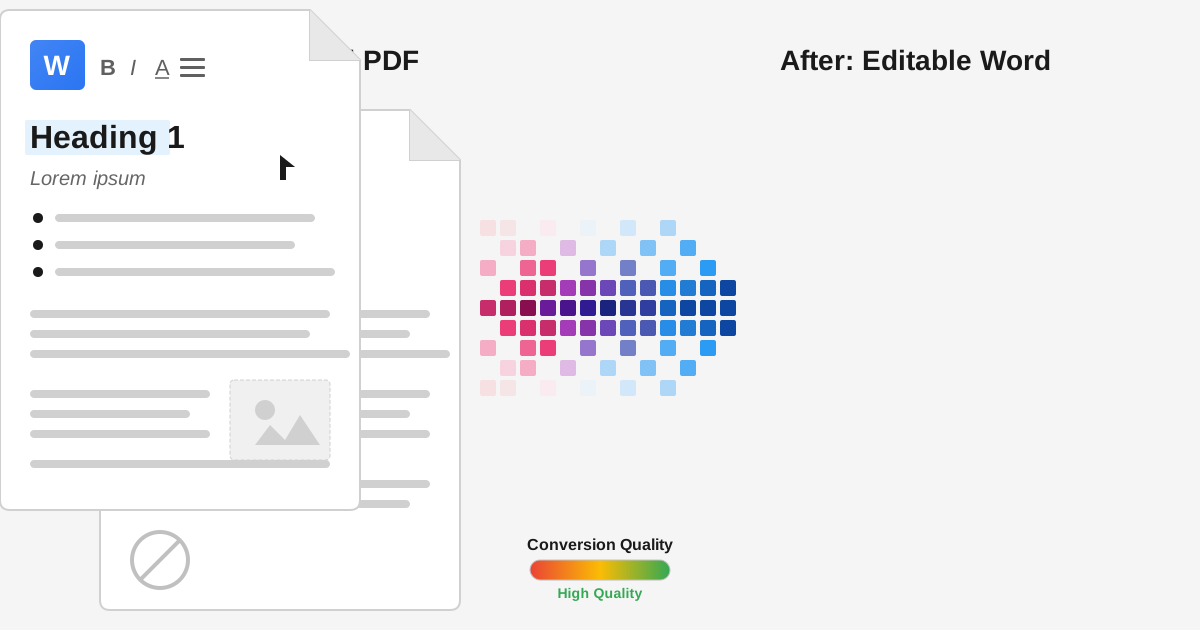
For Full Formatting and Editing: If you need to not only count the words but also edit, quote, or repurpose the content, your best bet is to convert the document to a word processor format. Using a free and secure PDF to Word converter is the perfect solution. It extracts the text while attempting to preserve the original layout, fonts, and images, giving you a fully functional document to work with in Microsoft Word or Google Docs.
-
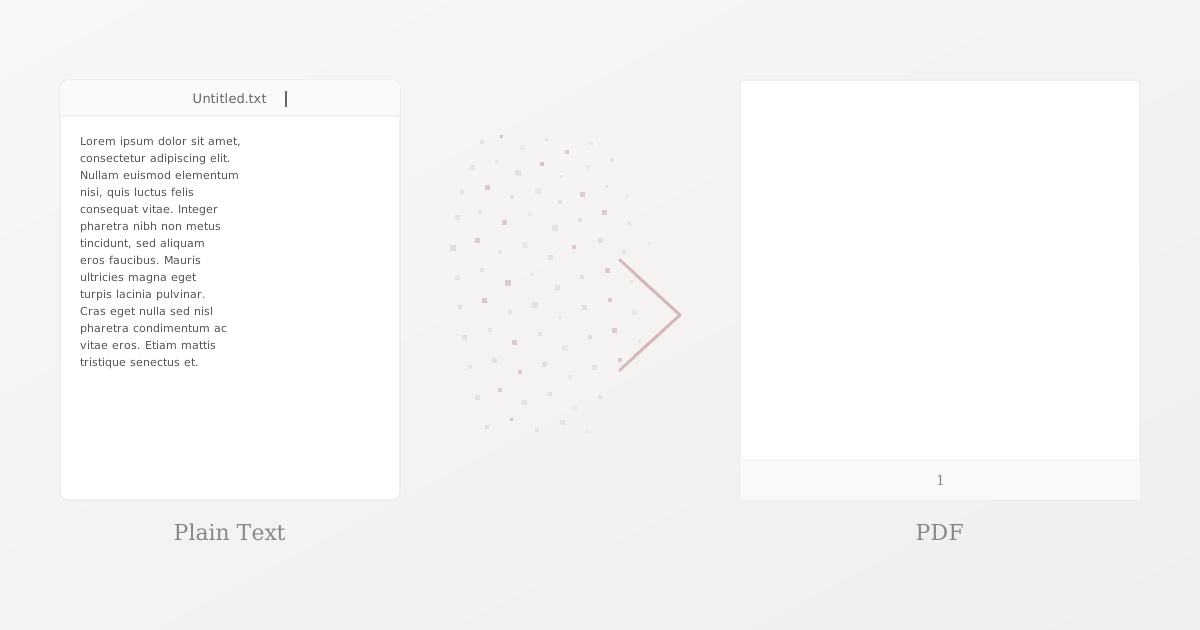
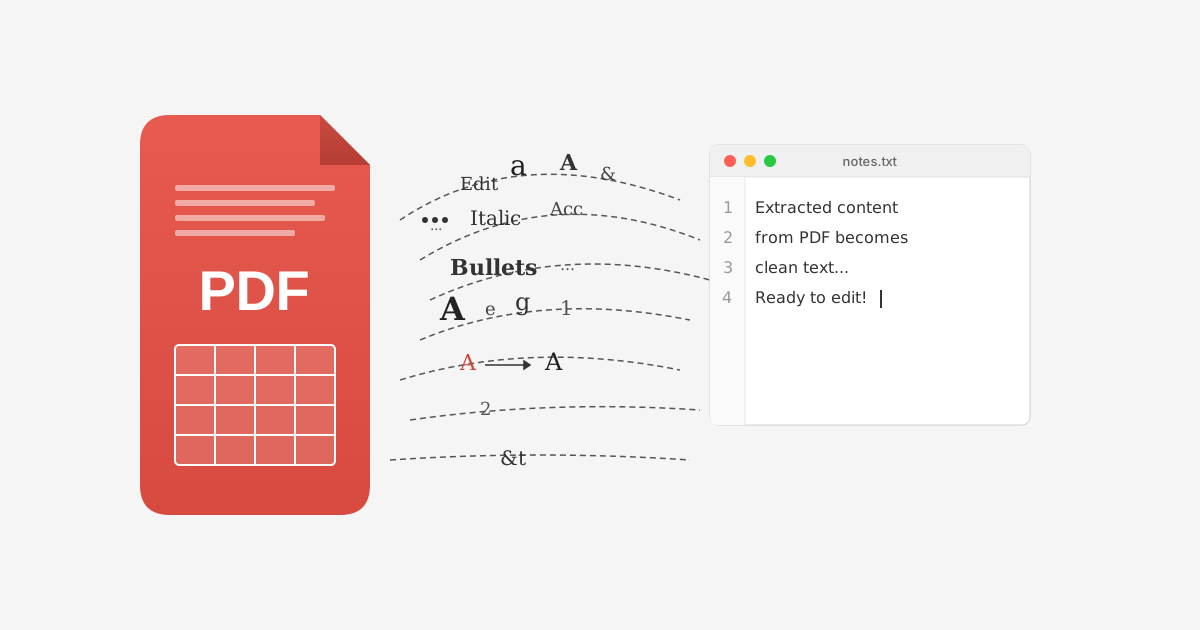
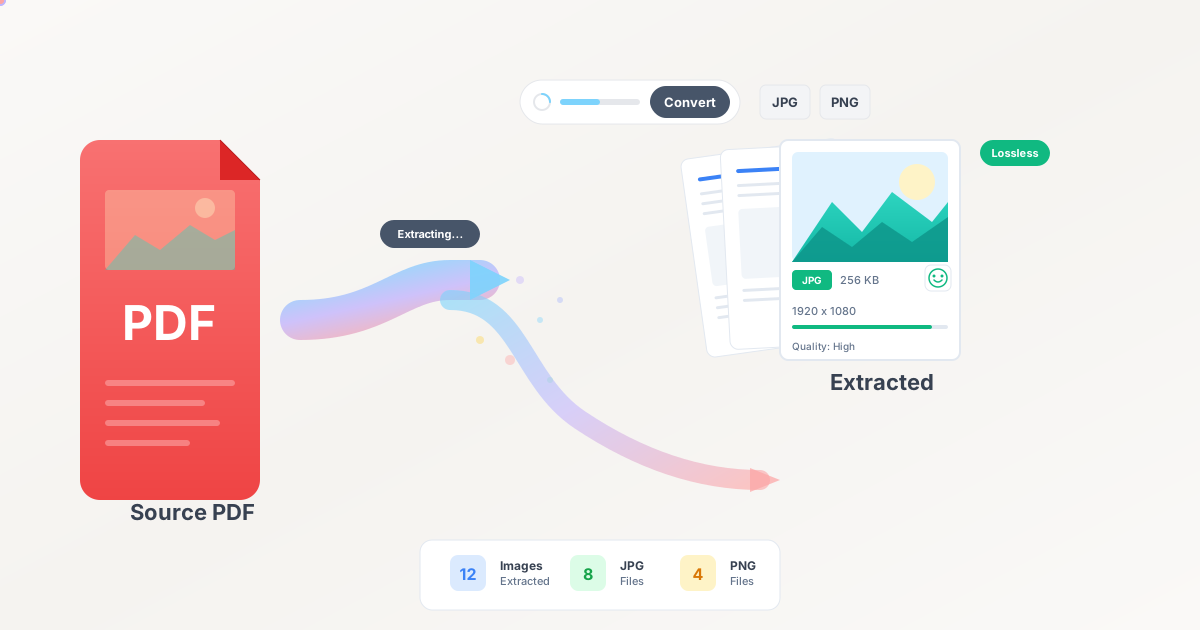
For a Quick and Simple Count: If you only need the raw text for a quick count or analysis, a lighter tool is often better. A PDF to Text converter will strip out all formatting and give you a clean
.txtfile. This is the purest way to get a word count without any interference from headers, footers, or complex layouts.
Handling Multiple Documents
Imagine you're a researcher compiling a literature review from a dozen different PDF articles, and you need a total word count for your bibliography. Or perhaps you're a legal professional reviewing several contracts for a case. Opening and converting each file individually is tedious.
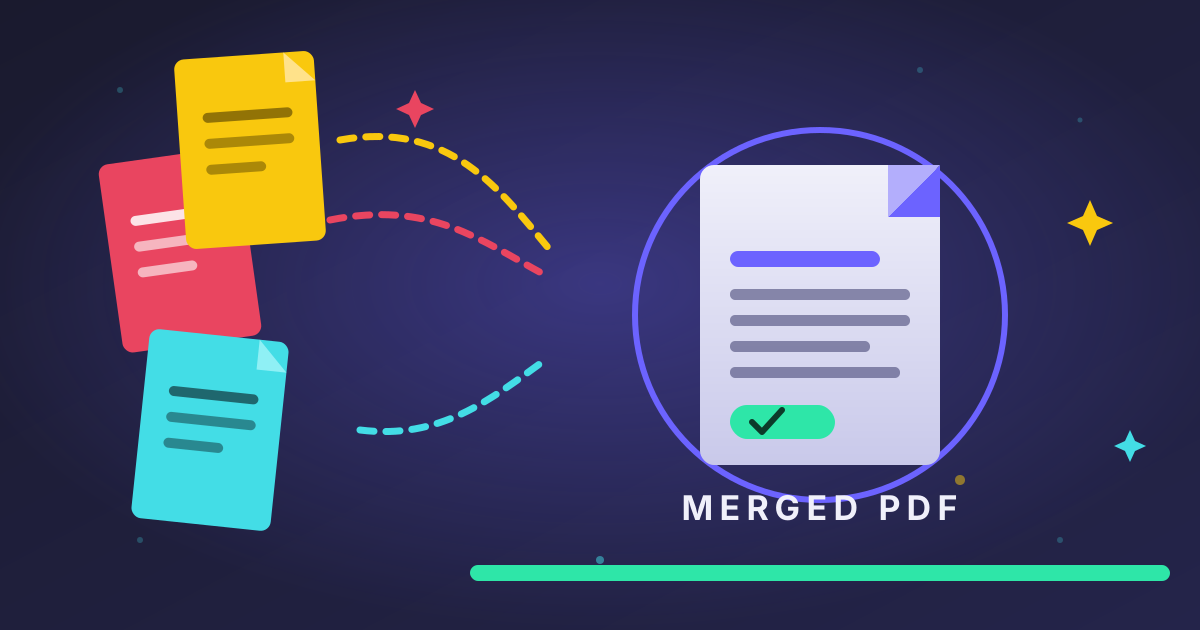
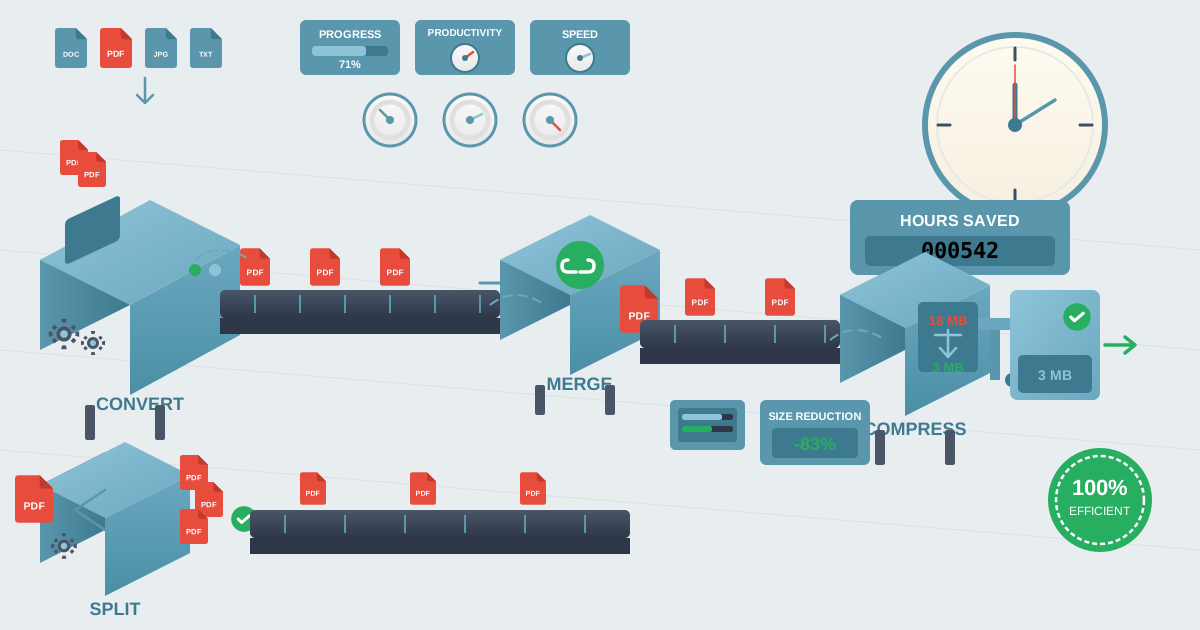
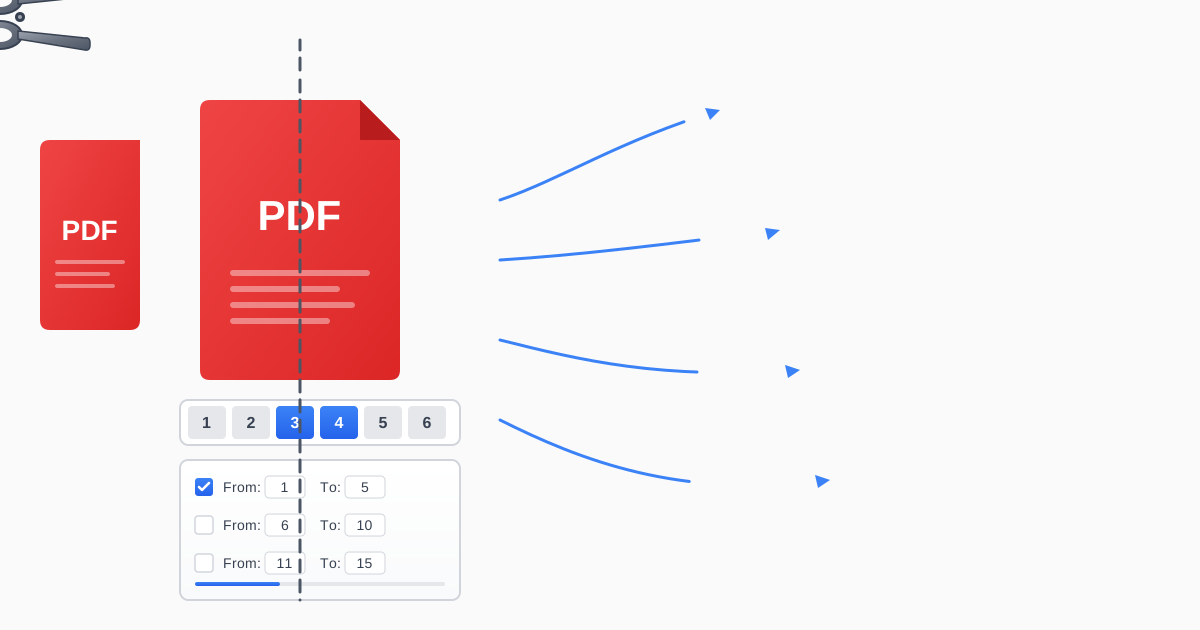
A more efficient workflow is to combine them first. You can use a tool to Merge PDFs into a single, consolidated file. Once you have one master PDF, you can perform a single conversion to Word or Text to get a comprehensive word count for the entire project. This saves time and ensures you don't miss anything.
Conclusion: Master Your Message, One Word at a Time
A word counter is far more than a simple tally. It's a diagnostic tool that helps you gauge the clarity, focus, and impact of your writing. By setting intentional targets, writing freely, and editing strategically, you can transform your work from merely adequate to truly exceptional.
Remember that every writing project, from a tweet to a thesis, operates within a framework of expectations—and word count is a key part of that framework. By embracing it as a guide rather than a restriction, you gain greater control over your message.
Ready to take control of your documents and perfect your writing? Whether you need to extract text from a PDF for an accurate count or combine multiple reports into one, Practical Web Tools offers a suite of free, private, and easy-to-use tools to streamline your workflow. Get started today and make every word work for you.