Turks and Caicos Advisory: Build Your Secure Digital Travel Wallet

Picture this: you've just landed in beautiful Providenciales, the warm Turks and Caicos air greeting you. You reach the immigration counter, pull out your phone to show your return flight, and the screen is black. Dead battery. Or maybe you're at the hotel check-in, and the public WiFi is frustratingly slow, preventing you from accessing your booking confirmation buried in your email. A wave of panic begins to rise.
In our increasingly digital world, travel documents are scattered across a dozen apps, email threads, and photo galleries. This chaos is not just inconvenient; it's a liability. What if there was a better way? A way to have every critical document—from your passport copy and flight tickets to the latest Turks and Caicos travel advisory—in one organized, instantly accessible, and highly secure file?
Welcome to the Digital Travel Wallet. This isn't an app you need to download or a service you need to subscribe to. It's a single, powerful PDF file that you create and control. In this step-by-step guide, we'll show you how to build the ultimate digital travel wallet for your 2026 trips and beyond, ensuring your journey to Grace Bay and beyond is as smooth and stress-free as the turquoise water itself.
Why a Digital Travel Wallet is No Longer Optional
The age of printing out stacks of paper is over, but simply relying on a collection of digital files isn't the complete solution. We're in a transitional phase filled with digital clutter and security vulnerabilities. Let's break down the common problems and how a single, secure PDF solves them.
The Problem with Today's Digital Documents
- Information Fragmentation: Your flight boarding pass is in the airline app, your hotel confirmation is in a booking app, your rental car details are in an email, a screenshot of a tour booking is in your photos, and a downloaded travel advisory PDF is in your downloads folder. Finding what you need, when you need it, can be a frantic scramble.
- Dependence on Connectivity: Most apps and cloud services require an internet connection to function fully. Airport, hotel, or foreign mobile data can be unreliable, slow, or expensive. When you can't get online, you can't access your critical information.
- Security Risks: Storing a plain image of your passport on your phone is a significant security risk. If your phone is lost or stolen, that sensitive data is easily accessible. Likewise, accessing documents over unsecured public WiFi networks can expose your information to bad actors.
- Battery Drain & App Glitches: Relying on multiple apps drains your phone's battery faster. Furthermore, apps can crash, fail to update, or log you out at the worst possible moments.
The Solution: A Single, Secure, All-in-One PDF
Creating a Digital Travel Wallet consolidates all these scattered pieces into one master document, offering unparalleled benefits:
- Offline Access: Once downloaded, your PDF wallet is available on your phone, tablet, or laptop without needing an internet connection.
- Centralized Organization: Everything is in one place, in the order you choose. No more frantic searching through different apps and folders.
- Universal Compatibility: PDFs can be opened on virtually any device (iOS, Android, Windows, macOS) without any special software.
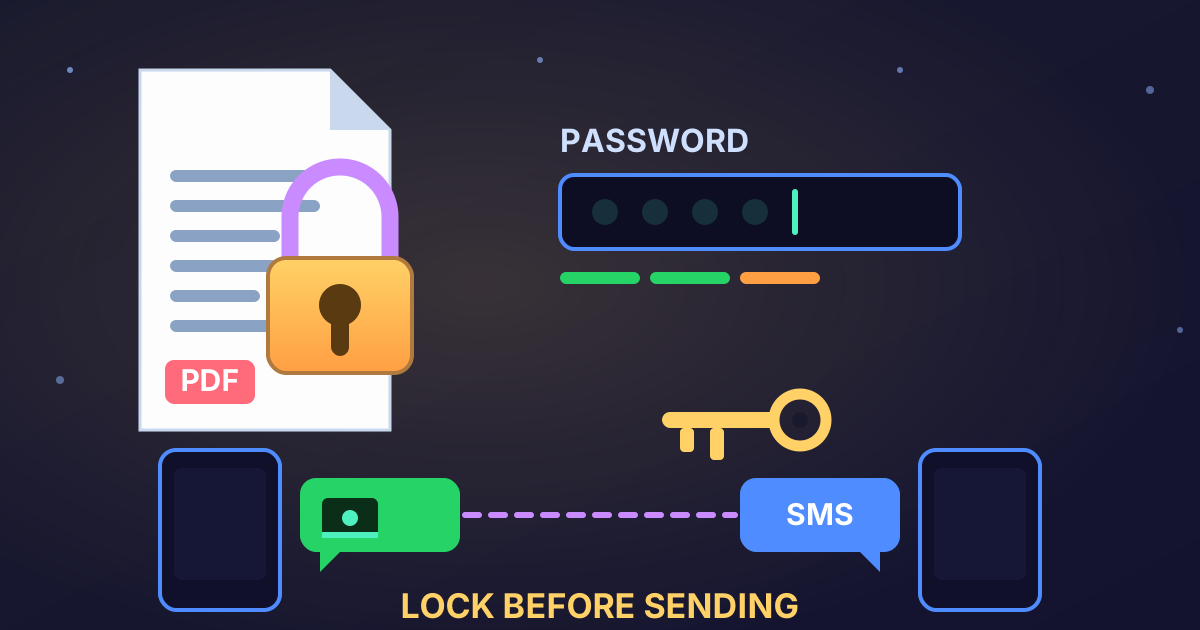
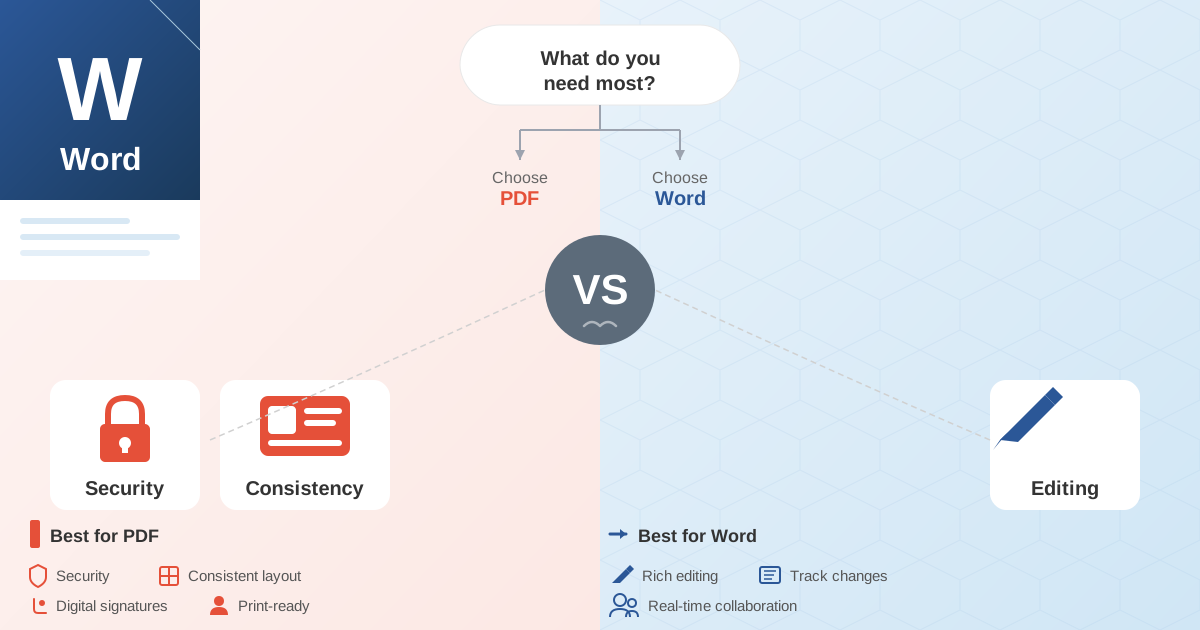
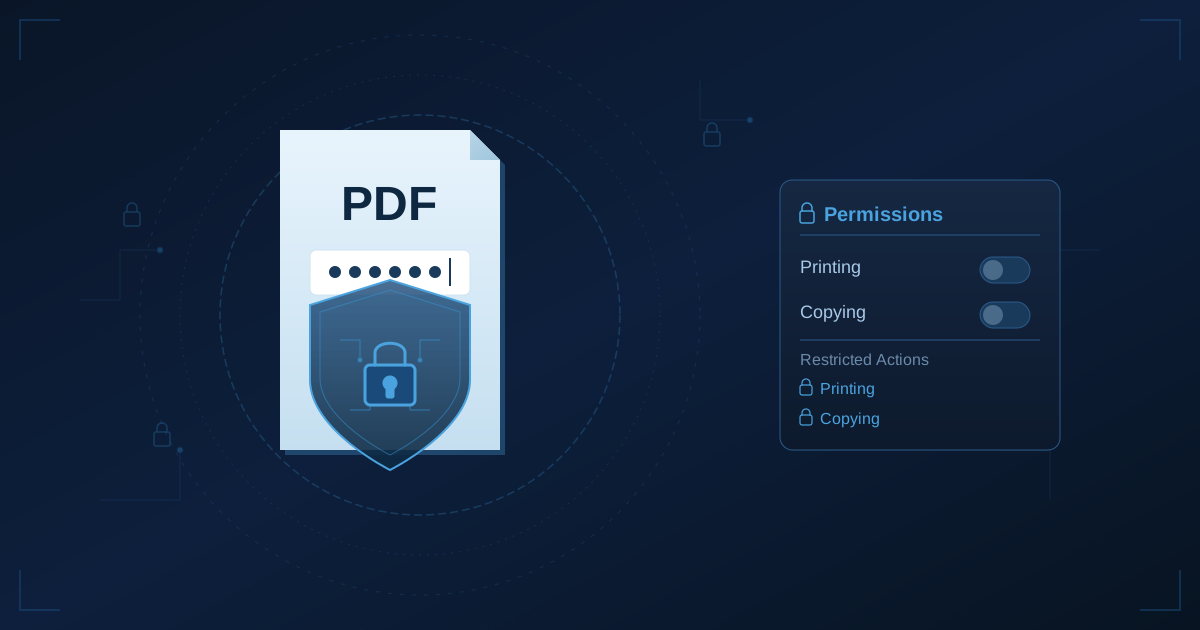
- Enhanced Security: The most crucial benefit. You can password-protect your PDF, encrypting its contents. Even if your device is compromised, your sensitive data, like your passport copy, remains locked and secure.
Step 1: Gather Your Essential Travel Documents
Before we can build your wallet, we need to gather the components. For our Turks and Caicos example, here is a comprehensive checklist of documents to collect. The key is to get a digital version of each one, preferably in PDF format.
Your Turks and Caicos Document Checklist
| Document | How to Get a Digital Copy |
|---|---|
| Passport/ID | Take a clear, high-resolution photo or scan of your passport's main information page. Ensure all four corners are visible and there is no glare. |
| Flight Itinerary | Download the e-ticket or itinerary confirmation as a PDF from the airline's website or confirmation email. |
| Accommodation Details | Save the booking confirmation from your hotel, resort, or vacation rental website as a PDF. Most sites have a "Print" or "Download" option that can create a PDF. |
| Turks and Caicos Travel Advisory | This is crucial for staying informed. Visit the official travel advisory website for your country of citizenship (e.g., the U.S. Department of State or GOV.UK). Search for "Turks and Caicos" and save the current advisory page as a PDF. This often includes entry requirements, local laws, and safety information. |
| Travel Insurance | Download your policy document and wallet card as a PDF from your insurance provider. |
| Rental Car Confirmation | Save the confirmation email or webpage as a PDF. |
| Tour & Activity Bookings | Whether it's a snorkeling trip or a dinner reservation, save the confirmation PDFs. |
| Emergency Contacts | Type a simple list in a word processor with names, phone numbers, and your hotel's address. Include local emergency numbers for Turks and Caicos. Save this document as a PDF. |
Pro Tip: Create a dedicated folder on your computer desktop named "TCI Trip" and save all these files inside. This will make the next step much easier.
Step 2: Merge Everything into One Master PDF
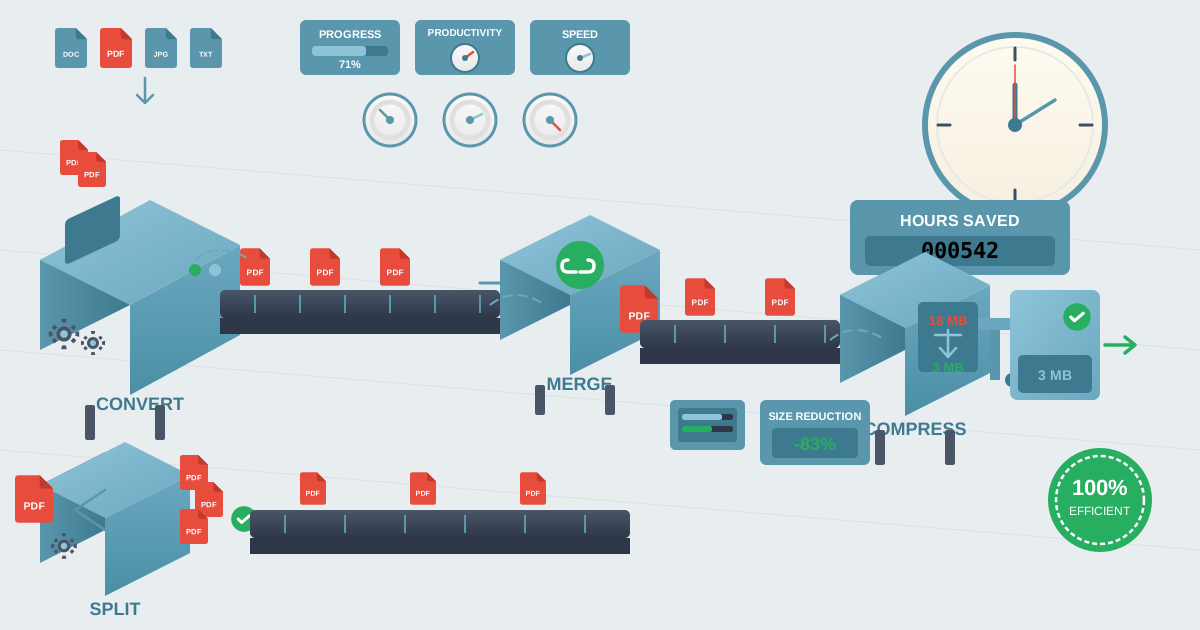
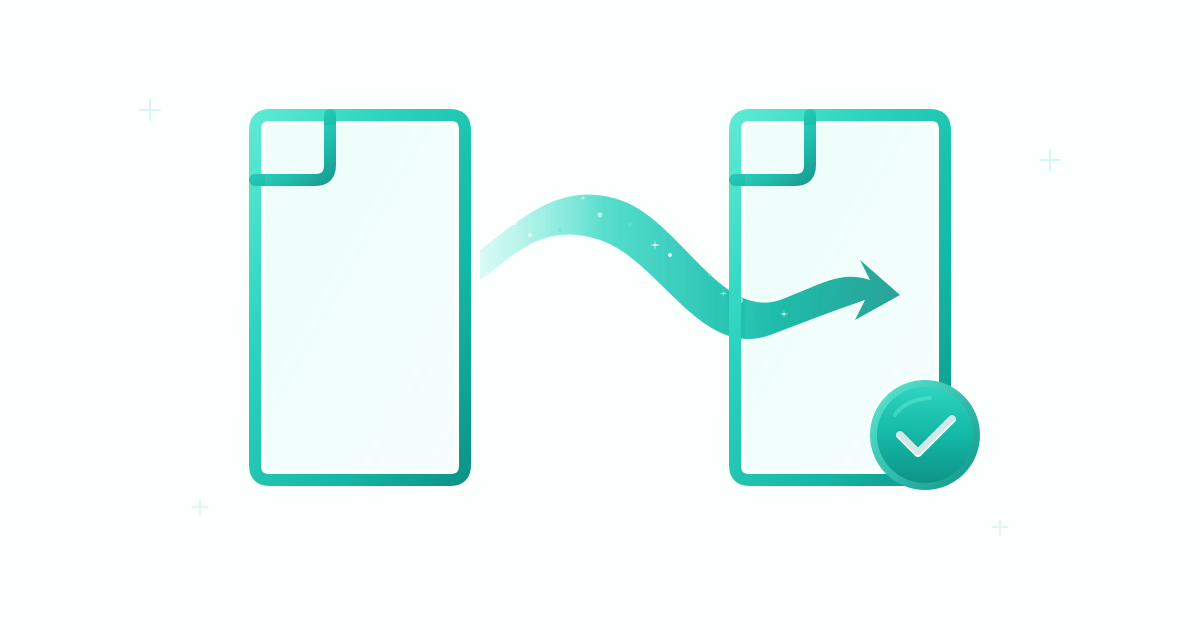
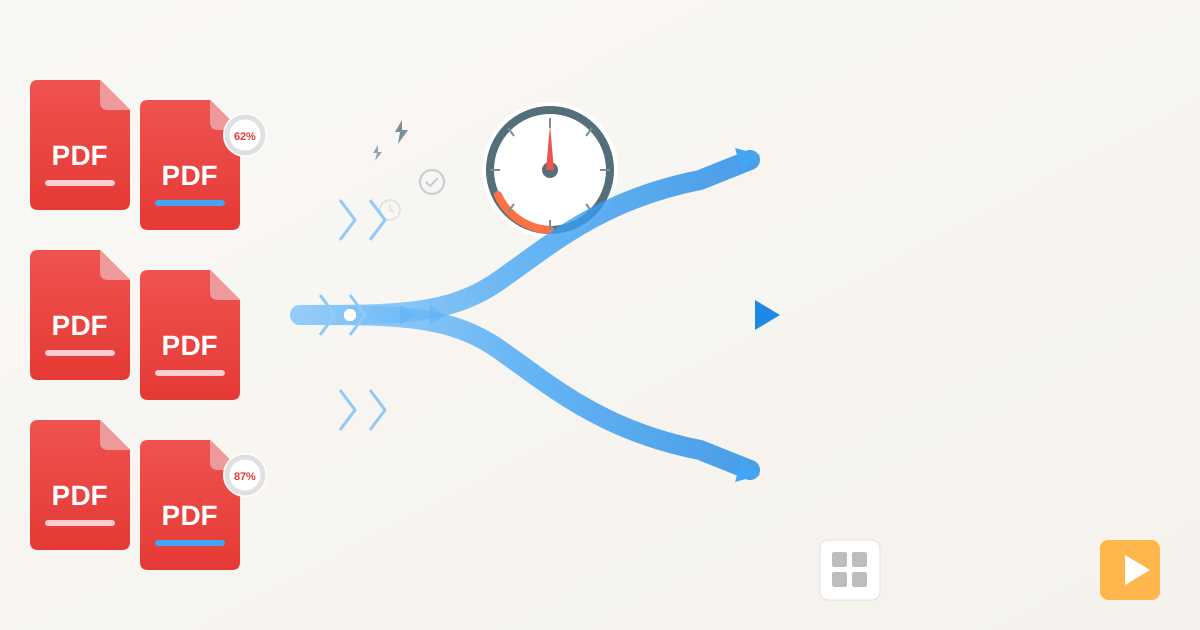
Now for the magic. We will take all those individual files and stitch them together into a single, cohesive document. This is where you can create a logical flow. For example, you might want your passport first, followed by your flight, then your hotel, and so on. This makes navigating your documents intuitive.
For this task, we'll use Practical Web Tools' powerful and private Merge PDFs tool. It's free, works in your browser, and your files are never stored on our servers.
How to Create Your Combined Travel PDF
- Navigate to the Tool: Open your web browser and go to
practicalwebtools.com/edit/merge-pdf. - Upload Your Files: Click the "Choose Files" button and select all the documents you gathered in Step 1 from your "TCI Trip" folder. You can select multiple files at once.
- Arrange the Order: Once uploaded, you'll see thumbnails of each document. Simply click and drag them into your preferred order. A logical sequence could be:
- Passport Copy
- Flight to Providenciales (PLS)
- Rental Car Confirmation
- Hotel Confirmation
- Tour Bookings
- Travel Advisory
- Return Flight from PLS
- Emergency Contacts
- Combine the Files: Once you're happy with the order, click the "Merge PDF" button. The tool will process your files and create a single master PDF.
- Download Your Wallet: Click the "Download" button to save your newly created Digital Travel Wallet to your computer. Rename it something clear, like
Turks_and_Caicos_Trip_2026.pdf.
That's it! You've successfully combined over a half-dozen scattered documents into one streamlined file.
Step 3: Secure Your Digital Wallet with a Password
This is the most important step for protecting your privacy. Your combined PDF contains sensitive personal information, especially your passport copy. Leaving it unprotected is like leaving your wallet on a park bench. You must add a password.
While Practical Web Tools focuses on fast and efficient file editing, the critical task of encryption and password protection should be handled with dedicated software that ensures the highest level of security. Many trusted applications can do this for you:
- Adobe Acrobat (Pro/Standard): If you have the paid version, it offers robust, industry-standard encryption.
- macOS Preview: If you're on a Mac, the built-in Preview app can add a password for free. Go to
File > Export, select the PDF format, click "Show Details," and check the "Encrypt" box to set a password. - Trusted Online Tools: If you use an online tool for this, ensure it has a clear privacy policy and uses strong AES-256 bit encryption.
Choose a strong, unique password that you will remember but that would be difficult for others to guess. Avoid common words or personal dates.
Advanced Tips for the Power Traveler
Your Digital Travel Wallet is already a huge upgrade. But with a few extra tricks, you can make it even more functional.
Need to Sign a Document Last Minute?
Imagine the rental car company sends you a liability waiver you need to sign before you arrive. Instead of printing, signing, and scanning, you can do it digitally before adding it to your wallet. Use the Sign PDF tool to quickly draw or type your signature onto the document. Save the signed version and then merge it with the rest of your files.
Need to Share Just One Part of Your Wallet?
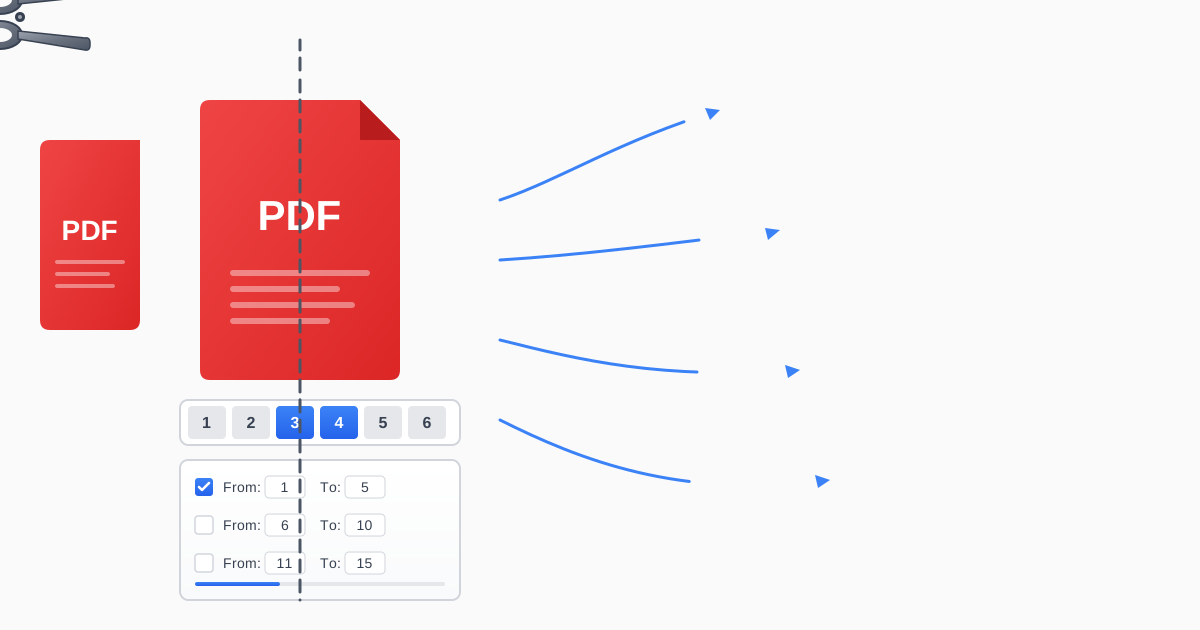
Let's say a tour operator needs to see your booking confirmation but not your passport or flight details. Instead of sending the whole wallet, you can easily extract just the page you need. The Split PDF tool lets you select specific pages from your master PDF and save them as a new, smaller file. This is perfect for sharing information without oversharing.
Using Your Digital Travel Wallet on the Go
With your secure, password-protected PDF created, the final step is ensuring it's accessible during your travels. Redundancy is key.
- Save it Locally: The most important step. Save the file directly to your smartphone's internal storage. On an iPhone, use the "Files" app. On Android, use the "My Files" app. This guarantees offline access.
- Use Cloud Storage: As a backup, upload the file to a secure cloud service like Google Drive, iCloud, or Dropbox. You can access it from any device if you have an internet connection.
- Email it to Yourself: A simple and effective backup. Email the file to yourself with a clear subject line like "TCI Trip Documents."
- Share with an Emergency Contact: Send a copy to a trusted friend or family member back home. Crucially, send them the password in a separate message (e.g., text them the password after emailing the file) for added security.
Conclusion: Travel with Confidence
The key to a relaxing vacation in a paradise like Turks and Caicos is preparation and peace of mind. By taking a few minutes to create a Digital Travel Wallet, you eliminate a major source of travel stress. No more digging through emails, relying on spotty WiFi, or worrying about a dead battery derailing your plans.
You've consolidated scattered information into a single, organized file. You've secured it with a password to protect your identity. You've made it accessible anytime, anywhere, even offline. Now, you can focus on what truly matters: sinking your toes in the white sands of Grace Bay, exploring the vibrant coral reefs, and making unforgettable memories.
Ready to build your first Digital Travel Wallet? Get started by organizing and combining your documents with our free, private, and easy-to-use Merge PDFs tool today. Travel smarter, safer, and with complete confidence.