Build Your Own Budget Calculator: A Step-by-Step Guide
Your Path to Financial Freedom Starts Here
Feeling overwhelmed by bills, expenses, and the seemingly impossible task of saving money? You're not alone. In a world of endless transactions and financial complexities, gaining control over your money can feel like a monumental challenge. But what if you could have a clear, real-time snapshot of your financial health, empowering you to make smarter decisions, crush your debt, and achieve your savings goals? The solution is simpler than you think: a personal budget calculator.
Forget expensive software or complicated apps with hidden fees. The most powerful financial tool you can have is one you understand completely because you built it yourself. This comprehensive guide will walk you through everything you need to know, from the fundamental principles of budgeting to the step-by-step process of creating a powerful, customized budget calculator using a simple spreadsheet. We'll also cover the often-overlooked but crucial aspect of managing your digital financial files securely and efficiently, ensuring your journey to financial literacy is both organized and private.
Why Every Penny Counts: The Power of a Budget Calculator
A budget calculator, at its core, is a system for tracking your income and expenses. Its purpose is to give you an honest look at where your money is going, so you can direct it where you want it to go. The benefits are transformative:
- Financial Clarity: Instantly see how much you earn, spend, and save. No more guesswork or end-of-month surprises.
- Goal Achievement: Whether you're saving for a down payment, a vacation, or retirement, a budget provides the roadmap to get you there.
- Debt Reduction: By identifying areas of overspending, you can free up cash to pay down credit cards, loans, and other debts faster.
- Reduced Stress: Financial uncertainty is a major source of anxiety. Knowing you have a plan and are in control of your money brings immense peace of mind.
- Improved Decision-Making: Thinking about a major purchase? A quick look at your budget calculator will tell you if it's a wise move or one that will set you back.
Building Your Ultimate Budget Calculator from Scratch
Ready to build? All you need is a spreadsheet program like Microsoft Excel, Google Sheets, or LibreOffice Calc. The principles are the same across all platforms. We'll build a simple yet powerful calculator that you can expand upon over time.
Step 1: Set Up Your Spreadsheet
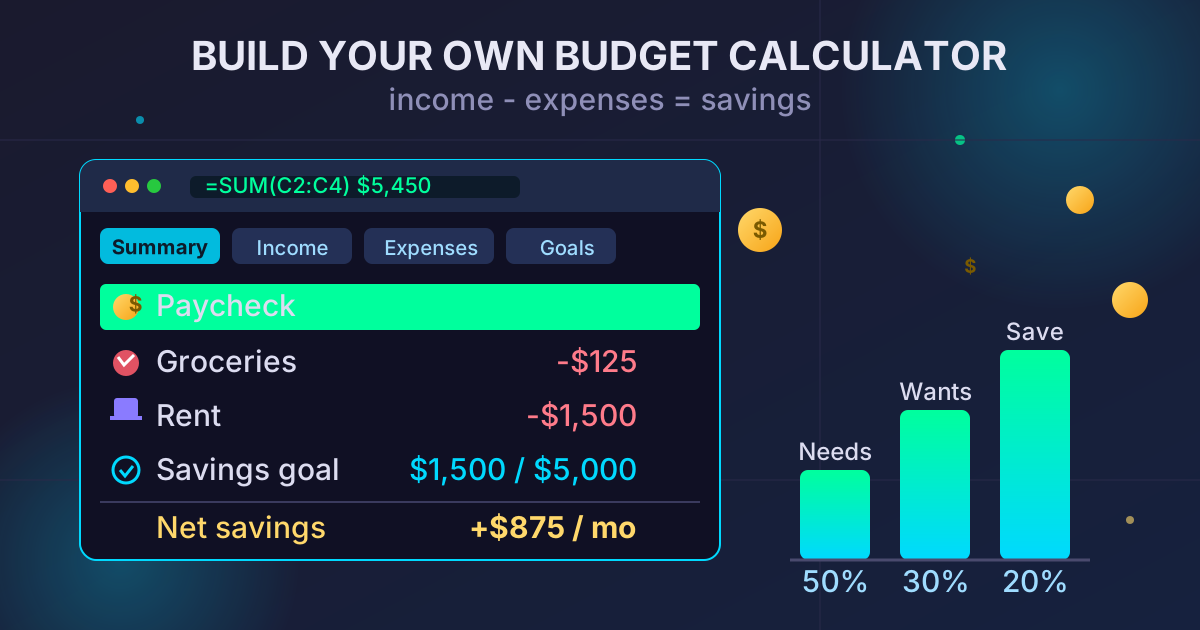
Open a new spreadsheet and create four main tabs at the bottom. Name them:
- Summary: This will be your main dashboard.
- Income: Where you'll log all money coming in.
- Expenses: Where you'll track all money going out.
- Goals: To track your progress towards savings targets.
Step 2: Structure the 'Income' Tab
In the 'Income' tab, create a simple table to list all your sources of income for the month. Keep it clean and simple.
| Date | Source | Amount |
|---|---|---|
| 2023-10-01 | Paycheck - Job 1 | $2500.00 |
| 2023-10-10 | Freelance Project | $450.00 |
| 2023-10-15 | Paycheck - Job 1 | $2500.00 |
At the bottom of the 'Amount' column, use a SUM formula to get your total monthly income. For example, if your amounts are in cells C2 to C4, the formula would be =SUM(C2:C4).
Step 3: Detail the 'Expenses' Tab
This is the most crucial part. The more detailed you are here, the more control you'll have. Create a table with columns for Date, Item, Category, and Amount.
| Date | Item | Category | Amount |
|---|---|---|---|
| 2023-10-01 | Rent | Housing | $1500.00 |
| 2023-10-02 | Groceries | Food | $125.50 |
| 2023-10-03 | Gas | Transportation | $45.00 |
| 2023-10-05 | Car Payment | Transportation | $350.00 |
| 2023-10-06 | Internet Bill | Utilities | $60.00 |
| 2023-10-07 | Dinner with Friends | Entertainment | $75.00 |
Pro Tip: Create a consistent list of categories. This makes it easier to analyze your spending later. Common categories include:
- Housing: Rent/Mortgage, Property Taxes
- Transportation: Car Payment, Gas, Insurance, Public Transit
- Food: Groceries, Restaurants, Coffee Shops
- Utilities: Electricity, Water, Gas, Internet, Phone
- Personal Care: Haircuts, Toiletries
- Entertainment: Movies, Concerts, Subscriptions (Netflix, etc.)
- Debt: Credit Card Payments, Student Loans
- Savings: Contributions to Savings Account, Investments
Just like the 'Income' tab, add a =SUM() formula at the bottom of the 'Amount' column to get your total monthly expenses.
Step 4: Create Your 'Summary' Dashboard
This tab brings everything together for a high-level view. It's where you'll see if you're on track. Create a simple layout like this:
| Metric | Amount |
|---|---|
| Total Income | =Income!C5 |
| Total Expenses | =Expenses!D20 |
| Net Savings (Deficit) | =B2-B3 |
Make sure the cell references (C5, D20, B2, B3) match the cells where your totals are calculated in the other tabs. The 'Net Savings' line is the bottom line: a positive number means you saved money, while a negative number means you spent more than you earned.
You can also add a breakdown of spending by category on this page using SUMIF formulas for a more granular view.
Step 5: Track Your 'Goals'
In the 'Goals' tab, list what you're saving for. This visual reminder is a powerful motivator.
| Goal | Target Amount | Amount Saved | Remaining |
|---|---|---|---|
| Emergency Fund | $5000 | $1500 | $3500 |
| Vacation to Hawaii | $3000 | $500 | $2500 |
Each month, when you see your Net Savings on the 'Summary' tab, you can decide how to allocate that money to your goals and update this sheet.
Advanced Budgeting Strategies to Implement
Once you've mastered the basics, you can incorporate popular budgeting philosophies into your calculator.
The 50/30/20 Rule
This is a simple framework for allocating your after-tax income:
- 50% on Needs: Essential expenses like housing, utilities, transportation, and groceries.
- 30% on Wants: Non-essential spending like dining out, hobbies, and entertainment.
- 20% on Savings & Debt Repayment: Building your emergency fund, investing, and paying off debt beyond the minimum payments.
Add calculations to your 'Summary' tab to see how your actual spending aligns with these percentages.
Zero-Based Budgeting
The principle here is Income - Expenses = 0. Every single dollar that comes in is assigned a job—whether it's for spending, saving, or debt repayment. This is a more hands-on approach that forces you to be intentional with every dollar.
Managing Your Financial Documents: The Missing Piece
Creating the budget calculator is half the battle. The other half is managing the digital ecosystem that surrounds it. You'll have your spreadsheet, scanned receipts for tax purposes, monthly bank statements, and utility bills. Over time, this can become a cluttered mess of digital files.
This is where smart file management becomes a crucial part of your financial strategy.
Archiving Your Financial History
At the end of each month or quarter, it's good practice to gather all related financial documents into a single folder. This folder might contain:
- Your budget calculator spreadsheet for that period.
- A PDF of your bank statement.
- A sub-folder with scanned images of important receipts.
This creates a clean, chronological record. But these folders, especially with high-resolution scans, can take up significant storage space.
The Power of File Compression
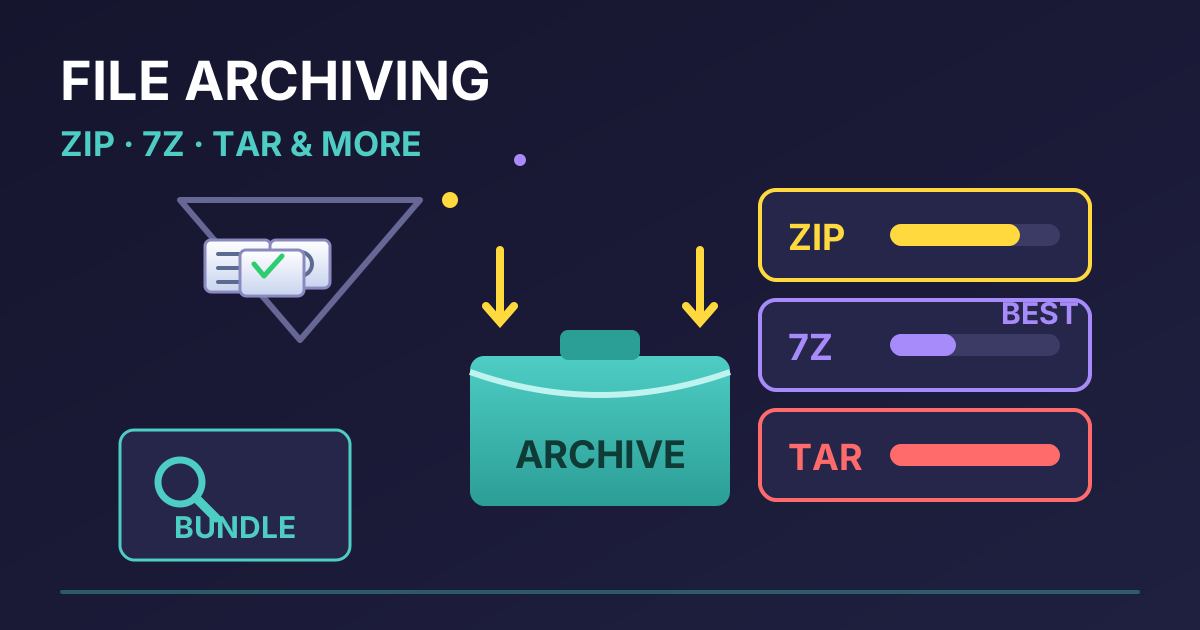
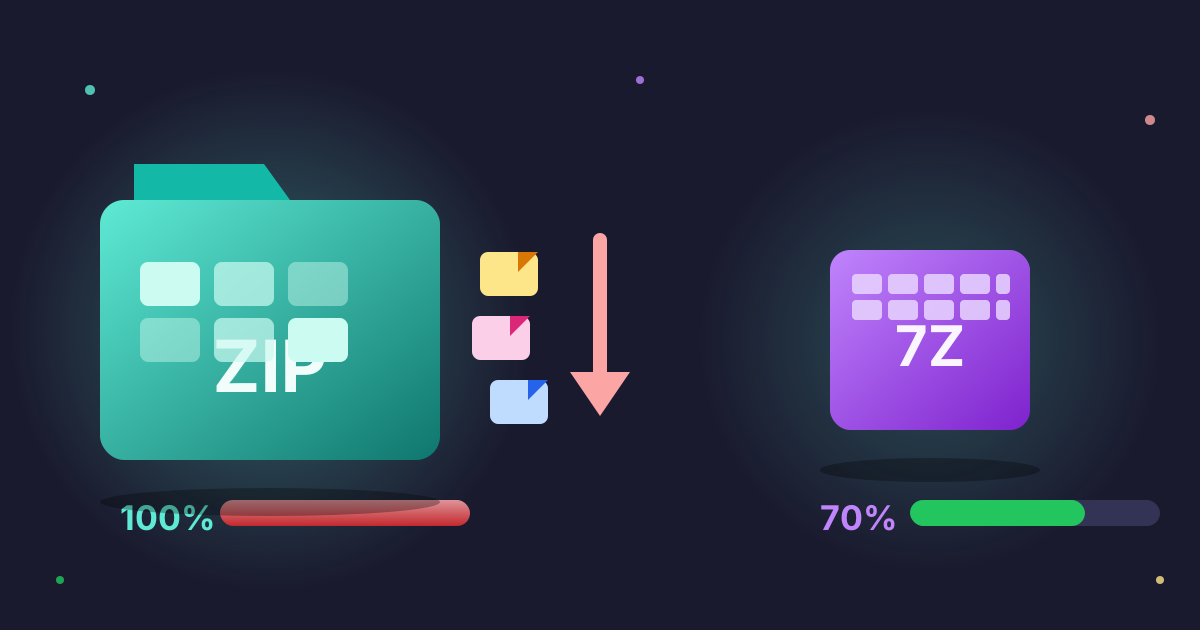
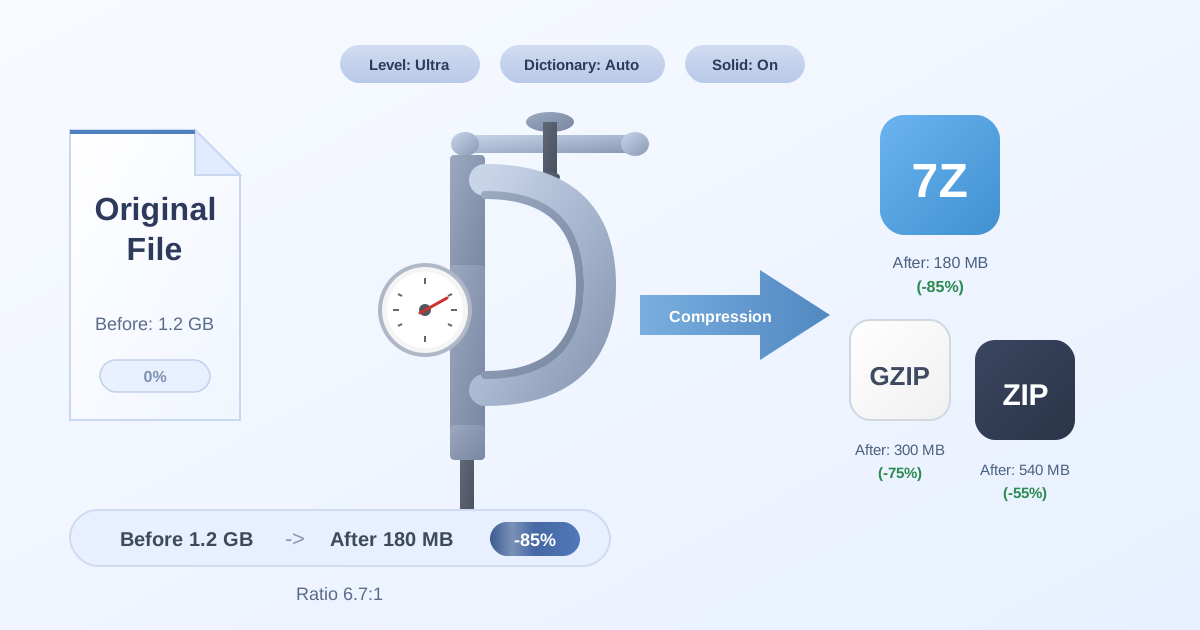
To save space and make your archives easier to manage, share, or back up, compressing them is the perfect solution. Compressing a folder bundles all its contents into a single, smaller file (like a .ZIP or .7Z archive).
Practical Web Tools offers a secure, browser-based way to do this without uploading your sensitive financial data to a server. Because the process happens directly in your browser, your privacy is protected.
To archive your monthly financial records, you can use our free tool to Compress Files into a compact package. This is especially useful for long-term cloud storage or for creating organized backups on an external drive.
Ensuring Compatibility and Easy Access
What happens when you need to access an old archive or share it with a spouse or financial advisor? They might not have the software to open the specific format you used. This is where file decompression and conversion tools are invaluable.
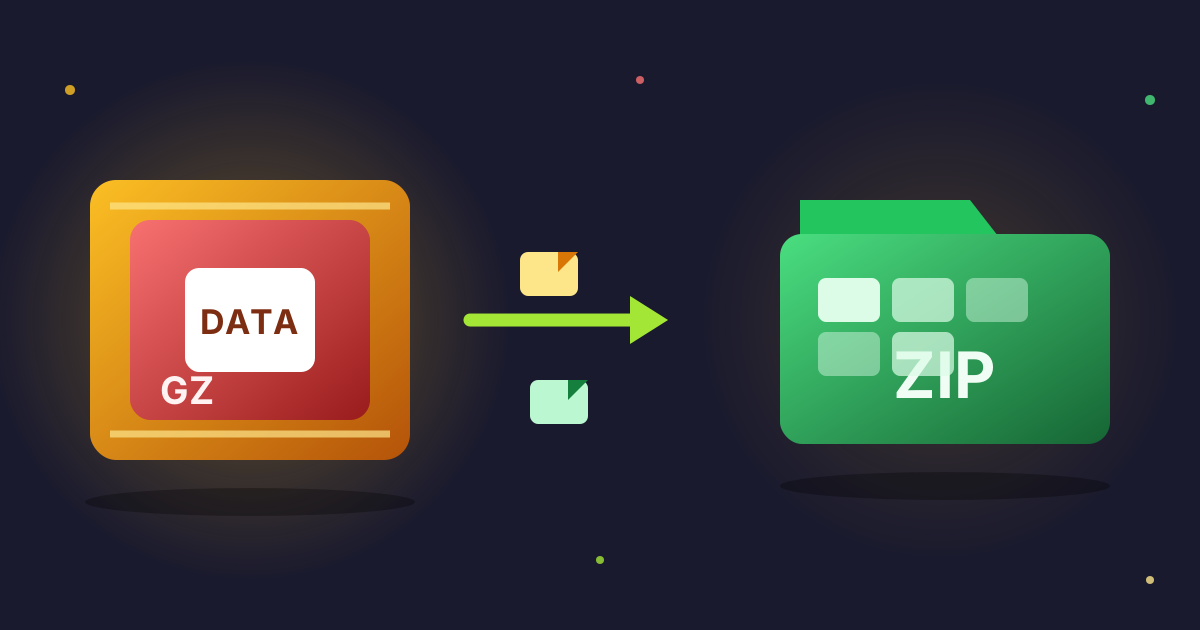
If you receive a compressed financial report from your advisor in a format your computer doesn't recognize, you don't need to install new software. You can simply use an online tool to Decompress Files and extract the contents instantly. Similarly, if you've created a modern .7Z archive but need to send it to someone who can only open .ZIP files, a quick conversion using a tool like 7Z to ZIP solves the problem in seconds.
By integrating these file management practices, you not only keep your numbers in order but also the documents that prove them.
Conclusion: Take Control Today
A budget calculator is more than just a spreadsheet; it's a declaration of intent. It's you, telling your money where to go, instead of wondering where it went. By building your own, you gain an intimate understanding of your financial landscape, empowering you to navigate it with confidence.
Start small. Follow the steps outlined above to create your first budget. Track your spending for just one month. The insights you gain will be eye-opening. And as you build your digital financial archive, remember to keep it organized, secure, and compact.
Ready to take the first step towards financial clarity? Open a blank spreadsheet, and start building. And when you're ready to organize your digital financial life, explore the suite of free and private file management tools here at Practical Web Tools.