2026 NBA Playoffs Fan Kit: Create Custom Graphics & Memes

Try the free tool
Rotate & Flip Image →Rotate or flip images online free - 90°, 180°, 270° turns plus horizontal and vertical mirrors for PNG, JPEG, and WebP. Live preview, no upload.
The roar of the crowd, the squeak of sneakers on hardwood, the heart-stopping buzzer-beaters—the 2026 NBA Playoffs are just around the corner, and the excitement is palpable. As your favorite team battles for the championship, you want to show your support everywhere, from your desktop background to your social media feed. But why settle for generic, low-resolution team logos when you can create stunning, personalized graphics that truly stand out?
Welcome to the Ultimate 2026 NBA Playoffs Fan Kit. Forget expensive software and complicated tutorials. We're going to show you how to design professional-quality custom wallpapers, viral memes, and slick profile pictures using nothing but your passion and a few powerful, free online tools. Whether you're a design novice or just looking for a quick way to create something cool, this guide is your playbook for winning the digital fan game.
Try Rotate & Flip Image — free, no sign-up, and it runs entirely in your browser.
Gearing Up: Your Digital Fan Cave Essentials
Before you can start creating, you need the right raw materials. Just like a coach needs a game plan, you need a folder of high-quality assets to work with. Here’s what to gather and how to handle it.
Where to Find High-Quality Player and Team Images
The foundation of any great design is a high-resolution source image. A blurry, pixelated photo will ruin your final product. Here are some reliable places to find crisp, clear images:
- Official Team Websites: Your first stop should be your team's official NBA.com page or their dedicated website. They often have high-quality photos in their gallery sections.
- Player Social Media: Many players post professional photos on their Instagram or Twitter accounts.
- Reputable Sports News Sites: Think ESPN, Bleacher Report, etc. They have galleries of professional sports photography.
- High-Quality Screenshots: A well-timed screenshot from a high-definition broadcast can capture the perfect moment of emotion or action.
A quick note on copyright: Remember that these images are for personal, non-commercial use. You're creating fan art to show support, not selling merchandise.
Understanding Basic Image File Formats
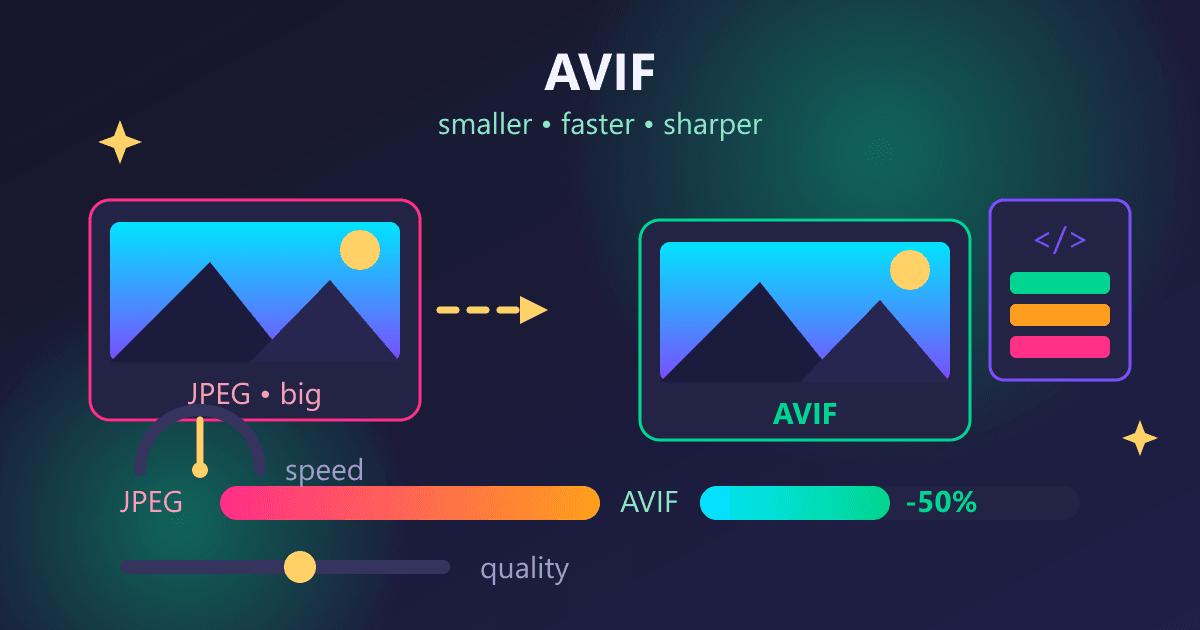
You'll likely encounter a few different file types. The most common are JPG, PNG, and HEIC.
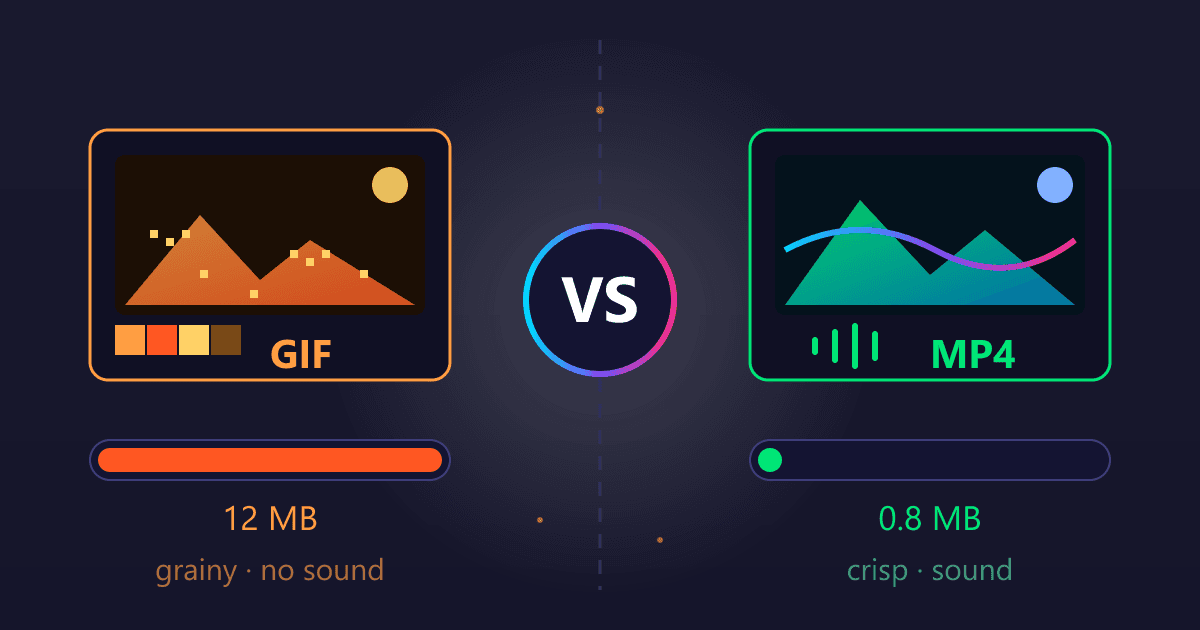
- JPG (or JPEG): This is the most common photo format. It’s great for detailed pictures but doesn't support transparency.
- PNG: This format is perfect for graphics, logos, and images that require a transparent background. This is the secret weapon for layering images.
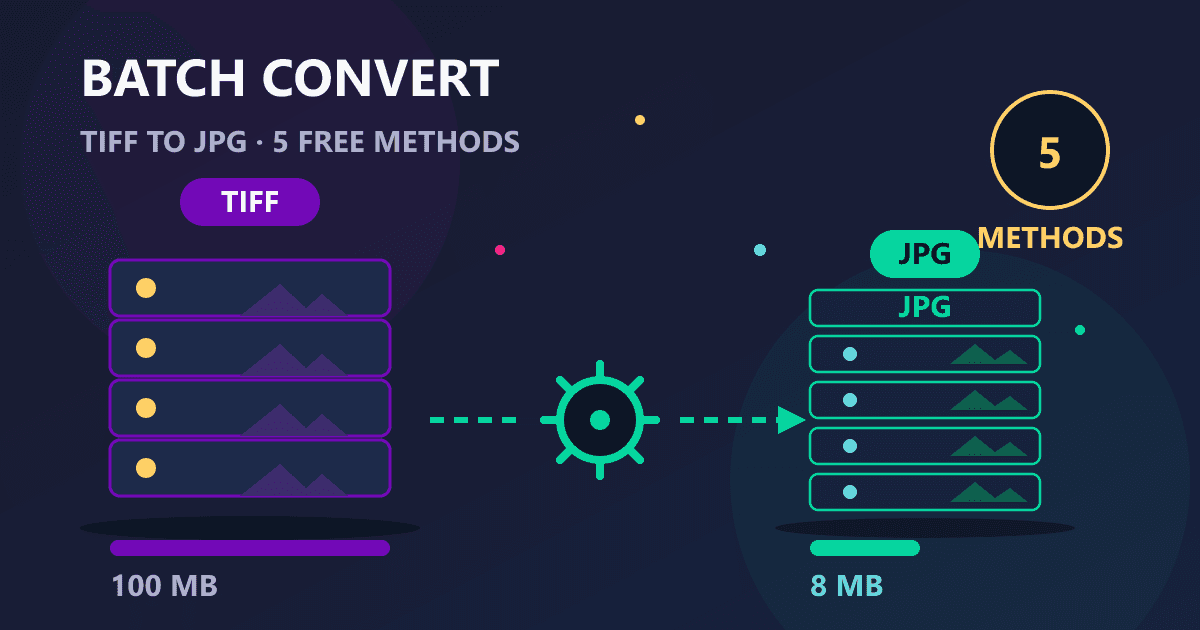
- HEIC: If you're using a modern iPhone, your photos are probably saved in this format. It's efficient, but not all apps and websites support it. Don't worry, there's an easy fix! If you have the perfect photo on your phone but it's in HEIC format, you can easily convert it. Simply use a free online HEIC to JPG converter to make it universally compatible before you begin editing.
Tutorial 1: Create the Ultimate Custom NBA Wallpaper
Your desktop or phone background is prime real estate for showing your team pride. Let's create a dynamic wallpaper that looks like it was made by a professional designer.
Step 1: Find Your Hero Shot
Search for a high-resolution, full-body action shot of your favorite player. Look for a dynamic pose—a dunk, a three-point shot, or a celebratory moment. Save the best one you can find.
Step 2: Isolate the Player with a Transparent Background
This is the most crucial step for a professional look. We need to cut the player out from their original background. Manually tracing this in complex software could take ages, but a dedicated tool can do it in seconds.
- Navigate to the free Background Remover tool on Practical Web Tools.
- Upload the hero shot you just saved.
- The AI will automatically detect the player and remove the background, leaving you with a clean cutout.
- Download the result. It will be saved as a PNG file with a transparent background.
Step 3: Choose a Compelling Background
Now you need a new background for your isolated player. The possibilities are endless:
- An image of your team's home court.
- A high-quality texture in your team's colors.
- A blurred photo of the crowd.
- A simple gradient using your team's primary and secondary colors.
Step 4: Combine the Elements
You can use a free, browser-based design tool like Canva or Photopea to put it all together.
- Set Your Canvas Size: For a desktop wallpaper, a standard size is 1920x1080 pixels. For a phone, try 1080x1920 pixels.
- Add Your Background: Upload and place your chosen background image, resizing it to fill the entire canvas.
- Add Your Player: Upload the transparent PNG of your player that you created with the background remover. Place it on top of the background. You can resize and position them wherever they look best.
- Add Text (Optional): Add your team's slogan, the player's name, or a simple "2026 NBA Playoffs" text. Choose a bold, clean font that matches the athletic feel.
Step 5: Save and Set Your Masterpiece
Export your final design as a high-quality JPG or PNG file. Transfer it to your device and set it as your new wallpaper. You've just created a custom piece of fan art that’s uniquely yours.
Tutorial 2: Crafting Viral NBA Playoffs Memes
Memes are the language of the internet, and the NBA playoffs provide a goldmine of meme-worthy moments. From a coach's sideline reaction to a player's unbelievable shot, you can capture the narrative of the postseason in a single, shareable image.
Step 1: Capture the Moment
Keep your screenshot tool ready during every game. The best memes come from genuine, candid reactions. Look for priceless facial expressions, awkward interactions, or moments of sheer disbelief. A timely screenshot is your starting point.
Step 2: Add Your Caption
The classic meme format uses a bold, white font with a black outline (typically the "Impact" font). You can use any free online meme generator or a simple image editor to add text to the top and bottom of your screenshot.
Pro-Tip: Create a Reaction Sticker Meme
For a more advanced meme, you can isolate the subject from the background to create a "sticker" that can be placed on other images.
- Take your screenshot of the player or coach's reaction.
- Use the Background Remover to instantly cut out the person from the scene.
- Now you have a transparent PNG of that reaction. You can paste this onto other meme formats, group chat conversations, or other game photos for hilarious results.
- If your original screenshot is a JPG, you might want to convert it to a format that supports transparency. A free JPG to PNG tool makes this a one-click process, ensuring your isolated image has the transparent background it needs for layering.
Tutorial 3: Designing a Winning Social Media Profile Picture
Your profile picture is your digital identity. During the playoffs, it's your banner. Let's create a clean, eye-catching PFP that clearly shows your allegiance without looking cluttered.
Step 1: Choose Your Subject
This could be a photo of you wearing your team's jersey or a great headshot of your favorite player. A clear, well-lit photo works best.
Step 2: Get a Perfect Cutout
You know the drill. A cluttered background on a small profile picture looks messy. A clean cutout is essential.
- Take your chosen photo (of you or a player).
- Head back to the Background Remover.
- Upload the image and let the tool work its magic.
- Download the transparent PNG result.
Step 3: Create a Branded Background
Since most profile pictures are displayed in a circle, we'll design with that in mind.
- In a free online editor, create a square canvas (e.g., 800x800 pixels).
- Create a simple background. A two-color gradient using your team's official colors looks incredibly professional. Alternatively, you can use a solid color and subtly place a faded team logo in the background.
Step 4: Assemble Your Profile Pic
- Place your transparent PNG cutout from Step 2 onto the branded background you just created.
- Center the image, making sure the head and shoulders are nicely framed within the imaginary circle of the PFP frame.
- Avoid adding too much text. The focus should be on the subject.
Step 5: Export and Go Live
Save the final image as a JPG or PNG. Upload it to Twitter, Instagram, Facebook, or any other platform to show your team spirit to the world.
Your Playbook for Success: Pro Tips for Fan Content
To ensure all your creations look their best, keep these simple guidelines in mind:
- Start with High-Resolution: You can always make a large image smaller, but you can't make a small, blurry image larger without losing quality. Always begin with the best possible source material.
- Embrace Negative Space: Don't cram too many elements into one design. Sometimes, a clean design with one powerful image is more effective than a cluttered one.
- Consistency is Key: If you're creating multiple graphics, try using consistent fonts and colors to build a recognizable fan brand for yourself throughout the 2026 playoffs.
- Master the Tools: The more you use simple tools like a background remover or file converter, the faster and more creative you'll become.
You're Ready for Tip-Off
The 2026 NBA Playoffs are a time for passion, community, and friendly rivalry. Now, you have the skills and the tools to take your fandom to the next level. You've learned how to move beyond generic shared images and become a creator, crafting unique wallpapers, memes, and profile pictures that showcase your team pride in style.
Expensive, complicated software is no longer a barrier. With the powerful, free, and privacy-focused tools available at Practical Web Tools, you have everything you need to make your mark on the digital world this postseason.
Ready to get started? Head over and try our free Background Remover to create your first custom graphic now!