Auto Lease Calculator: Your Guide to a Smarter Car Deal

Your Ultimate Guide to Using an Auto Lease Calculator
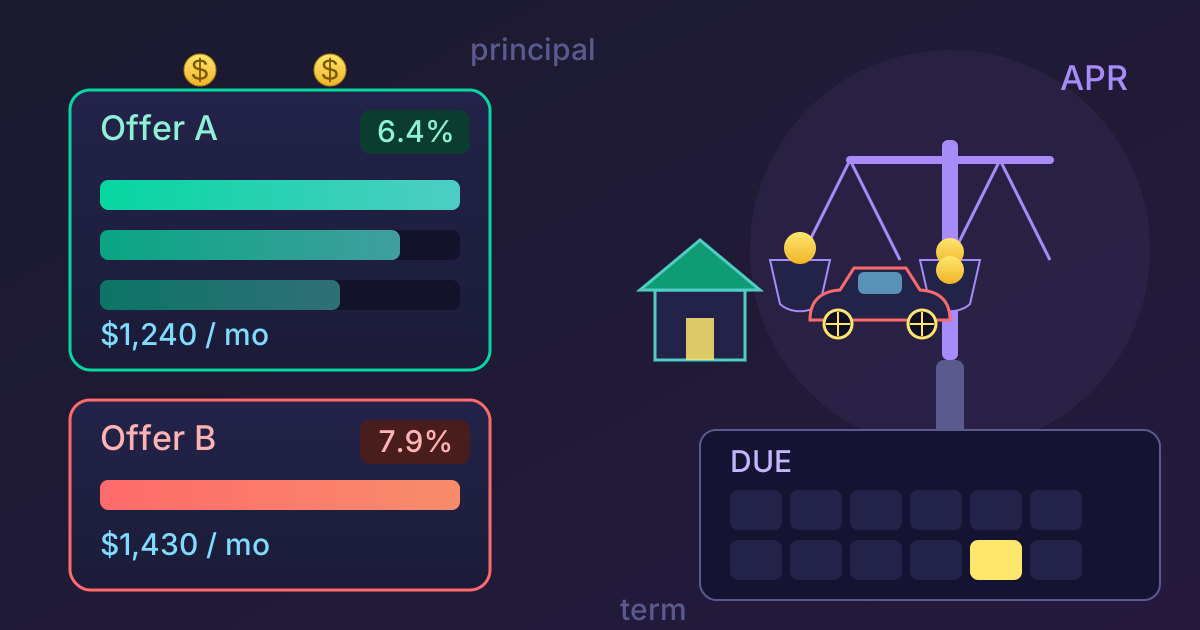
The allure of a brand-new car is powerful—that new-car smell, the latest technology at your fingertips, and a flawless, gleaming exterior. But the path to the driver's seat, especially when leasing, is often paved with confusing jargon, complex contracts, and numbers that seem to appear out of thin air. How do you know if you're getting a good deal? How can you compare offers from different dealerships? The answer lies in a powerful, yet often underutilized, tool: the auto lease calculator.
This guide will transform you from a hesitant shopper into an empowered negotiator. We'll demystify the entire leasing process, break down the complex terminology, and provide a step-by-step tutorial on using a lease calculator to your advantage. By the end, you'll not only understand what your monthly payment should be but also how to manage the entire process, right down to the paperwork.
What is a Car Lease? A Quick Refresher
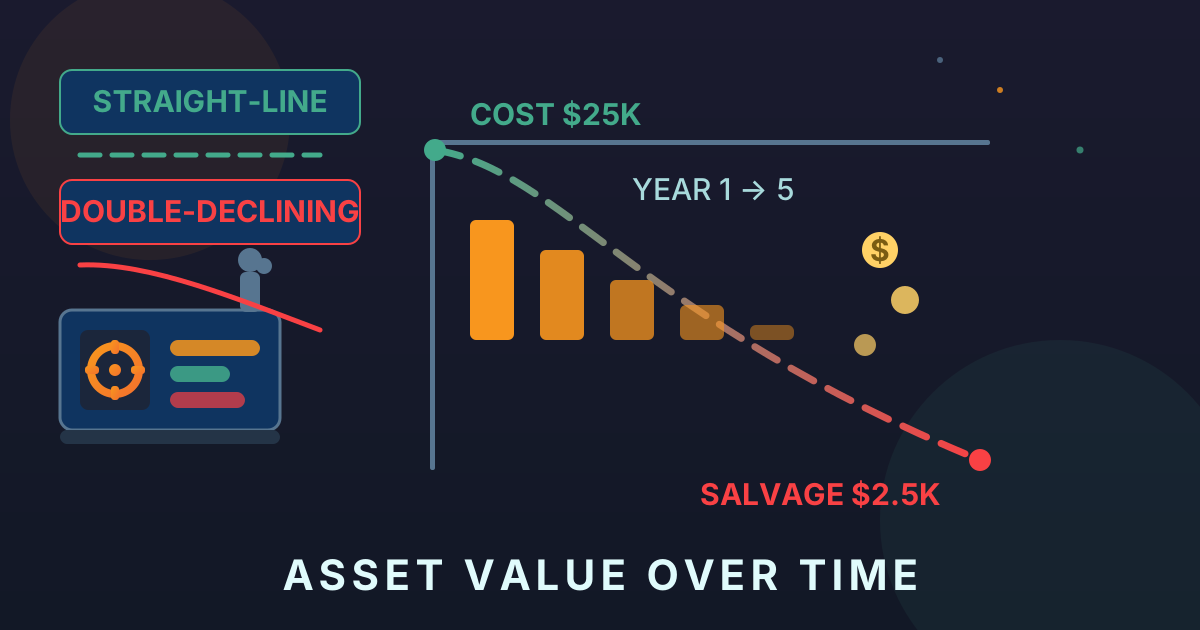
Before diving into the calculator, it's crucial to understand what a lease is. Think of it as a long-term rental. Instead of buying a car and paying off its full value over time, you are paying for the vehicle's depreciation during the period you use it, plus interest and fees.
Leasing vs. Buying:
- Buying: You take out a loan to cover the full purchase price of the car. After you've paid it off, you own it outright. Your payments build equity.
- Leasing: You pay to use the car for a set term (typically 24, 36, or 48 months). At the end of the term, you return the car to the dealership. You don't own the vehicle and have no equity in it.
Pros of Leasing:
- Lower monthly payments compared to financing the same car.
- Drive a new, more expensive car for less money.
- Always under warranty, minimizing repair costs.
- Get a new car every few years.
Cons of Leasing:
- You never own the car.
- Mileage limits (usually 10,000-15,000 miles per year), with costly penalties for exceeding them.
- You are responsible for wear and tear beyond normal use.
- It can be more expensive in the long run than buying a car and keeping it for many years.
Decoding the Lease Lingo: Key Terms You MUST Know
Walking into a dealership without knowing the language of leasing is like entering a negotiation unarmed. An auto lease calculator requires you to input these figures, so understanding them is the first step to gaining control. Here are the essential terms:
Key Lease Terminology
| Term | What It Means |
|---|---|
| MSRP | Manufacturer's Suggested Retail Price. This is the official "sticker price" of the car. It's a starting point for negotiations. |
| Capitalized Cost (Cap Cost) | The negotiated selling price of the vehicle. This is one of the most important numbers to negotiate. A lower Cap Cost means a lower monthly payment. |
| Cap Cost Reduction | Anything that lowers the Cap Cost. This includes your down payment, a trade-in credit, or manufacturer rebates. |
| Residual Value | The estimated value of the car at the end of the lease term. This is set by the leasing company and is typically not negotiable. It's expressed as a percentage of the MSRP. |
| Money Factor (MF) | The interest rate on the lease. It's expressed as a small decimal (e.g., .00125). To convert it to an APR, multiply by 2400. (e.g., .00125 * 2400 = 3% APR). |
| Lease Term | The length of your lease agreement, usually in months (e.g., 24, 36, 48). |
| Acquisition Fee | A fee charged by the leasing company to set up the lease. It's often rolled into the Cap Cost. |
| Disposition Fee | A fee charged at the end of the lease to cover the cost of cleaning and selling the car. It may be waived if you lease another car from the same brand. |
Understanding these terms is your first line of defense. When a salesperson only wants to talk about the monthly payment, you can steer the conversation back to the Cap Cost and Money Factor—the numbers that truly matter.
How to Use an Auto Lease Calculator: A Step-by-Step Guide
Now, let's put this knowledge into action. Find a reputable online auto lease calculator and follow these steps. For the most accurate results, you'll need to get some key numbers from the dealership.
-
Step 1: Gather Your Information Before you even start, you need the MSRP, the dealer's offered selling price, the Residual Value percentage, and the Money Factor for the specific car, trim, and lease term you're interested in. You can often find this information on car forums like Edmunds or by asking the dealer directly.
-
Step 2: Input Vehicle and Price Details Enter the MSRP and the Capitalized Cost (the price you've negotiated or are aiming for). The difference between these two numbers is your initial leverage.
-
Step 3: Enter Lease Term and Mileage Select the lease term in months (e.g., 36) and the annual mileage allowance (e.g., 12,000). A longer term or higher mileage will affect the residual value and thus the monthly payment.
-
Step 4: Add Down Payment and Trade-in Enter any cash down payment (Cap Cost Reduction), the value of your trade-in (if any), and any rebates or incentives you qualify for. While a large down payment lowers your monthly bill, many experts advise putting as little down as possible on a lease.
-
Step 5: Input Financial Details This is where you'll enter the Residual Value (as a percentage or dollar amount) and the Money Factor. Be precise with these numbers, as they are critical to the calculation.
-
Step 6: Add Fees and Taxes Don't forget to include the acquisition fee, dealer fees (like documentation or "doc fees"), and your local sales tax rate. A good calculator will have fields for these.
-
Step 7: Calculate and Analyze Your Results Hit the calculate button. The tool will break down your estimated monthly payment, often showing you how much is going toward depreciation and how much is for the rent charge. It will also show you the total amount you'll pay over the life of the lease. Use this number to compare different offers and negotiate effectively.
The Math Behind the Monthly Payment (Simplified)
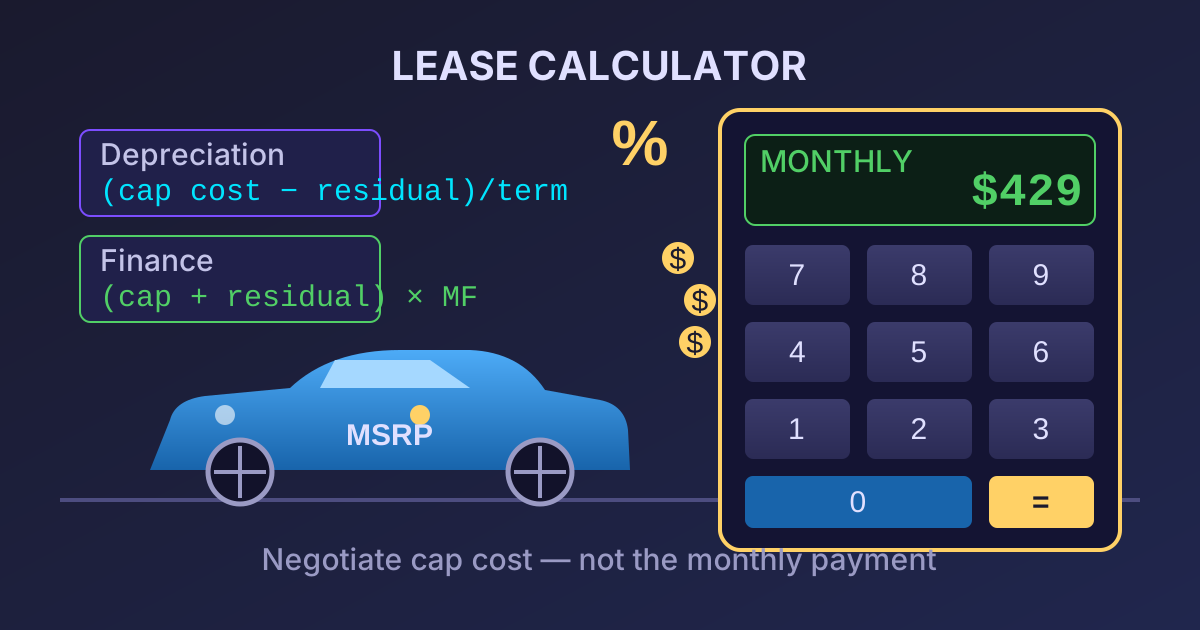
An auto lease calculator isn't magic; it's just math. Your monthly lease payment is primarily made up of two parts: the depreciation fee and the rent charge.
-
Depreciation Fee: This is the cost of the value the car loses during your lease term. It's the core of your payment.
- Formula:
(Capitalized Cost - Residual Value) / Lease Term in Months - Example: For a car with a $30,000 Cap Cost and a $18,000 Residual Value on a 36-month lease, the depreciation is $12,000. The monthly depreciation fee is
$12,000 / 36 = $333.33.
- Formula:
-
Rent Charge (Finance Fee): This is the interest you pay for leasing the car.
- Formula:
(Capitalized Cost + Residual Value) * Money Factor - Example: Using the same numbers and a Money Factor of .00150, the rent charge is
($30,000 + $18,000) * 0.00150 = $72.
- Formula:
-
Total Monthly Payment (before tax): Simply add the two components together.
- Formula:
Depreciation Fee + Rent Charge - Example:
$333.33 + $72 = $405.33(before taxes and fees).
- Formula:
By understanding this formula, you can see exactly how negotiating a lower Cap Cost directly reduces your monthly payment.
Managing the Paperwork: Keeping Your Lease Documents Organized
Securing a great lease deal involves more than just negotiation; it requires careful organization. You'll handle numerous documents: dealer quotes, credit applications, pay stubs, insurance proofs, and the final contract. Keeping these files in order is crucial for comparing offers and protecting yourself.
Here are a few tips for managing your leasing paperwork efficiently:
-
Digitize Everything: Scan physical documents and save digital versions (like PDFs from the dealer) in a dedicated folder on your computer. This creates a secure, easily accessible record of your entire leasing journey.
-
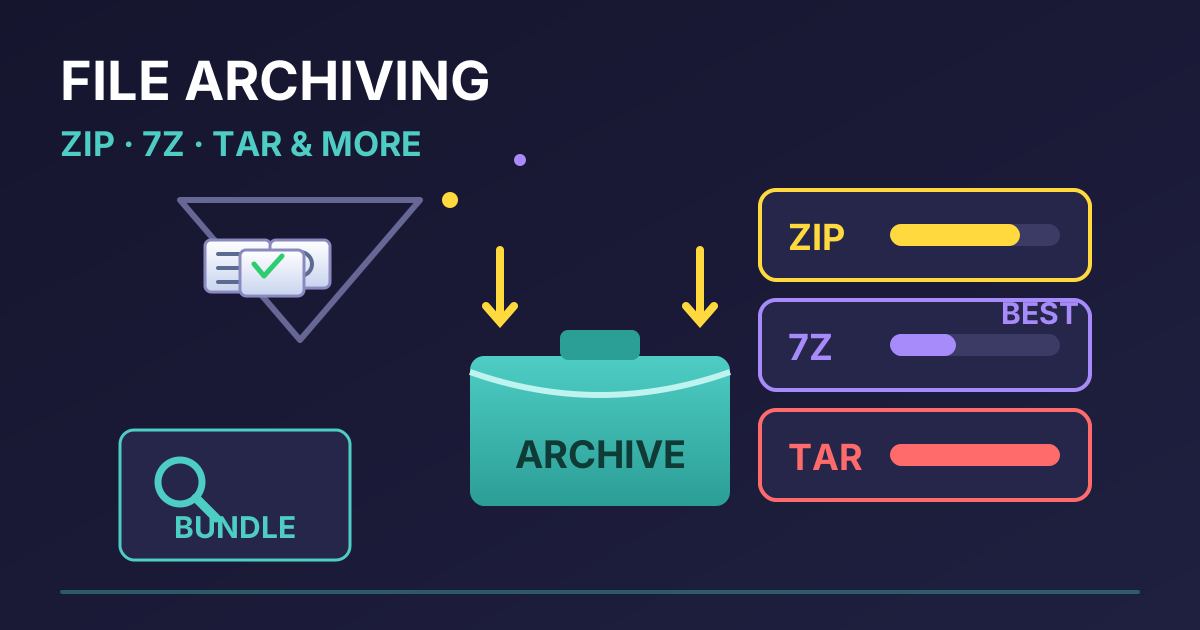
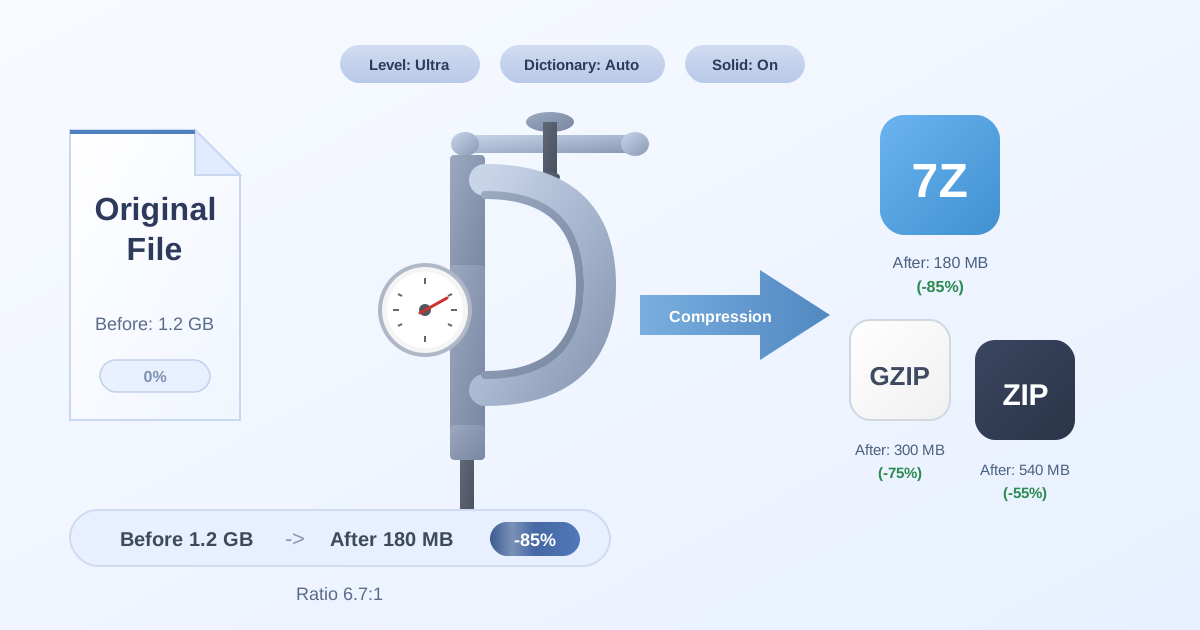
Bundle Documents for Applications: When you apply for a lease, you'll need to submit several financial documents. Instead of sending a dozen separate attachments in an email, which can be confusing and unprofessional, group them together. Using a tool to Compress Files into a single ZIP archive makes them easier to email and ensures the finance manager receives everything in one neat package.
-
Handle Different File Types with Ease: Dealerships or financial institutions might send you documents in various formats. If you receive a compressed file in a format your computer doesn't recognize, like 7Z, you don't need to download special software. An online converter like our 7Z to ZIP tool can solve the problem in seconds, making the file accessible on any device.
-
Unpack Dealer Information: Often, dealers will send a ZIP folder containing brochures, spec sheets, and multiple versions of a quote. To see everything clearly, you'll need to extract the files. You can quickly Decompress Files online to view all the contents without cluttering your desktop with extra software.
Conclusion: Drive Away with Confidence
An auto lease calculator is more than just a tool for crunching numbers—it's a tool for empowerment. By taking the time to understand the key terms, gather the correct data, and analyze the results, you shift the balance of power in your favor. You are no longer just reacting to a salesperson's offer; you are proactively defining what a good deal looks like for you.
Remember to negotiate the Capitalized Cost, verify the Money Factor, and always be aware of the total cost of the lease, not just the shiny low monthly payment. Combine this knowledge with smart document management, and you have a complete strategy for securing your next vehicle confidently and affordably.
Now that you're armed with this knowledge, explore our full suite of free and privacy-focused practical web tools to help manage every aspect of your digital life!